Laptops
Galaxy Book6 Pro Review: The Galaxy Book That Finally Makes Sense
TechKitchen Editor · November 4, 2026
A big 16-inch OLED screen, serious everyday performance and long battery life, without a heavy desktop-replacement feel. Here's who the Galaxy Book6 Pro is actually for, why it can be the smarter pick than the Ultra, and who should skip it.
Welcome back to TechKitchen. Gus here.
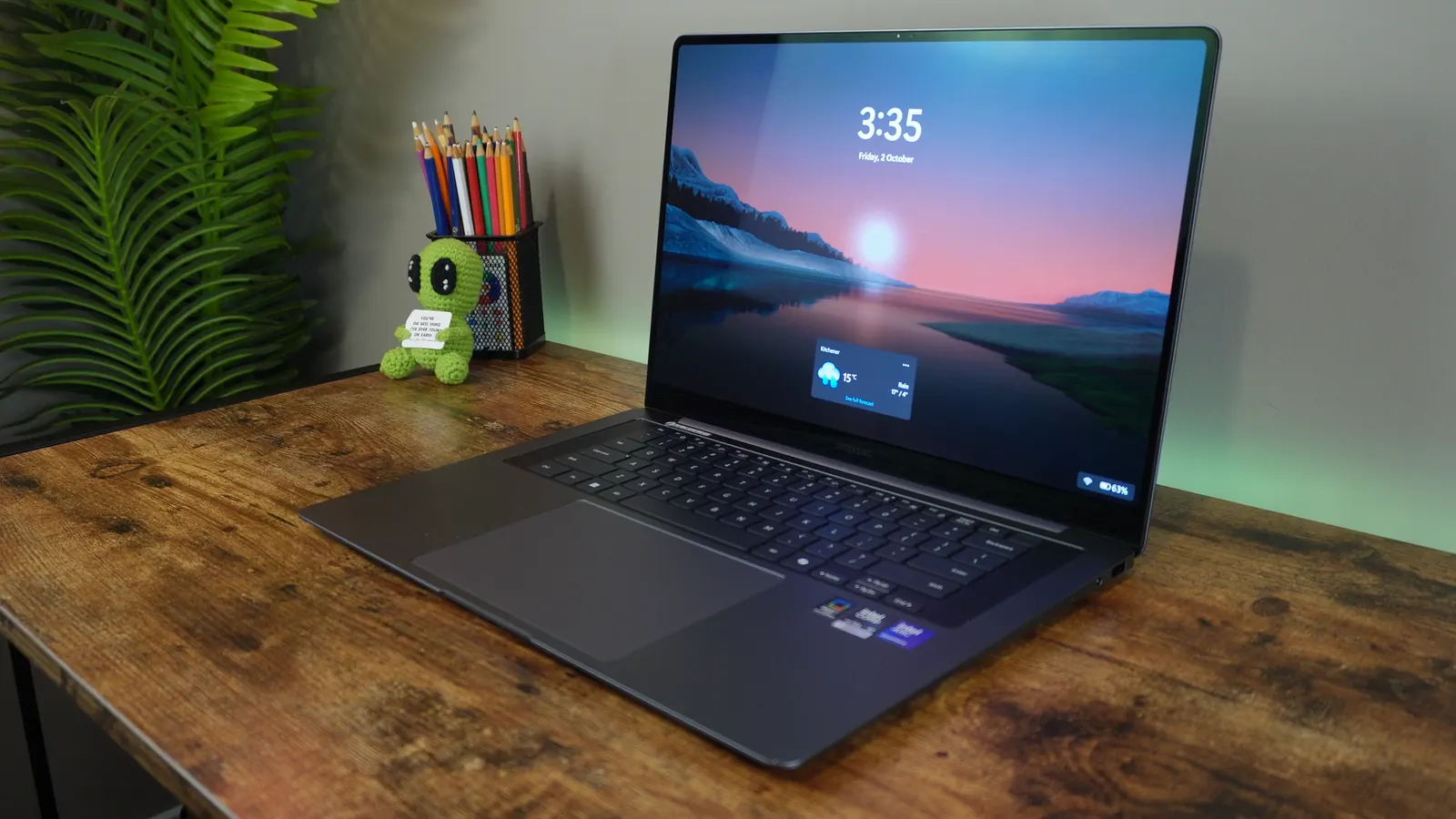
I think Samsung finally made a Galaxy Book I can easily explain. If you want a big beautiful screen, serious performance and good battery life, but you absolutely do not want to carry around a bulky laptop, the Galaxy Book6 Pro is the Galaxy Book you should probably be looking at.
But there are a couple of reasons I wouldn't tell everyone to buy it, and that part matters just as much.
Should you buy the Galaxy Book6 Pro?
If you want one premium Windows laptop you can carry everywhere, probably yes. Here's the quick split.
A 16-inch OLED, serious everyday and creative performance and long battery life, especially if you already use a Galaxy phone.
Constant 4K production, 3D rendering or heavy GPU work is what the Ultra is built for.
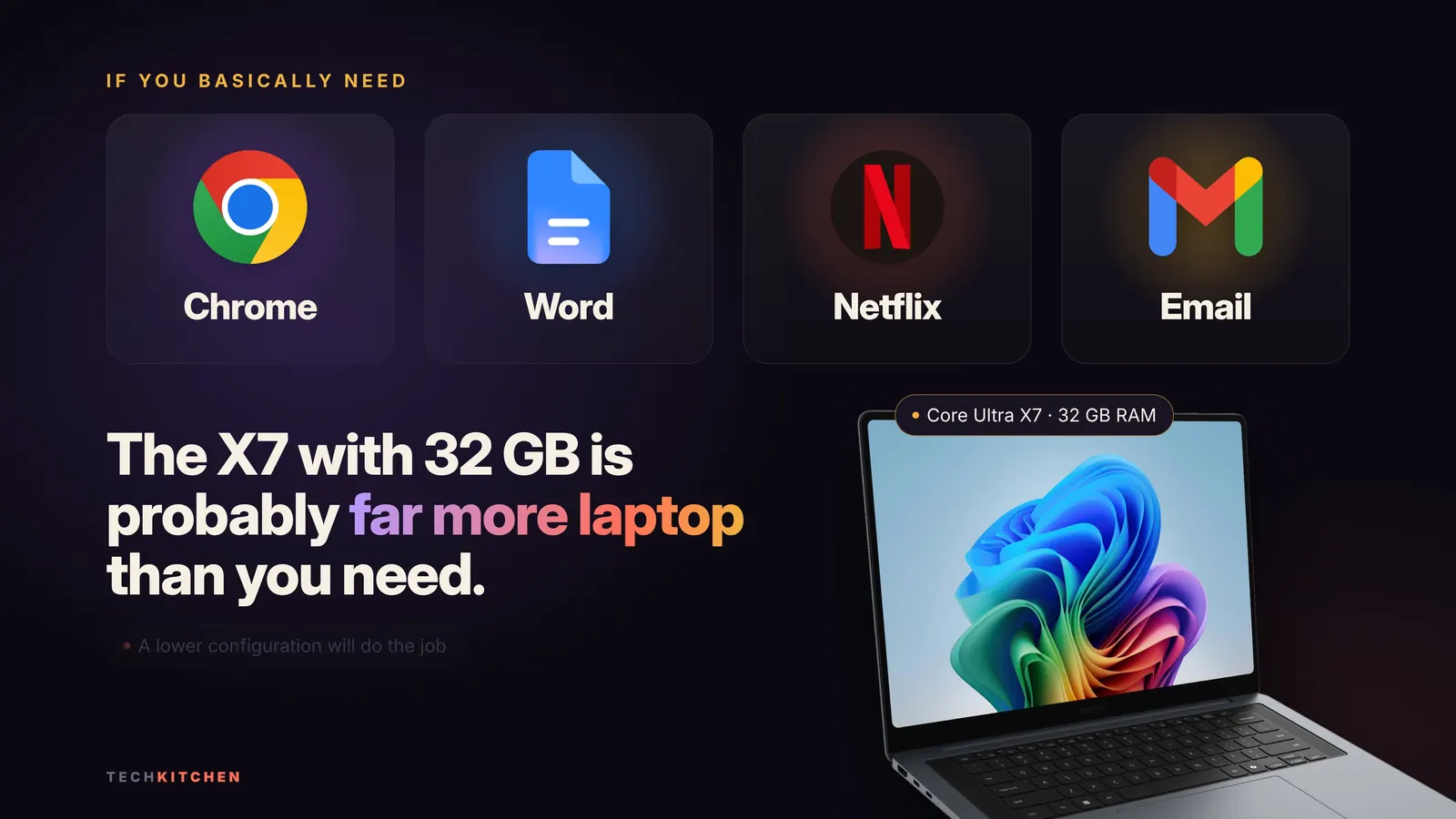
Buying mainly for serious gaming? Get a dedicated gaming laptop. Only need Chrome, Word, Netflix and email? The X7 with 32 GB is far more laptop than you need.
See the display, performance, gaming and Galaxy features in action, or open the review on YouTube.
Buying options
Prices, configurations and promotions change often and vary by country, so check the exact processor, graphics, memory, storage and screen size before you order. The configuration in this review is the 16-inch model with the Core Ultra X7 358H and 32 GB of RAM.
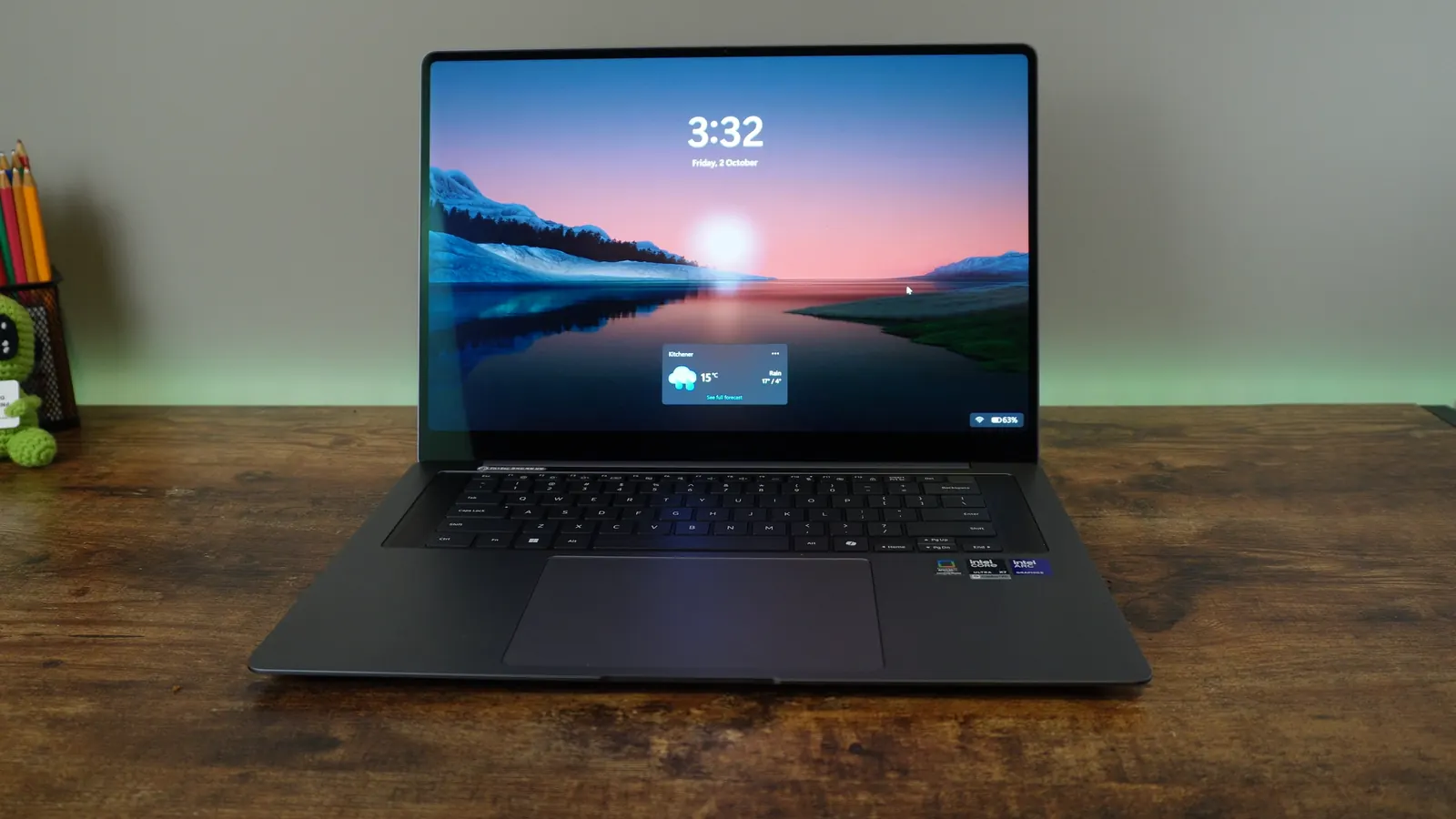
Galaxy Book6 Pro 16"
The laptop in this review
- 16" Dynamic AMOLED 2X touchscreen
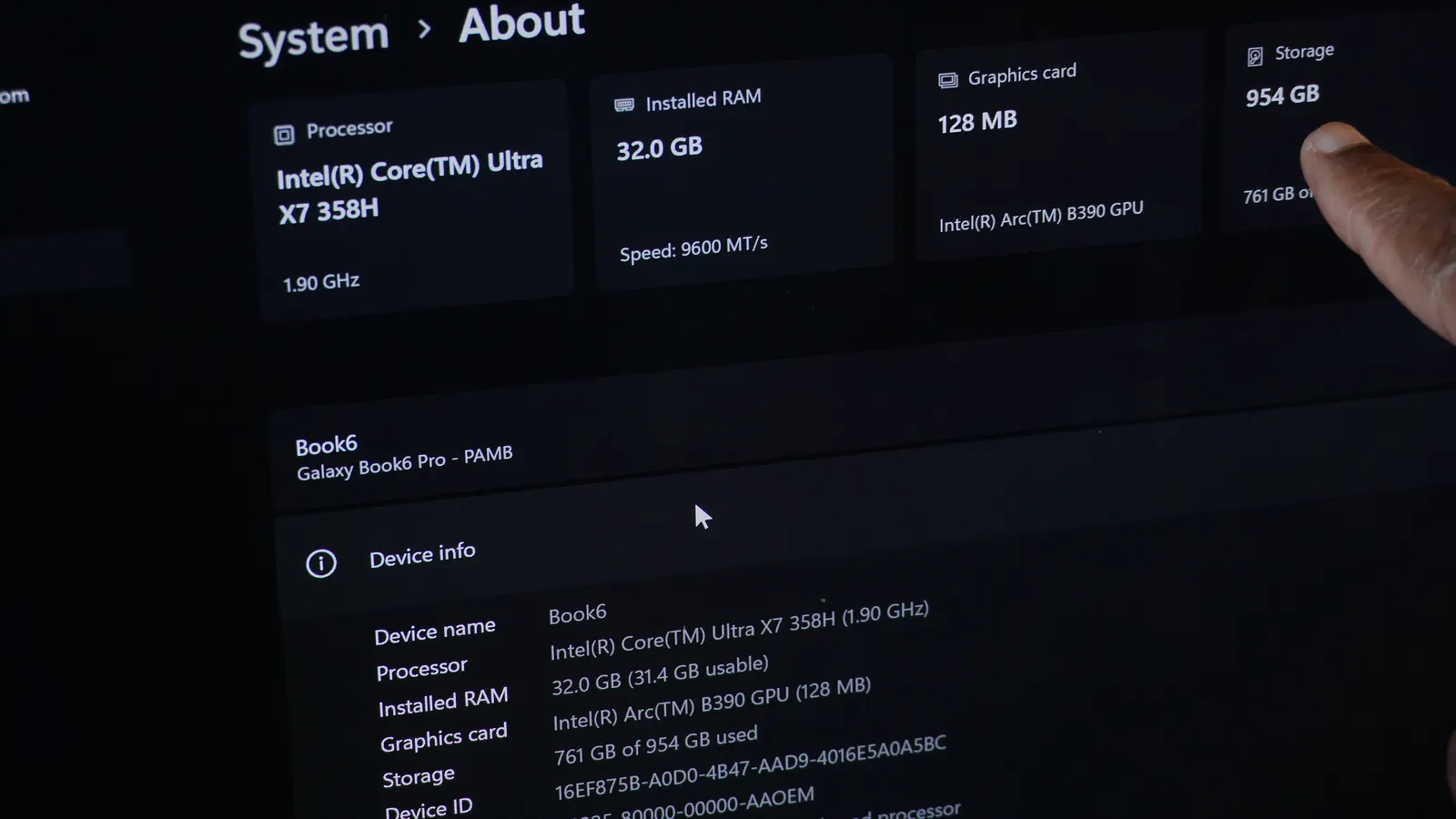
- Intel Core Ultra X7 358H, Arc B390 graphics
- 32 GB RAM in this configuration
- 11.9 mm thin, about 1.59 kg
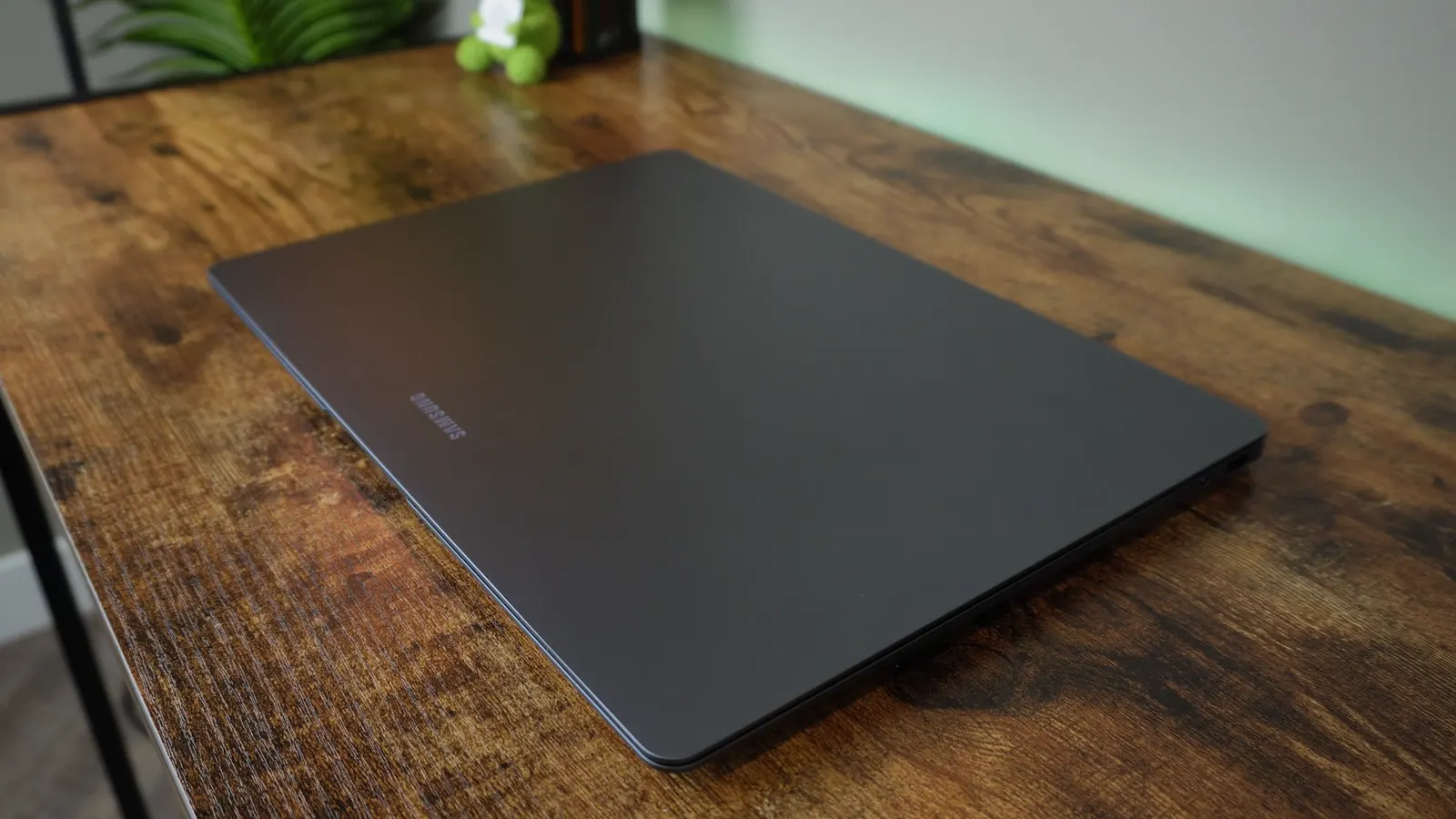
Galaxy Book5 Pro
Last year's model
- Worth comparing if a deal brings the price down
- Check the processor and graphics before ordering
Galaxy Book6 Pro specs (as reviewed)
| Spec | Galaxy Book6 Pro 16" |
|---|---|
| Processor | Intel Core Ultra X7 358H (16-core) |
| Graphics | Intel Arc B390 (integrated) |
| Memory | 32 GB RAM |
| Display | 16" Dynamic AMOLED 2X touchscreen, 2880 x 1800, 30 to 120 Hz, anti-reflective |
| Thickness and weight | 11.9 mm, about 1.59 kg |
| Battery | 78 Wh (16-inch model) |
| Ports | 2x Thunderbolt 4, USB-A, HDMI 2.1, headphone jack |
| Audio | Quad speakers with front-facing tweeters (16-inch) |
Design: a 16-inch laptop that's easy to carry
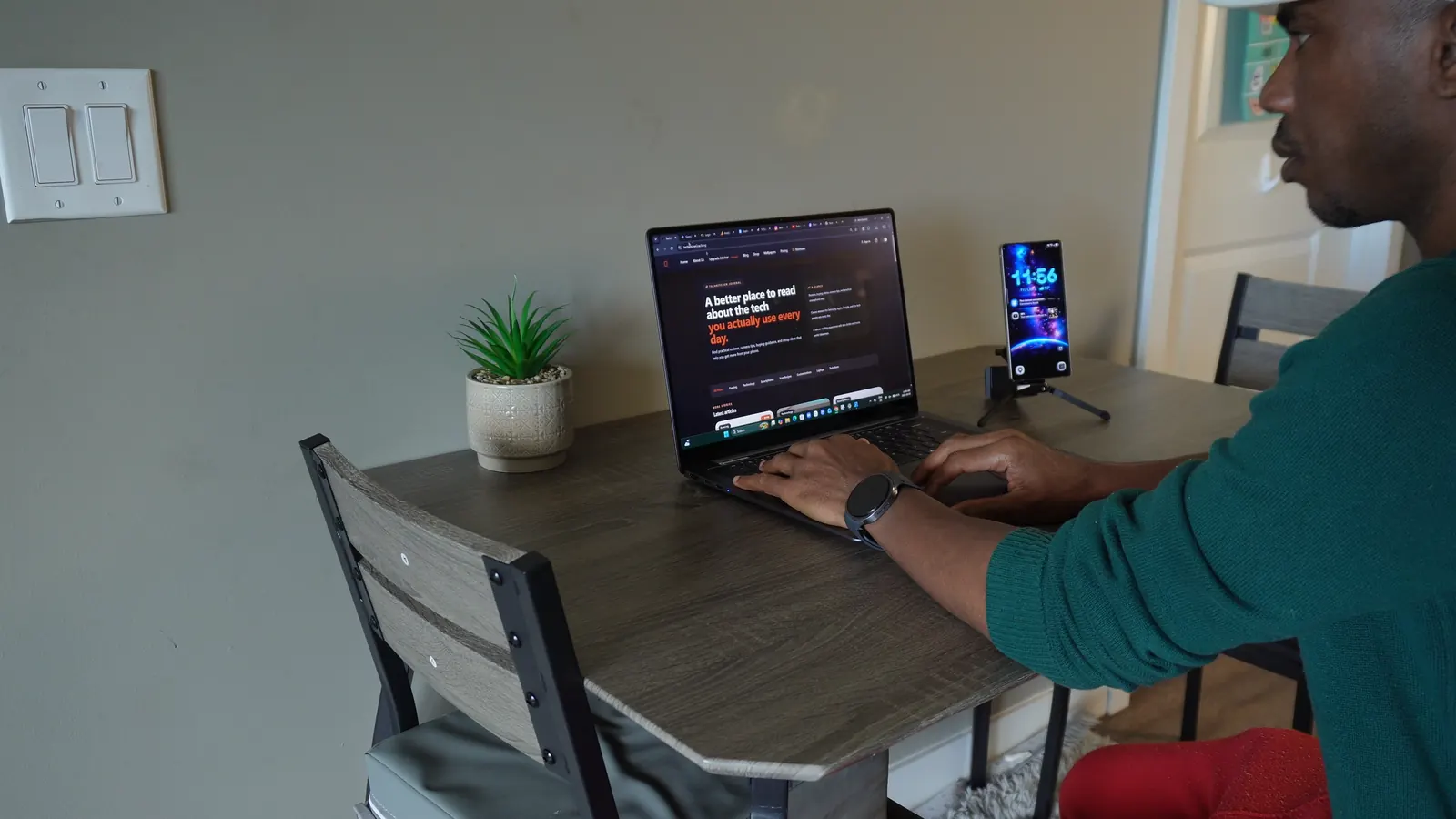
Normally when I hear "16-inch," I'm already thinking about how much of a pain it's going to be to carry around. This one is only 11.9 mm thin and about 1.59 kg, so you get a big screen without feeling like you're dragging a workstation with you.
That matters, because this isn't trying to be a gaming laptop, and it isn't trying to be Samsung's absolute monster machine either. It feels much more like a laptop for someone who wants a premium Windows machine to work on, create on, watch stuff on, and hopefully not think about replacing for a very long time.
The OLED display is why it earns the "Pro"
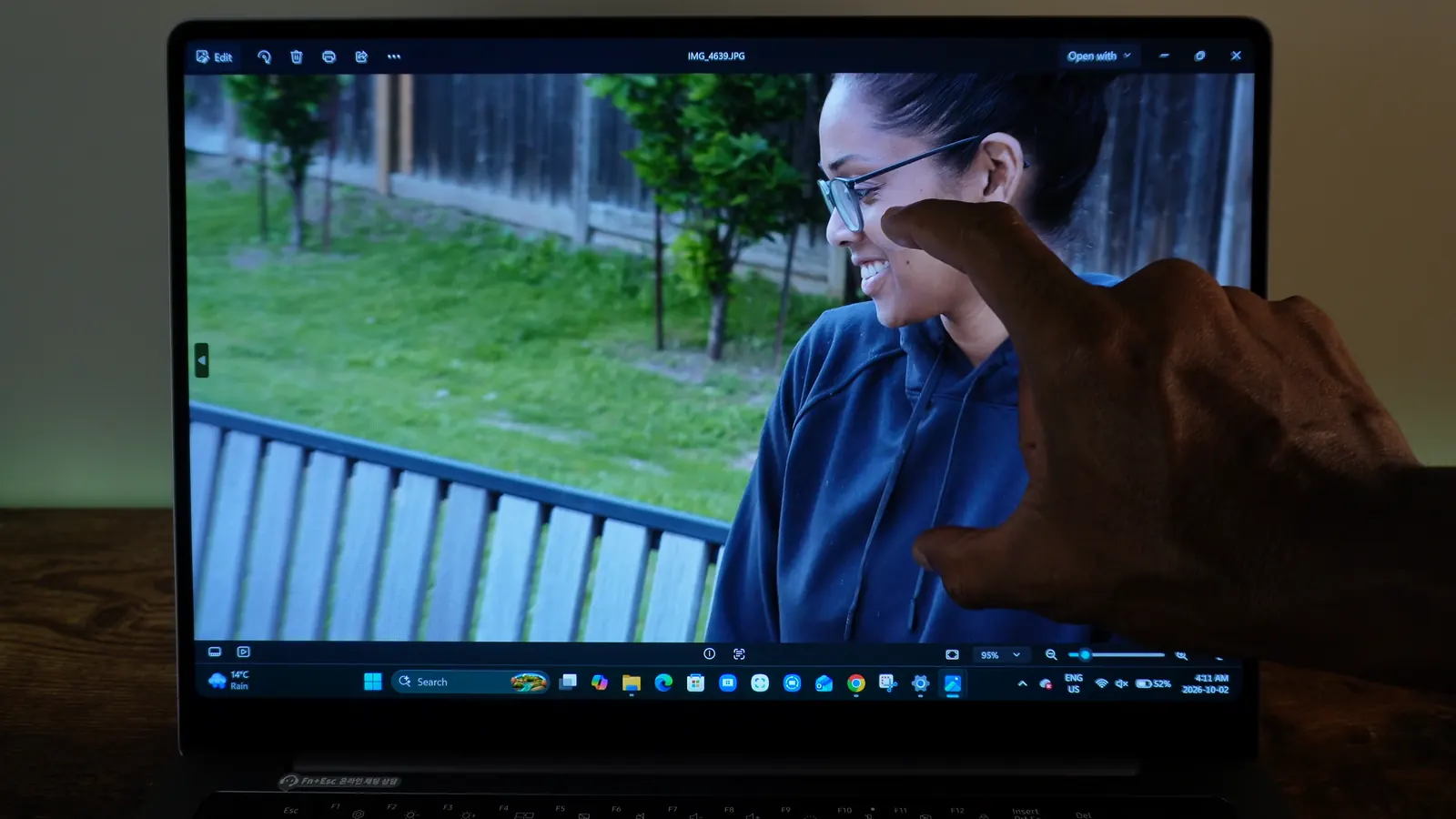
The screen is probably the first reason you'll understand why Samsung calls it a Pro. It's a 16-inch Dynamic AMOLED 2X touchscreen at 2880 x 1800, and it moves between 30 and 120 Hz depending on what you're doing.
The number isn't really the point, though. It's the combination of the size, the OLED blacks and the anti-reflective treatment. If you're staring at your laptop for hours every day, this is one of those things you're going to appreciate every time you open it.
Performance: is it actually fast?
A beautiful screen is easy to sell. What makes this version interesting is what's underneath. I'm not going to read benchmark numbers at you, because what you actually want to know is whether this thing is fast. For everyday work, this configuration has a ridiculous amount of breathing room.
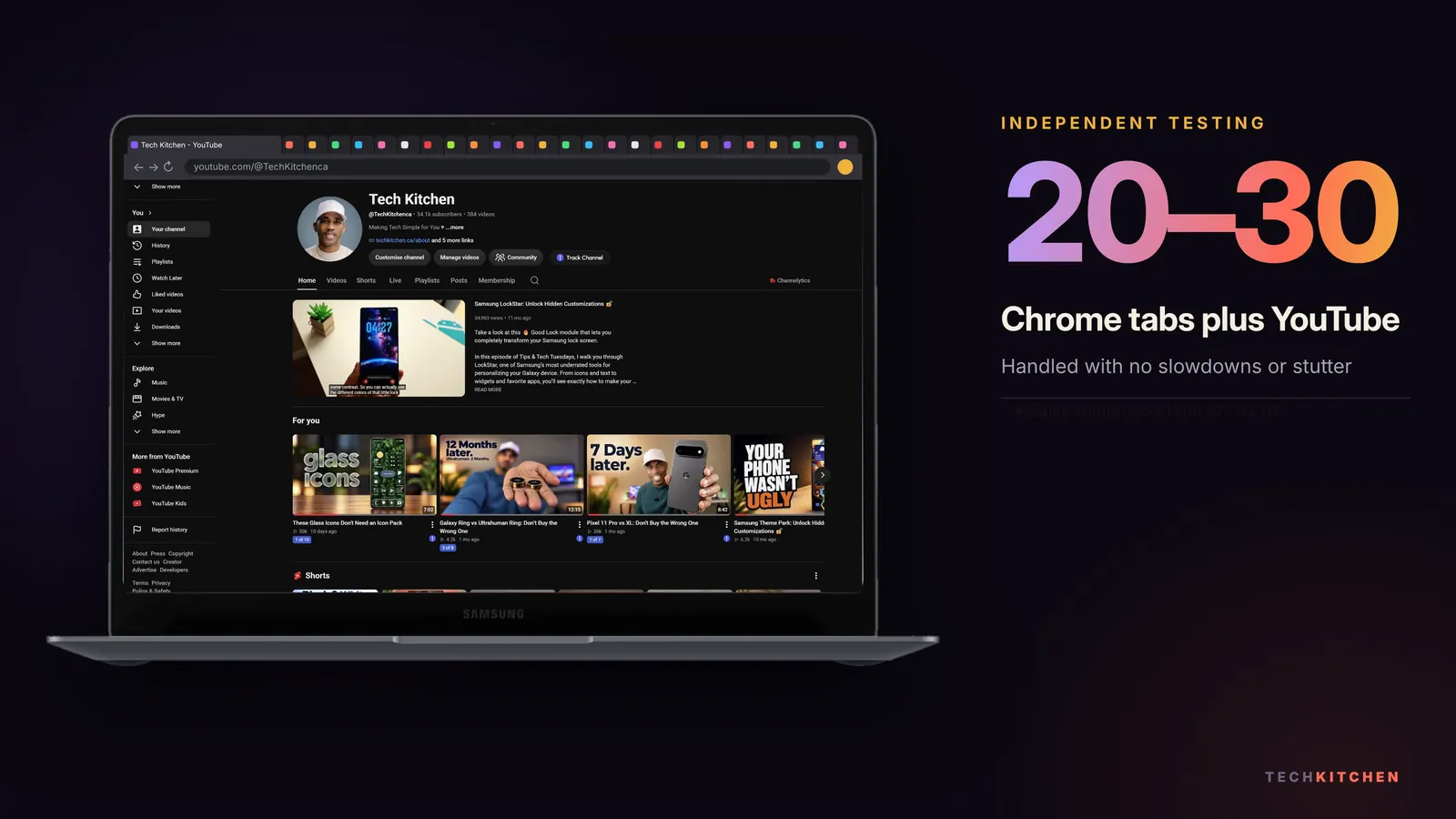
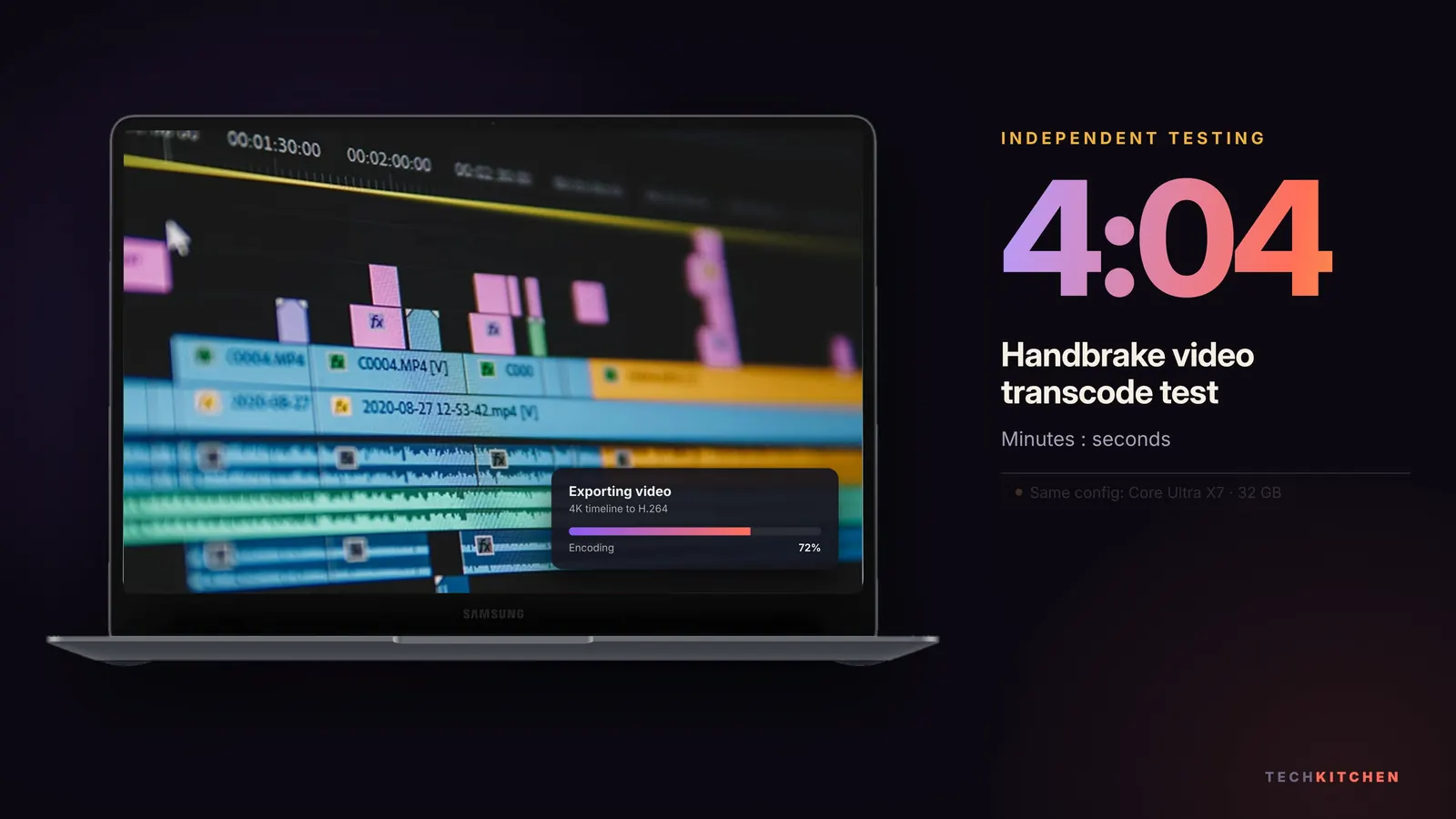
For the numbers, Tom's Guide tested the same X7 and 32 GB configuration. They ran 20 to 30 Chrome tabs plus video without any slowdowns, and their HandBrake video-transcoding test came in at around 4 minutes and 4 seconds.
The gaming surprise
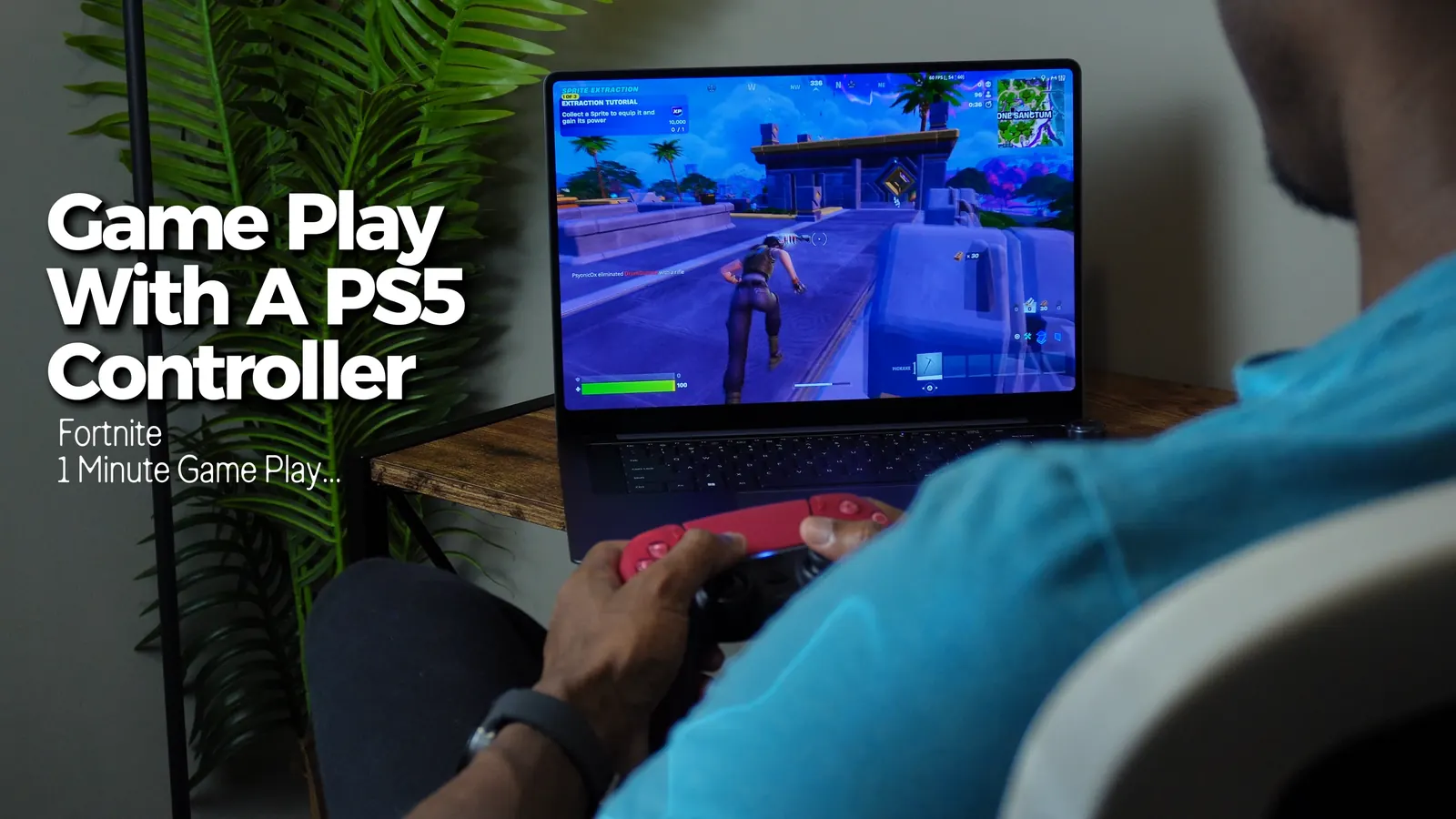
Here's something I genuinely did not expect to be part of the conversation with a laptop this thin: the B390 graphics are actually pretty capable.
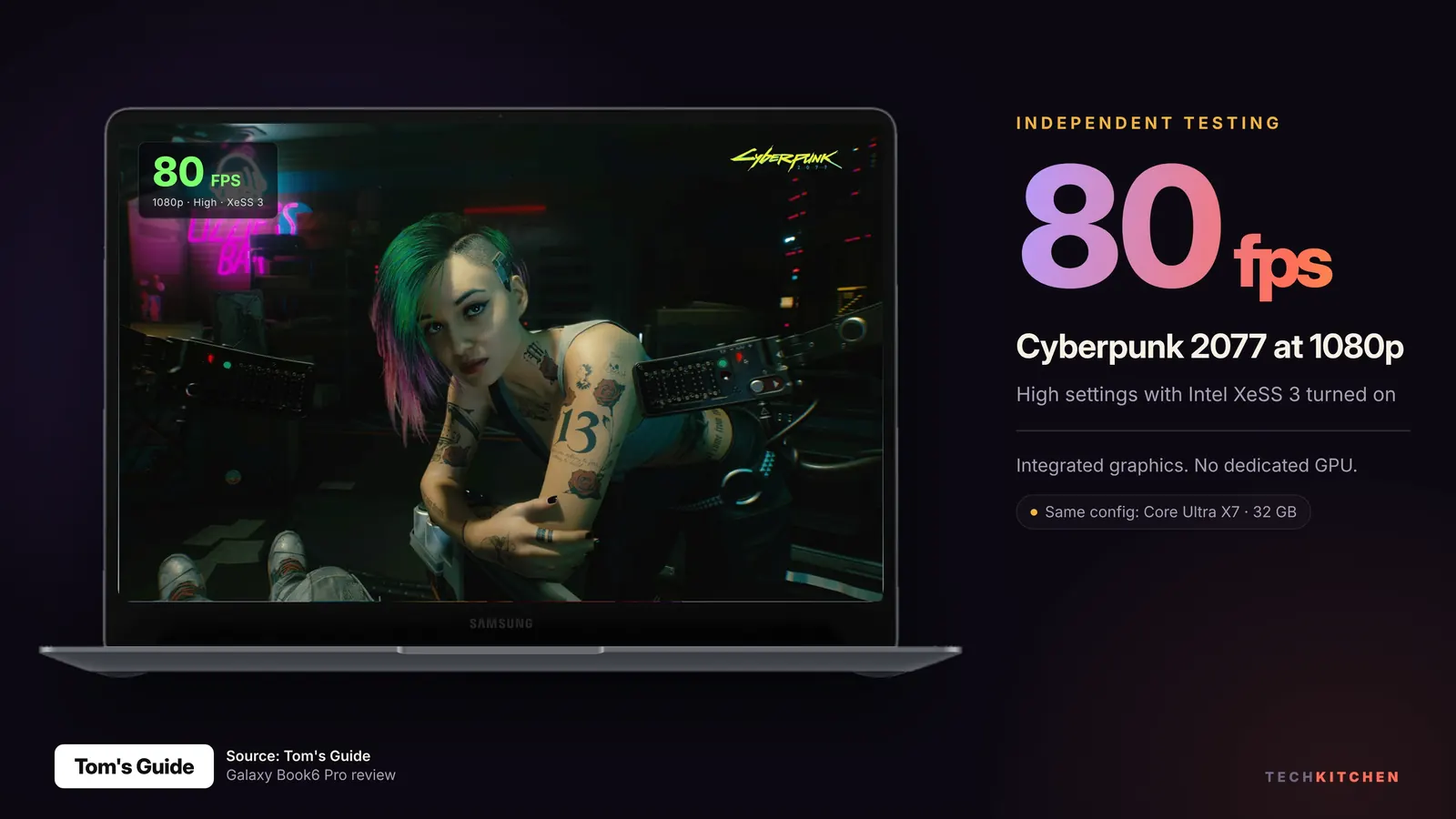
I'm not calling this a gaming laptop, okay? I wouldn't buy it instead of a proper gaming machine if gaming is your priority. But independent testing of this exact configuration got Cyberpunk 2077 running at 80 frames per second at 1080p in Tom's Guide's tested setup. That tells you these graphics are doing a lot more than basic integrated graphics used to.
And honestly, that's why the Pro name makes a lot more sense this year. Not because Samsung wants you rendering Pixar movies on it, but because there's enough performance here that most people won't feel like they're constantly running into the limits of their laptop.
Battery life
None of that matters if a laptop this thin lives attached to a charger. I didn't have time to run a controlled 15-hour battery test myself, so I'm not going to pretend I did.
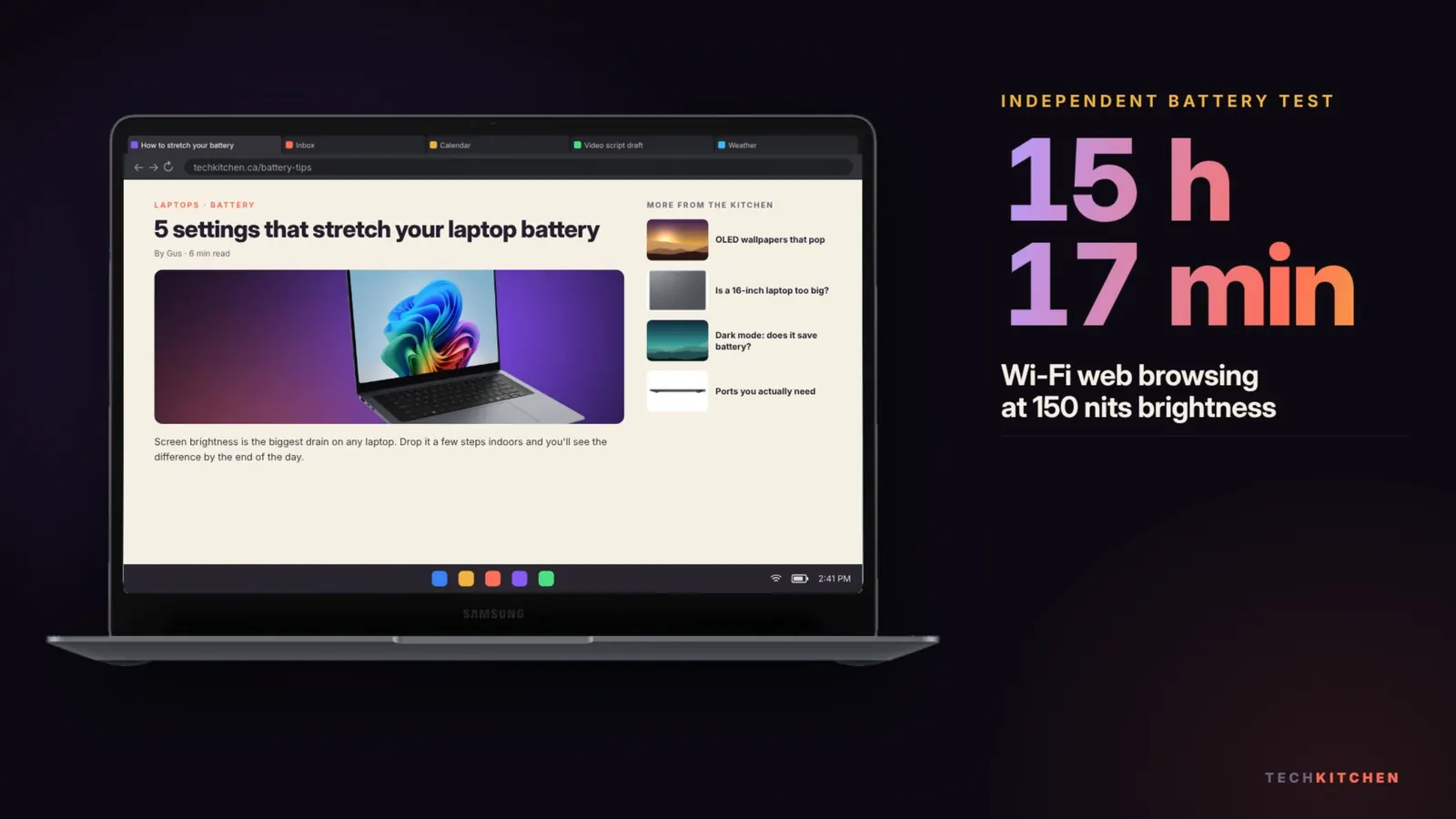
Samsung put a 78 Wh battery inside the 16-inch model, and Tom's Guide got 15 hours and 17 minutes in their Wi-Fi web-browsing test at 150 nits. Your numbers will change depending on brightness, calls, editing and what you're doing on the laptop, but that result tells me battery life isn't an obvious weakness here.
Keyboard, trackpad and speakers
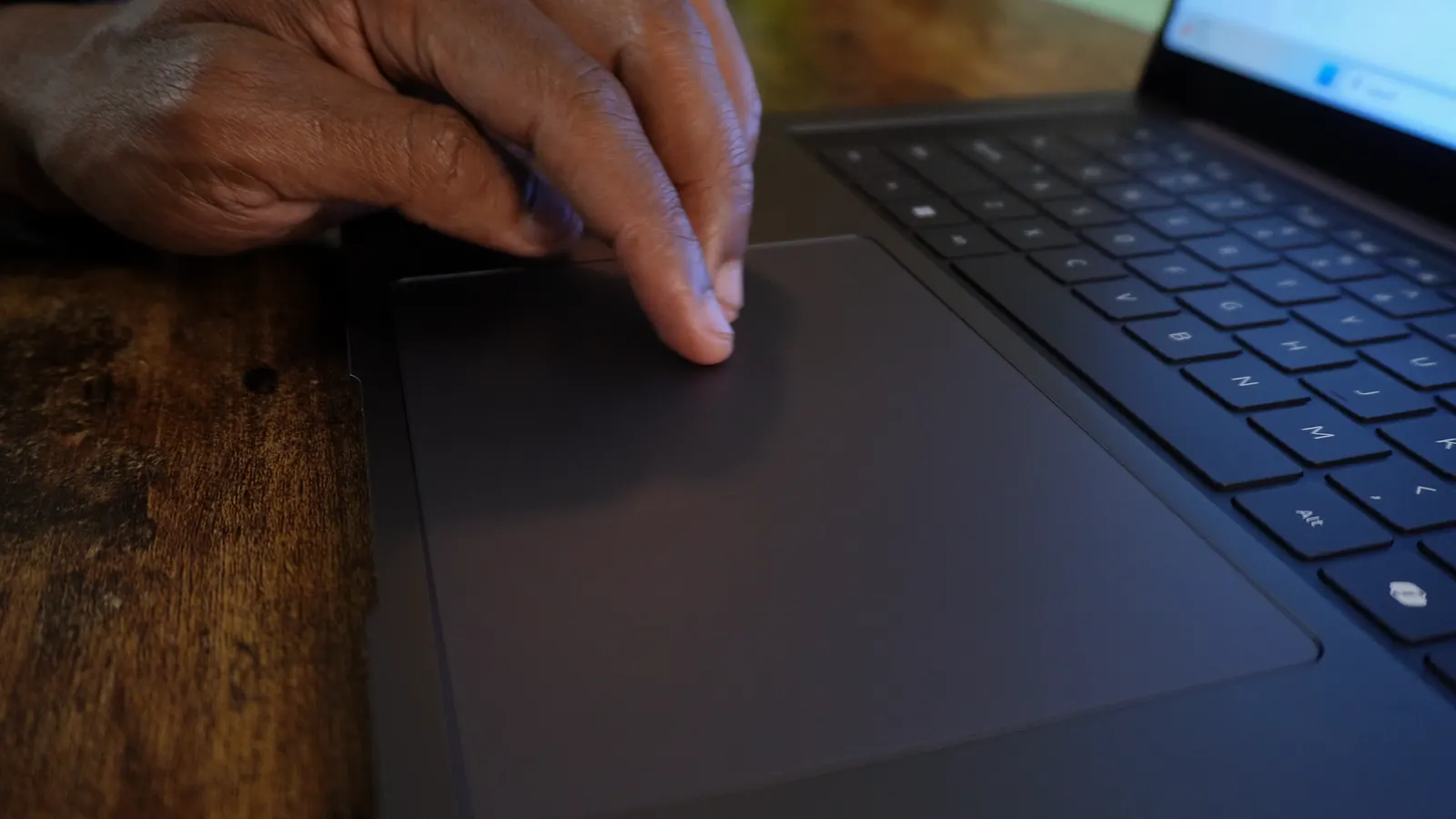
There are also little things here that matter more after you own the laptop than they do on a spec sheet. The trackpad is haptic, so the click feels consistent even when you press in different areas. The keyboard has been re-centred, and the 16-inch model gets a quad-speaker setup with front-facing tweeters.
This is also where your own preference matters. If the keyboard or the way the speakers sound bothers you, that matters more than any spec, to be fair.
Ports: no dongle life
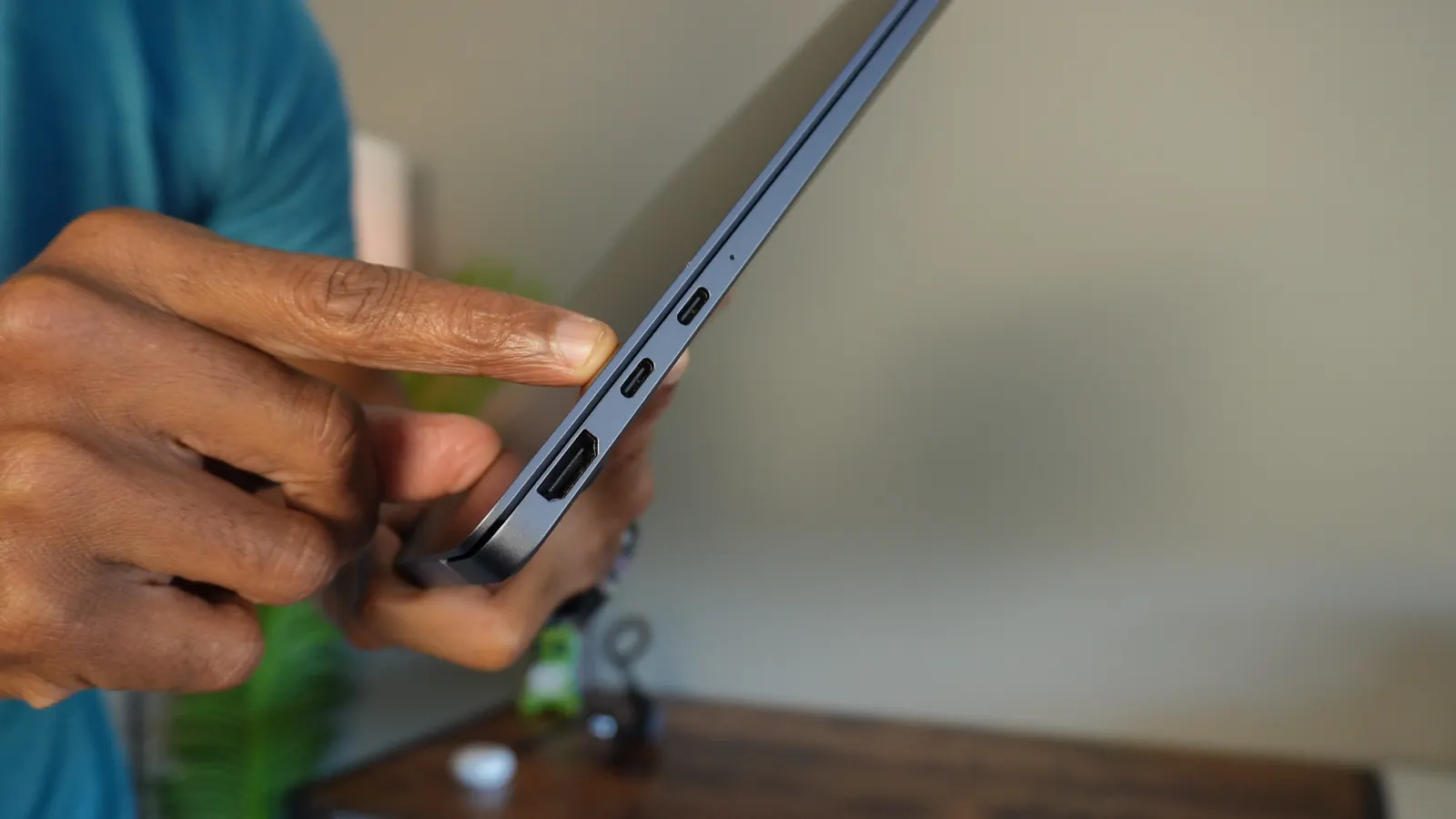
Great news: Samsung thankfully hasn't gone down the road of making a Pro laptop that needs a bunch of dongles. You get two Thunderbolt 4 ports, a USB-A port, HDMI 2.1 and a headphone jack.
The Galaxy ecosystem advantage
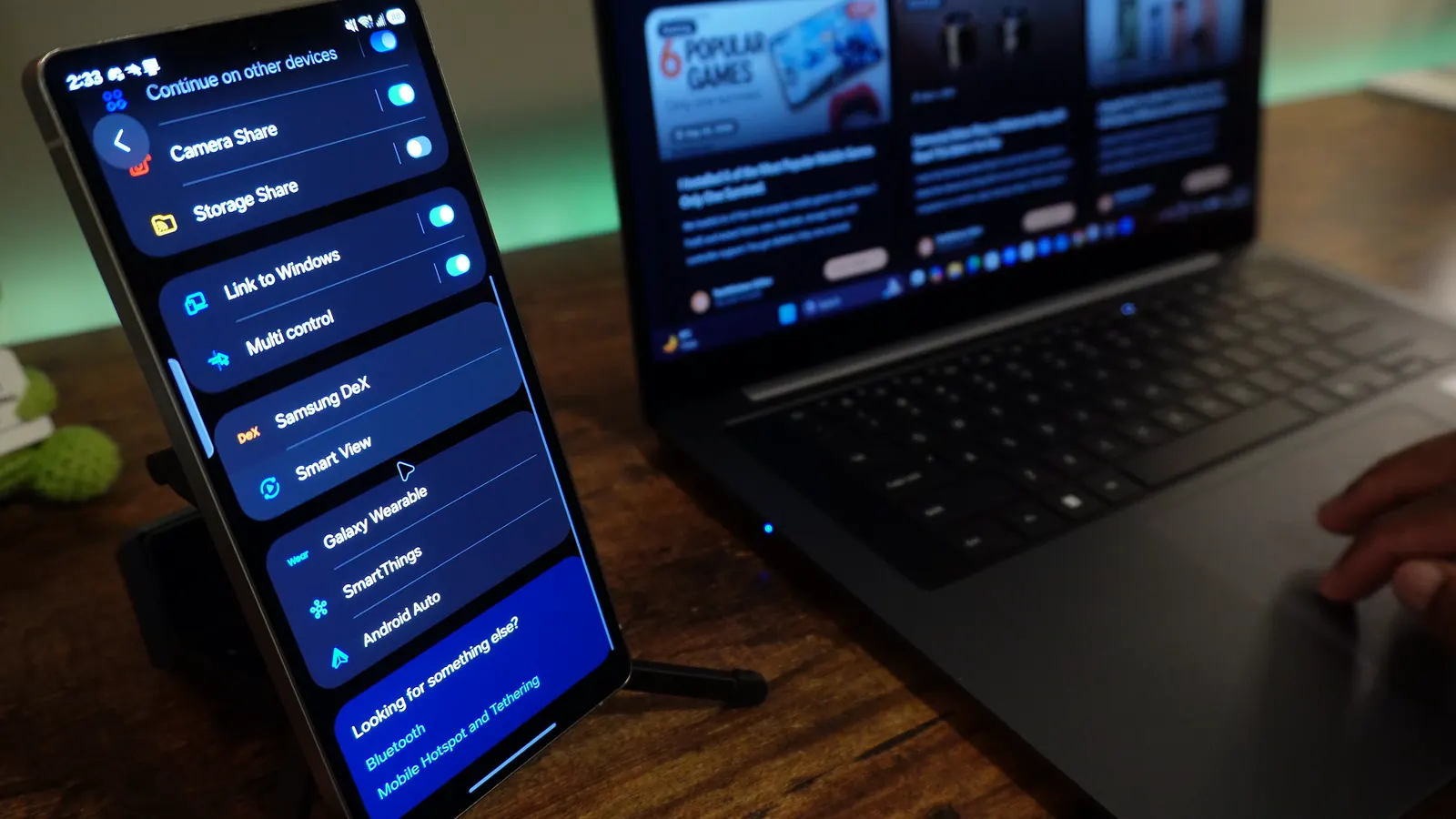
This is where I think the Galaxy Book name actually matters. If you don't own other Samsung devices, you can skip this part. But if you already have a Galaxy phone like I do, Samsung has quietly built a pretty deep ecosystem around Windows.
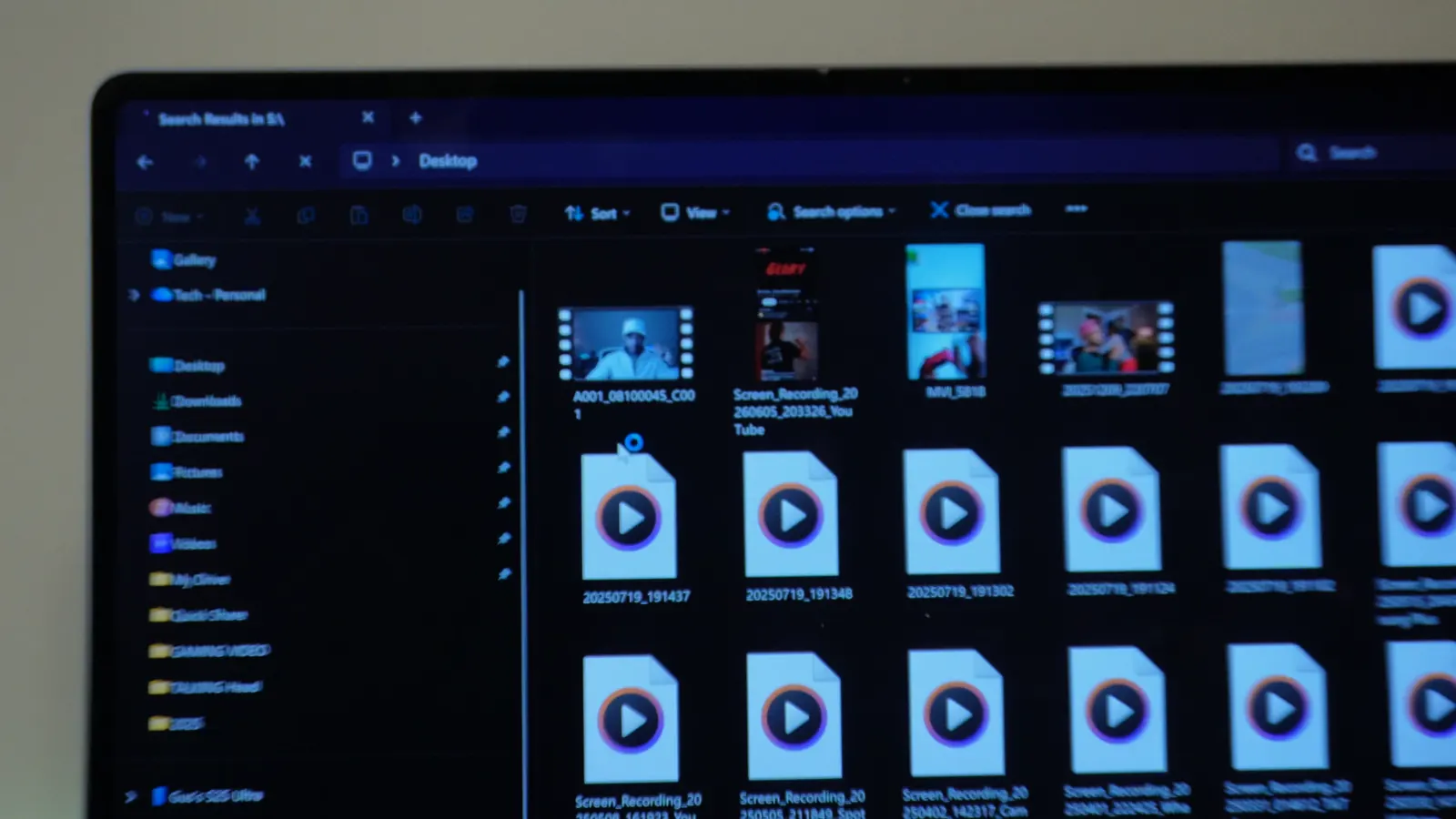
Quick Share is the obvious one. Storage Share is more interesting to me, because your phone's files can show up through File Explorer without manually transferring everything first. And Multi Control lets the keyboard and trackpad move between the laptop and compatible devices.
These are the features that make this feel like a Galaxy product instead of just another Windows laptop.
Who should skip it
This is where I'd slow it down before buying one, because being a really good laptop doesn't automatically mean it's the right laptop for you. Does that make sense?
- If you're buying primarily for serious gaming, I'd still get a dedicated gaming machine.
- If your workload is constant 4K production, 3D rendering or heavy GPU work, the Galaxy Book6 Ultra is the more appropriate Galaxy Book.
- If you basically need Chrome, Microsoft Word, Netflix and email, the X7 with 32 GB of RAM is probably far more laptop than you actually need.
Final verdict: who the Galaxy Book6 Pro is for
You want one premium laptop that goes everywhere
- You want a big 16-inch OLED screen.
- You want performance to actually grow into.
- You need to carry it around without the bulk.
- You already live in Samsung's ecosystem.
Your needs sit at either extreme
- Gaming is your top priority.
- You do heavy 4K, 3D or GPU work all day (look at the Ultra).
- You only browse, write, stream and email.
It isn't the most powerful Galaxy Book Samsung makes, and I think that's the point.
Frequently asked questions
Is the Galaxy Book6 Pro good for gaming?
It's better than you'd expect from a laptop this thin, but it isn't a gaming laptop. Tom's Guide got Cyberpunk 2077 to about 80 frames per second at 1080p on the Core Ultra X7 and Arc B390 configuration in their tested setup. If gaming is your priority, a dedicated gaming laptop is still the better buy.
Should I get the Galaxy Book6 Pro or the Galaxy Book6 Ultra?
Get the Pro if you want a big OLED screen, strong everyday and creative performance and long battery life in something easy to carry. Get the Ultra if your work is constant 4K production, 3D rendering or other heavy GPU work.
How long does the Galaxy Book6 Pro battery last?
The 16-inch model has a 78 Wh battery. Tom's Guide measured 15 hours and 17 minutes in their Wi-Fi web-browsing test at 150 nits. Your results will change with brightness, video calls, editing and whatever else you're running.
How heavy is the 16-inch Galaxy Book6 Pro?
About 1.59 kg and 11.9 mm thin, so you get a big screen without feeling like you're dragging a workstation around.
Do I need a Samsung phone to use the Galaxy Book6 Pro?
No, it's a normal Windows laptop. But if you already have a Galaxy phone, Quick Share, Storage Share and Multi Control make the two work together in ways a regular Windows laptop doesn't.
What ports does the Galaxy Book6 Pro have?
Two Thunderbolt 4 ports, a USB-A port, HDMI 2.1 and a headphone jack, so most people will not need a bag full of dongles.