Gaming
I Installed 6 of the Most Popular Mobile Games. Only One Survived.
Gus · September 30, 2026
We loaded six of the most popular mobile games onto a Galaxy Z Fold5 and tested frame rates, thermals, storage bloat, and controller support. Five got deleted. Only one survived.
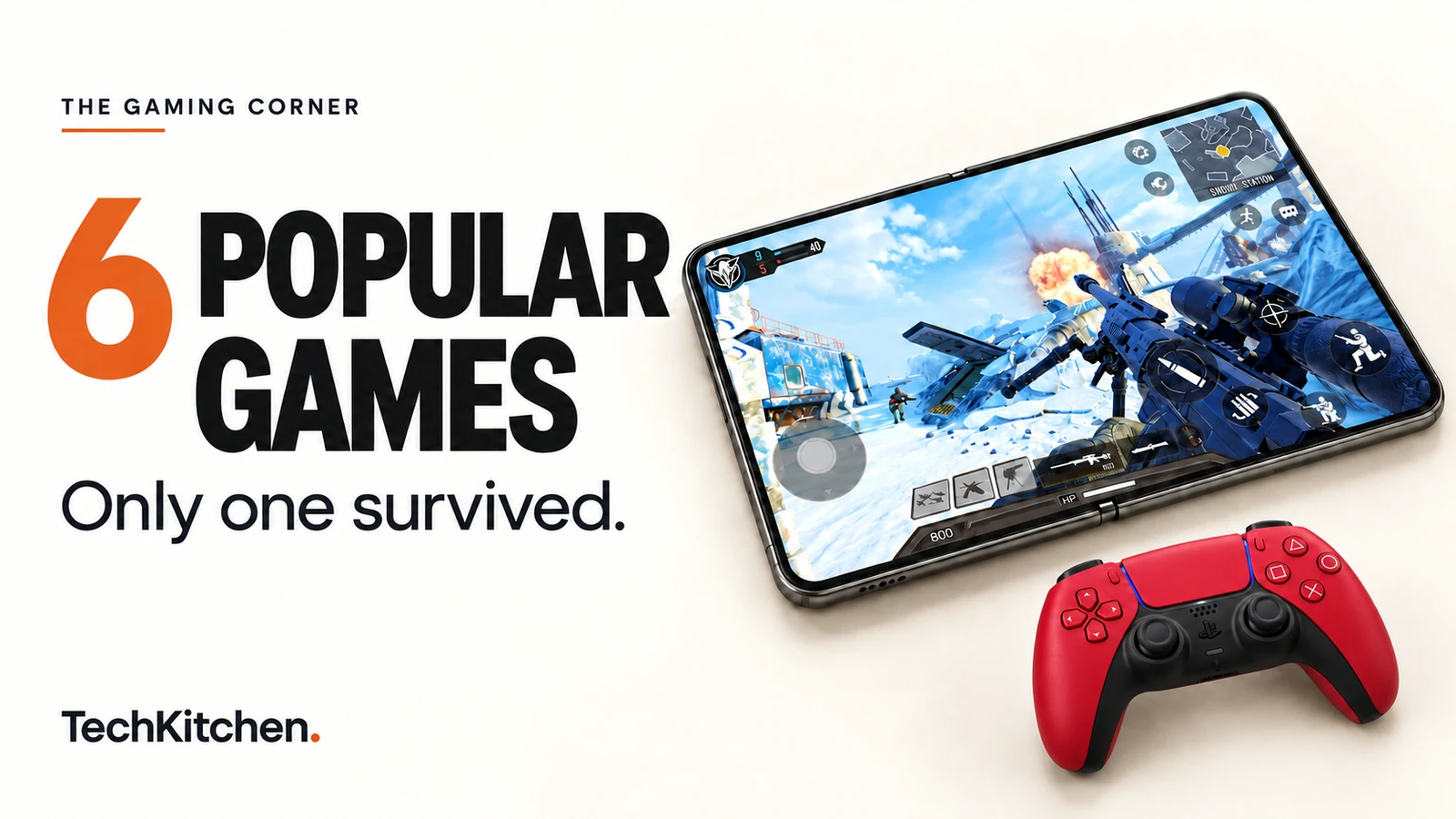
“We’re installing six of the most popular games on one phone. We’re testing the frame rates, the real storage bloat, the thermals, and the controls. And by the end of this... five get uninstalled. Only one stays on my phone.”
Gus, TechKitchen (The Gaming Corner · Episode 1)
Let’s be honest about the state of mobile gaming right now.
Your phone has more computing power than a PlayStation 4. High refresh OLED displays are standard. Flagship silicon pushes crazy graphic fidelity.
Yet, if you open the Google Play Store or iOS App Store, you’re hit with the exact same dilemma every single weekend: which of these games is actually worth your time, your battery, and your precious storage?
To find out, I put six of the most popular competitive mobile titles against each other on the Samsung Galaxy Z Fold5: Call of Duty: Mobile, Pixel Gun 2, Brawl Stars, PUBG Mobile, Free Fire, and Honor of Kings.
I didn’t just look at the app store screenshots. I played them, pushed the frame rates, monitored device temperatures, plugged in physical controllers, measured the actual storage footprint after downloading everything, and sifted through the monetization lobbies.
Here is the no BS breakdown of what happened, and why five of them just got wiped from my storage.
Quick comparison: the six game showdown
| Game | Max FPS | Storage | Controller | Rating | Verdict |
|---|---|---|---|---|---|
| Call of Duty: Mobile | 60 FPS | 23.00 GB | Yes | 4.3 | Stays installed |
| Pixel Gun 2 | 60 FPS | 1.10 GB | No | ~4.1 | Uninstalled |
| Brawl Stars | 120 FPS | 2.33 GB | No | 4.2 | Uninstalled |
| PUBG Mobile | 90 FPS | 18.00 GB | No | 4.3 | Uninstalled |
| Free Fire | 90 FPS | 1.61 GB | No | 4.3 | Uninstalled |
| Honor of Kings | 60 FPS | 11.89 GB | No | 4.4 | Uninstalled |
1. Call of Duty: Mobile
“I thought I knew this game”
- Performance
- Up to 60 FPS
- Installed storage
- 23 GB
- Controller support
- Xbox and PlayStation
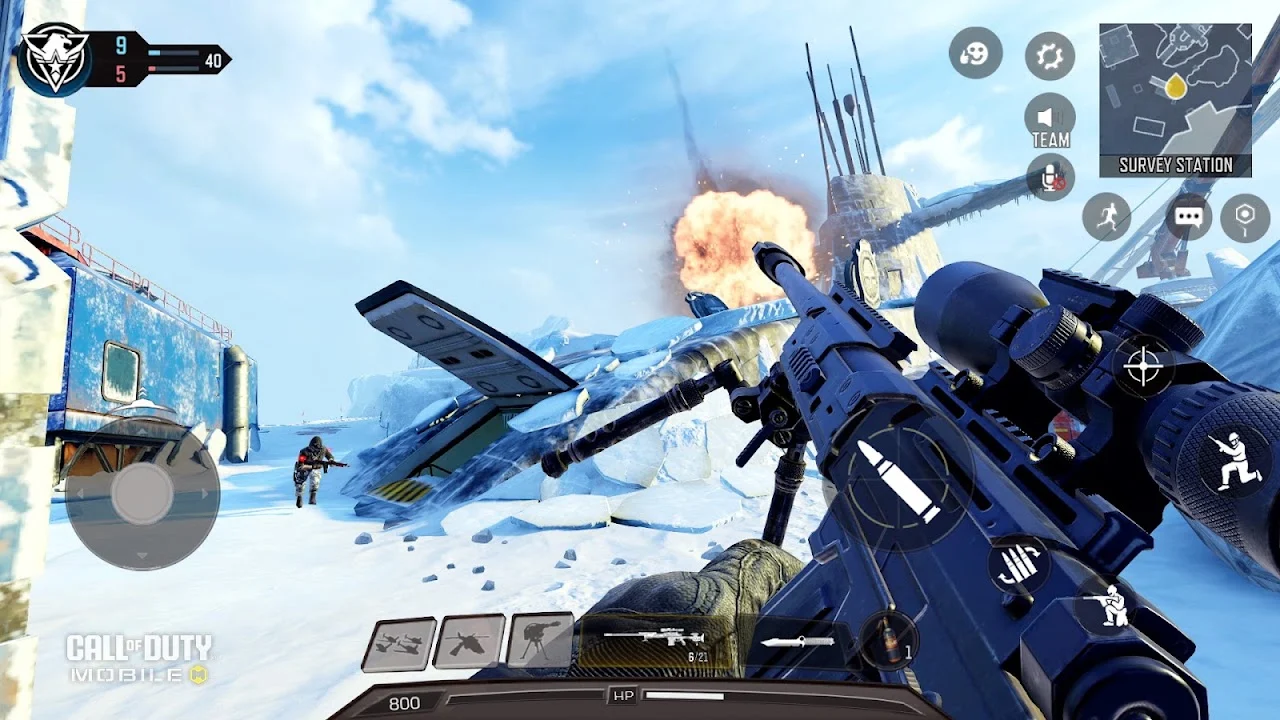
I genuinely thought I knew what Call of Duty: Mobile was at this point. You jump in. You shoot people. You slide around Shipment like your life depends on it. You get annoyed. You queue again. We’ve been doing this dance for years.
Then I booted up Season 8, and suddenly I’m looking down at my character fighting waves of enemies from an overhead perspective like somebody accidentally slipped an entire roguelike action game inside Call of Duty.
Three players, waves of enemies, tactical upgrades, and boss encounters. I don’t know who asked Activision for a top down roguelike in a mobile FPS, but once I started playing it with a squad, I couldn’t put it down.
The gameplay and controls
Underneath all the seasonal collabs, COD Mobile still does what matters most: the gunplay feels right. Recoil models are predictable, weapons have punch, and movement is ridiculously fast.
More importantly, it has legitimate native controller support. You can pair an Xbox Wireless Controller or PlayStation DualSense over Bluetooth, jump into Multiplayer or Battle Royale, and get proper twin stick console controls. Menus still force you back to the touchscreen occasionally, but combat is flawless.
The tradeoff: storage bloat and the “billboard” lobby
- The 23 GB storage monster: That 2.5 GB store download is a lie. After HD textures, operator skins, audio packs, and maps, COD Mobile balloons past 23 GB. On a 128 GB phone, that is nearly a quarter of your space.
- The lobby: Every square inch is screaming at you to buy something. Battle Pass, subscriptions, Lucky Draws, Mythic crates, and web events. Subtlety has left the building.
Yet when you load into a match, the frame rate stays rock solid at 60 FPS, the phone stays surprisingly cool, and the action is unmatched.
2. Pixel Gun 2
“Real sequel, or just prettier?”
- Performance
- Up to 60 FPS
- Installed storage
- 1.10 GB
- Controller support
- None
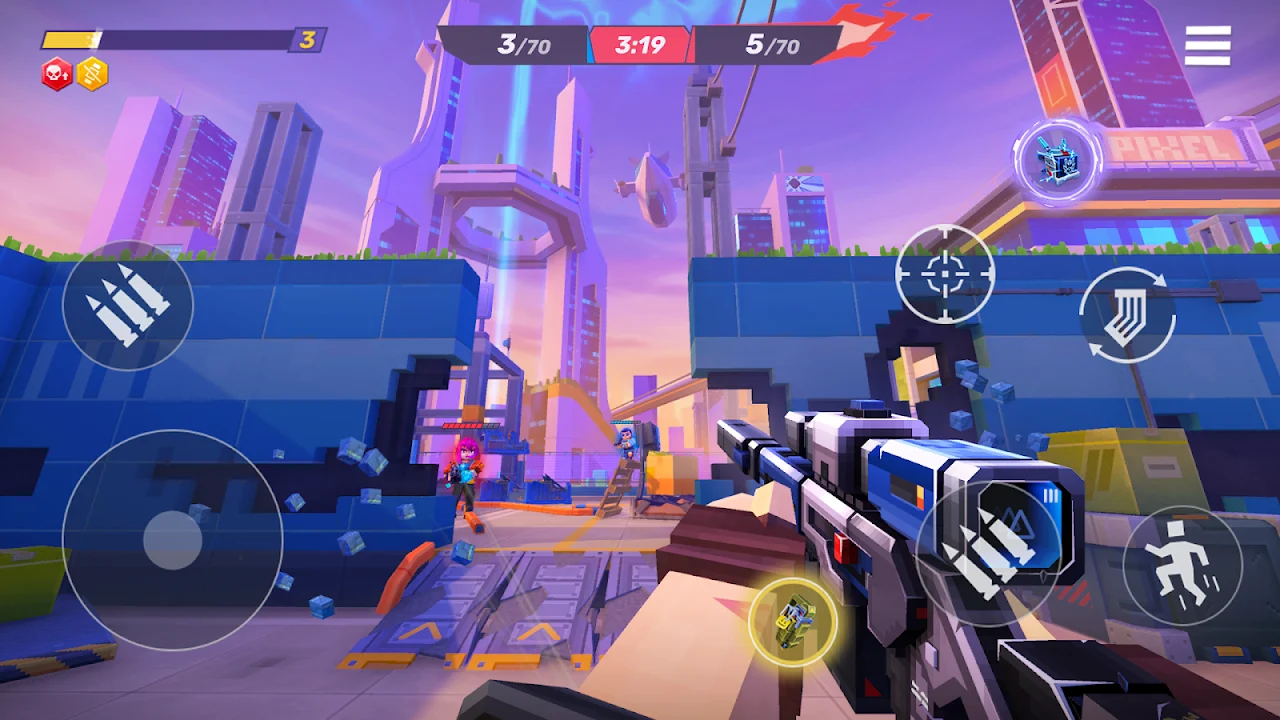
Twelve years. That’s how long Pixel Gun 3D has lived on mobile app stores. So when Pixel Gun 2 dropped, the question wasn’t just “is it good?” It was “does it justify leaving twelve years of nostalgia behind?”
The moment I blew apart my first brick wall in a match, it had my attention. In Pixel Gun 2, cover doesn’t stay cover. If someone is camping behind a barrier, you can vaporize the wall with high impact ordnance and delete their hiding spot. That fundamentally changes how the 5v5 arenas play.
What works
- Super lightweight: At 1.1 GB, it downloads quickly and will not choke your internal drive.
- Fast movement: Hero abilities, dynamic perks, and short match timers make it easy to pick up and frag.
What needs work
- Zero controller support: “It’s on the roadmap.” Cool. I can’t play a roadmap.
- Early economy: The Pixel Pass and random store purchases are already present, but it is too early to know whether the game will become pay to win.
The verdict: Promising mechanics, but until controller support lands and the meta matures, it feels like an early access preview.
3. Brawl Stars
“One match became five”
- Performance
- Up to 120 FPS
- Installed storage
- 2.33 GB
- Controller support
- No official support
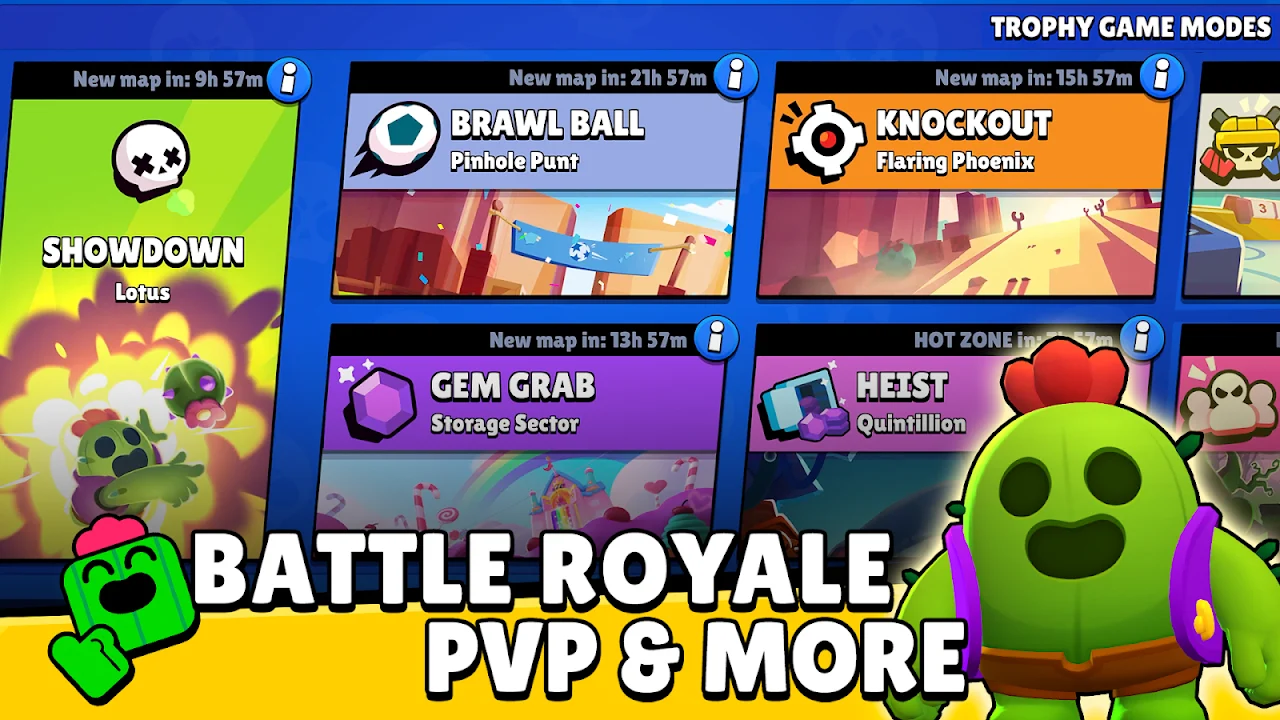
I downloaded Brawl Stars telling myself, “I’ll play one quick match to check the frame rate, and that’s it.” That was my first mistake.
Matches clock in at under three minutes. That sounds responsible on paper, but the moment the victory screen flashes, the Play Again button is sitting right there. One match becomes three. Three becomes five. Suddenly twenty minutes have vanished.
- Silky 120 FPS: Frame pacing is pristine and touch response feels instantaneous.
- Built for touch: It does not need a controller. The twin stick controls feel natural and responsive.
- Lean storage: Supercell packs a wide variety into 2.33 GB.
The catch is a finely tuned monetization engine. The Brawl Pass, upgrade levels, Hypercharges, and randomized drops constantly nudge you deeper into the progression economy. It is brilliant pick up and play fun; the hard part is actually stopping.
4. PUBG Mobile
“Nothing happens... then one gunshot changes everything”
- Performance
- Up to 90 FPS
- Installed storage
- 18.00 GB
- Controller support
- No official support
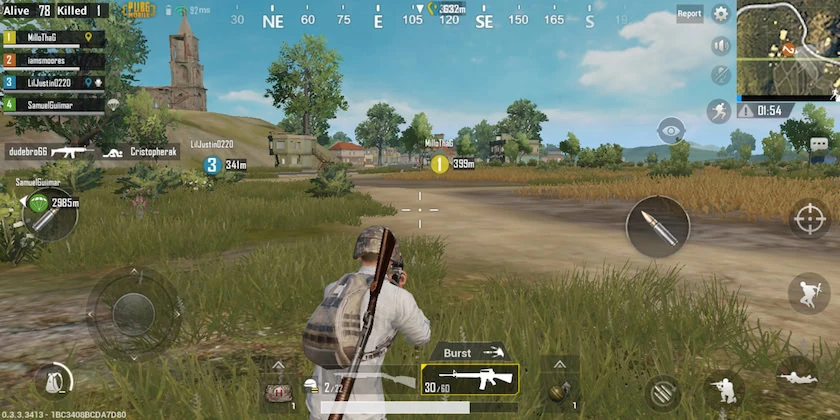
PUBG Mobile delivers the opposite emotional rhythm of every other shooter here, because PUBG still does one thing better than almost anything else on your phone: tension.
Nothing can happen for five straight minutes. You drop into Erangel, move between compounds, loot an optic, and listen to ambient wind. Then, crack. One sniper shot echoes over the hill. Your posture shifts, you scan the ridgelines, and your adrenaline spikes. That tactical pacing is why PUBG established the battle royale genre.
Where it falls short in 2026
- Still no native controller support: COD Mobile solved this years ago, while PUBG Mobile still has no official gamepad mapping.
- 18 GB resource creep: Event maps and high resolution asset packs make the initial store download deceptive.
- Lobby clutter: Event banners, spins, crates, and crossover popups make finding your inventory feel like doing taxes.
5. Free Fire
“I was looking at this game all wrong”
- Performance
- Up to 90 FPS
- Installed storage
- 1.61 GB
- Controller support
- None
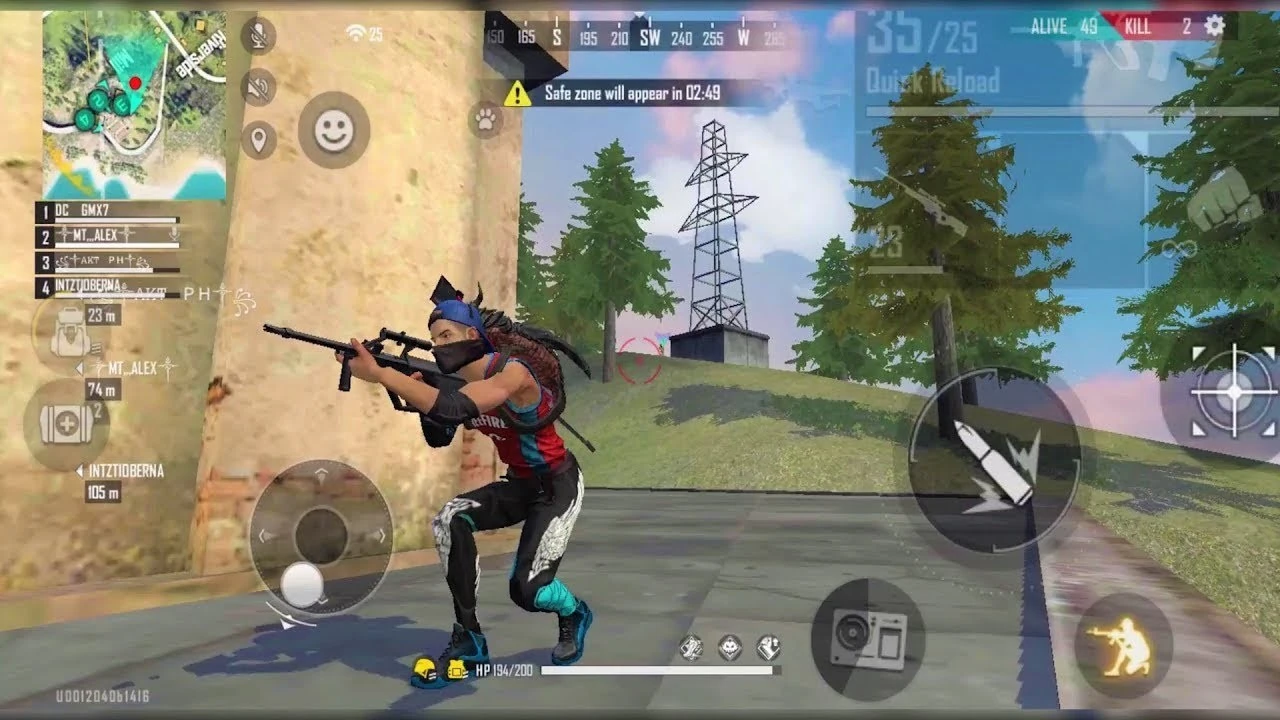
Reviewing flagship devices every week gives tech creators a skewed perspective. When you are always testing Snapdragon 8 series chips, you forget a fundamental reality: most gamers are not playing on thousand dollar phones.
That is why Free Fire has 124 million user reviews on the Google Play Store. Not downloads, reviews. Garena built an engine that delivers a 50 player battle royale on virtually any Android handset without melting the battery or hitching every time an explosion triggers.
- Lightning fast load times: On the Fold5, Free Fire boots faster than COD Mobile and PUBG Mobile combined.
- Under 2 GB: At 1.61 GB, it is less than one tenth of COD Mobile’s size.
- Smooth 90 FPS: Frame delivery is smooth, aim assist feels snappy, and matches run about ten minutes.
The monetization is brazen, but if you use a budget phone or are tight on storage, Free Fire is an undeniable engineering triumph.
6. Honor of Kings
“How did I miss a game this popular?”
- Performance
- Up to 60 FPS
- Installed storage
- 11.89 GB
- Controller support
- None
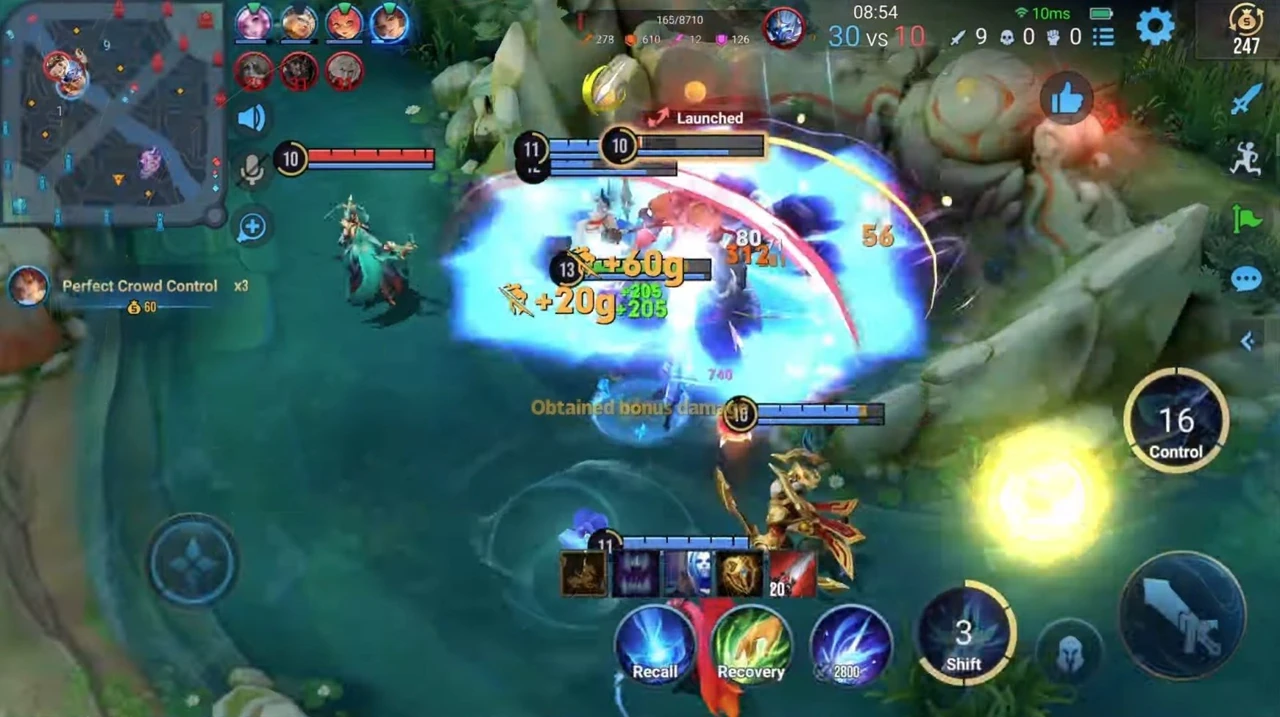
For the bonus segment, I wanted a game Western mobile players constantly overlook: Honor of Kings. If you have never touched a MOBA, the idea is simple: two teams, three lanes, defend your towers, and destroy the enemy crystal.
What shocked me is how beautifully that complex 5v5 loop translates to a touchscreen. Matches wrap in roughly 15 minutes, hero targeting is responsive, rotations are immediate, and team fights at 60 FPS look gorgeous.
- Storage impact: It is a hefty 11.89 GB package full of high resolution models, spell effects, and voice lines.
- Fair play: The store offers premium cosmetics, while the core ranked game remains focused on skill.
If you are burnt out on mobile battle royales and want a deeply strategic team game, Honor of Kings deserves a spot on your radar.
The grand showdown: who stays installed?
I promised that only one game would stay installed. Here is the execution order:
- Pixel Gun 2: uninstalled. Great wall destruction, but no controller support and a raw roadmap state.
- Honor of Kings: uninstalled. Excellent MOBA mechanics, but nearly 12 GB is too heavy for a genre I do not play daily.
- Free Fire: uninstalled. Real respect for the lightweight engine, but the aggressive gacha economy pushes me away.
- PUBG Mobile: uninstalled. The 18 GB footprint and absent native controller support are hard to justify.
- Brawl Stars: uninstalled. I love the 120 FPS polish, but its progression loop is dangerously good at stealing hours.
The sole survivor
Call of Duty: Mobile
- Pristine 60 FPS stability and thermal control
- Full Xbox and PlayStation controller mapping
- Unmatched gun mechanics and movement
- A wide variety across Multiplayer, Battle Royale, and seasonal modes
Despite the horrifying 23 GB file size, and despite a lobby that looks like Times Square on New Year’s Eve, Call of Duty: Mobile is the game that stays installed.
Nothing else delivers this level of console quality shooter feel in your pocket. Being able to unfold a device, prop it up with a kickstand, connect a controller, and play competitive multiplayer at a locked 60 FPS is why mobile gaming is so exciting in the first place.
🎮 Mobile gaming gear
Here is the phone used in this video, plus controller and phone options to explore for your own setup.
Some links may be affiliate links. If you buy through them, I may earn a small commission at no extra cost to you. It helps support TechKitchen and The Gaming Corner.
Phone used in this video
Samsung Galaxy Z Fold5: view on Amazon
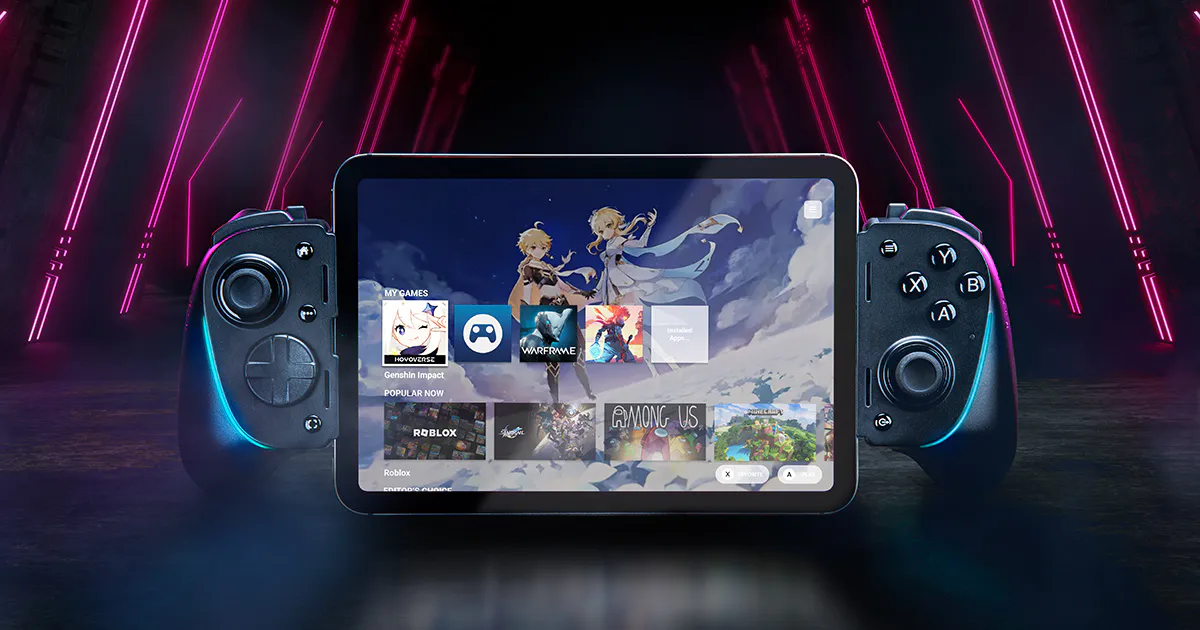
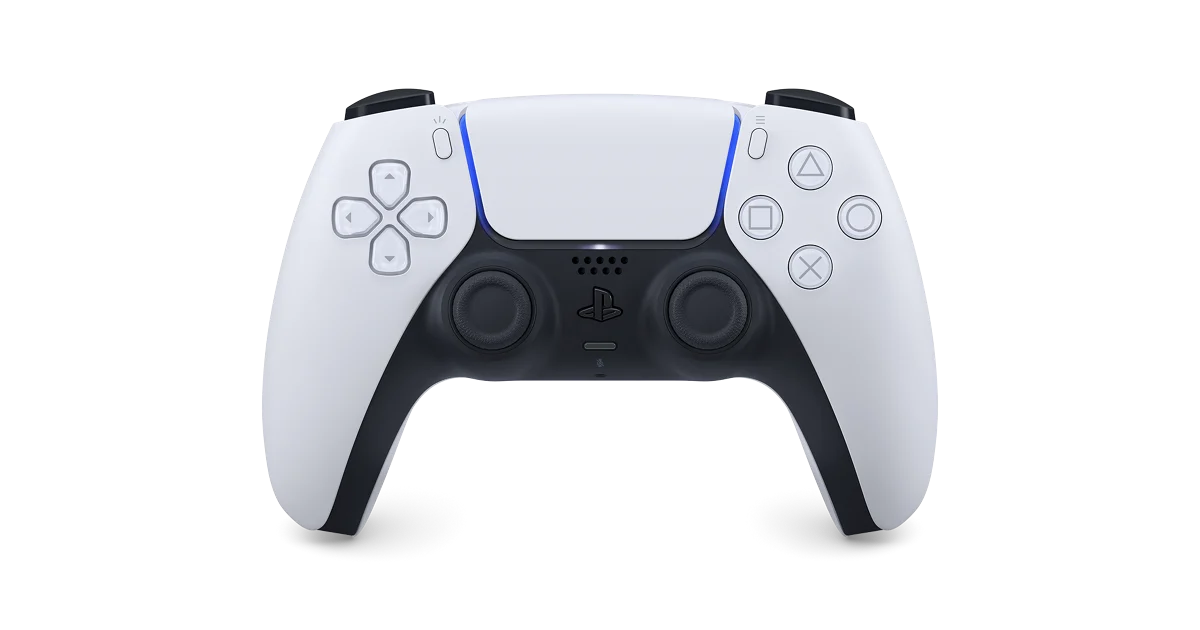
Controllers
Check the connector, supported phone size, case clearance, and game compatibility before buying. A controller does not automatically add native controller support to every game. The Backbone image below shows the PlayStation edition; check the edition and connector on the linked listing.
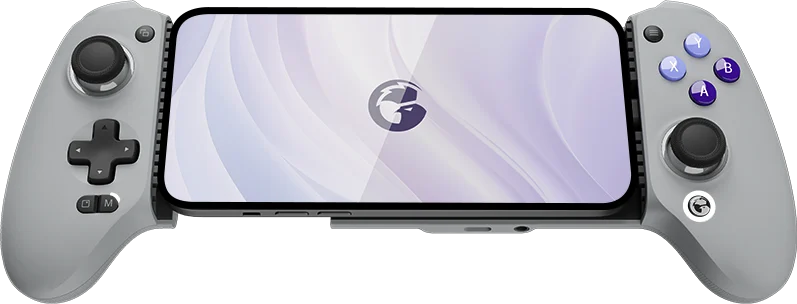
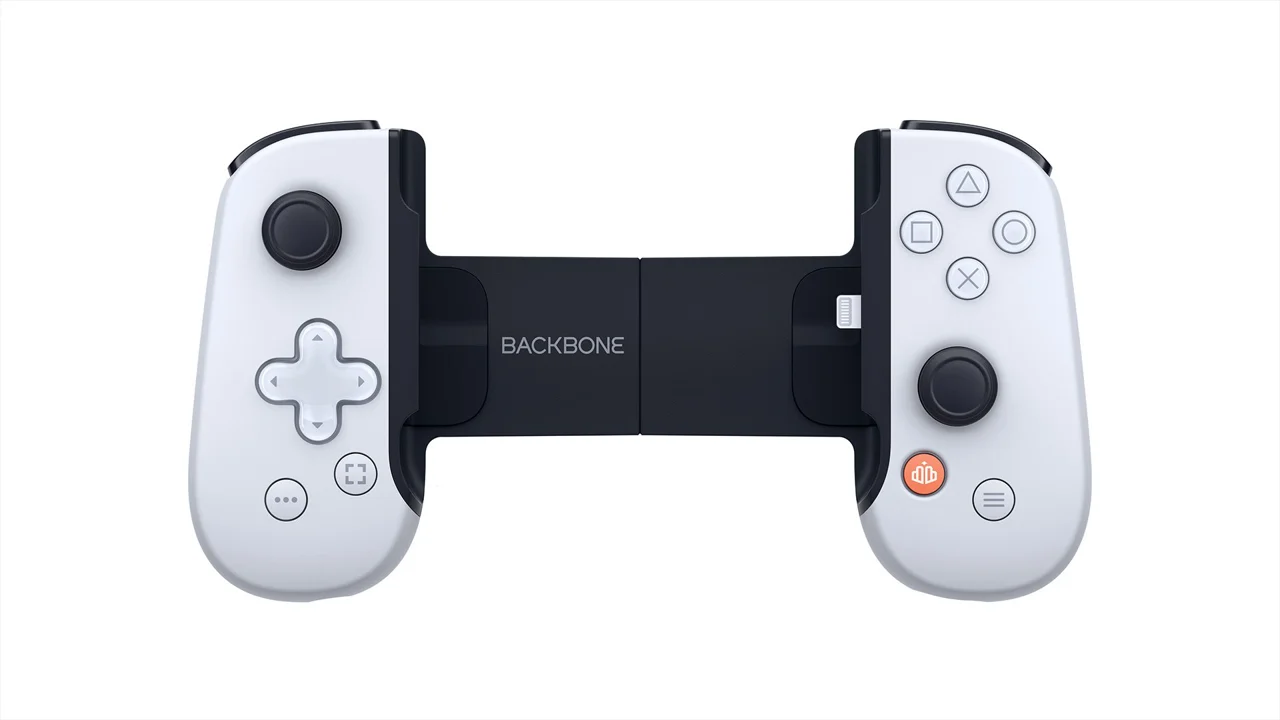
PlayStation edition pictured
Good gaming phones without flagship prices
Big screen foldable options
Frequently asked questions
Does PUBG Mobile support Xbox or PS5 controllers in 2026?
No. Unlike Call of Duty: Mobile, PUBG Mobile does not have official native controller support for iOS or Android. Third party key mapping tools may violate the game’s rules.
How much storage do you actually need for COD Mobile?
The initial store download is much smaller, but the full game with multiplayer maps, high definition resources, skins, and audio can require roughly 20 to 25 GB of internal storage.
Can you play Brawl Stars at 120 FPS?
Yes. On supported phones with a 120 Hz or higher display, Brawl Stars can render at up to 120 FPS.
What is the lightest battle royale game for budget phones?
Garena Free Fire is the lightest option in this comparison at about 1.6 GB installed, with scalable graphics for entry level and midrange hardware.
What’s on your phone?
Which game would have survived the cut on your device? Are you keeping the 23 GB COD Mobile monster, or rocking lightweight titles like Free Fire and Brawl Stars?
Drop your thoughts in the comments, and stay tuned for The Gaming Corner · Episode 2.