Laptops
ROG Zephyrus G16 (2026) RTX 5090: One Laptop for Everything?
TechKitchen Editor · November 27, 2026
An RTX 5090, 64 GB of RAM and a 240 Hz OLED in a laptop just 1.49 cm thin. After two weeks with the $7,699 CAD Zephyrus G16, here's what it does well, the one compromise, every Canadian configuration, and who should actually buy it.
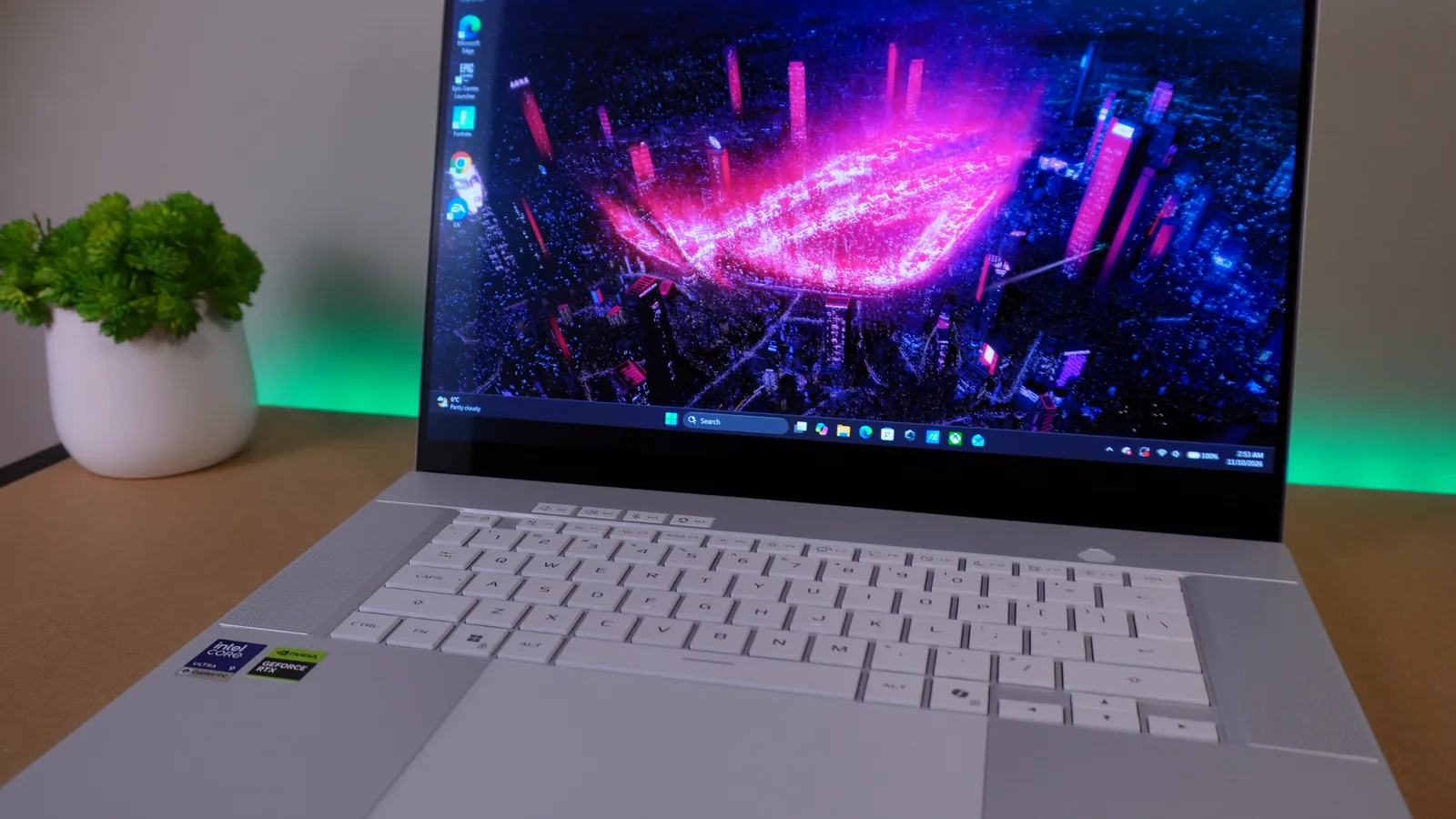
Welcome back to TechKitchen. Gus here.
For my new setup, I wanted one laptop I could game on, edit on, work on, and actually take with me. The 2026 ROG Zephyrus G16 with an RTX 5090 is about as close as a laptop gets to that idea: $7,699 CAD, 64 GB of RAM, and still only 1.49 cm thin.
I found one compromise. How much it matters depends completely on how you'd use this thing, so this post goes further than the video: every configuration and price, what the ports actually do, how the cooling modes work, and who I'd actually tell to buy it.
Can the Zephyrus G16 be your one laptop for everything?
Almost. It's thin enough to carry every day and powerful enough for anything I threw at it. The catch is gaming on battery: plan on keeping the 250 W charger close.
Creators who game, developers and anyone getting into local AI, who need the most VRAM and RAM you can fit in a bag.
The RTX 5060 model starts at $4,099 CAD with the same 240 Hz OLED. Most gamers and students should start there.
No RTX 5090 laptop games for hours on battery. And if you only ever game at a desk, a desktop gives you more for the money.
See the screen, the games, the cooling and the charging test in action, or open it on YouTube.
Every 2026 Zephyrus G16 in Canada, and which one to buy
This is the part the video only had time to mention. Every Intel-based 2026 G16 uses the same 16-inch 2.5K 240 Hz OLED, the same Core Ultra 9 386H processor, the same 90 Wh battery and the same ports. What changes is the graphics card, the memory, the storage, and a little bit of weight.
| Graphics (VRAM) | RAM / SSD | Colour | Weight / thickness | MSRP (CAD) |
|---|---|---|---|---|
| RTX 5060 (8 GB GDDR7) | 32 GB / 1 TB | Platinum White | 1.85 kg / 1.49 to 1.64 cm | $4,099 |
| RTX 5070 (8 GB GDDR7) | 32 GB / 1 TB | Eclipse Grey | 1.85 kg / 1.49 to 1.64 cm | $4,499 |
| RTX 5070 Ti (12 GB GDDR7) | 32 GB / 1 TB | Platinum White | 1.95 kg / 1.49 to 1.79 cm | $4,999 |
| RTX 5080 (16 GB GDDR7) | 64 GB / 2 TB | Platinum White or Eclipse Grey | 1.95 kg / 1.49 to 1.79 cm | $6,999 |
| RTX 5090 (24 GB GDDR7)Reviewed | 64 GB / 2 TB | Platinum White or Eclipse Grey | 1.95 kg / 1.49 to 1.79 cm | $7,699 |
Canadian MSRPs and configurations from ASUS Canada's 2026 Zephyrus G16 spec sheet (GU606). Prices, colours and stock change often and vary by retailer, so check the exact model before you order. ASUS lists the ASUS Store, Canada Computers, PC-Canada and Best Buy Marketplace as places to buy.
How I'd choose
- Mostly gaming, on a budget: the RTX 5060 or 5070. You keep the screen, the build and the ports, save thousands, and get the lighter 1.85 kg chassis.
- Gaming plus serious editing: the RTX 5070 Ti is the step where VRAM goes from 8 GB to 12 GB.
- Heavy creative work, 3D or local AI: look at the RTX 5080 or 5090. These are the only models with 64 GB of RAM and 2 TB of storage, and the 5090's 24 GB of VRAM is the real reason to pay for it.
One thing to know before you pick: the RAM is soldered (onboard LPDDR5X-8533), so you can't add more later. Storage is friendlier. ASUS lists two M.2 2280 PCIe 4.0 slots, with one used by the included SSD.
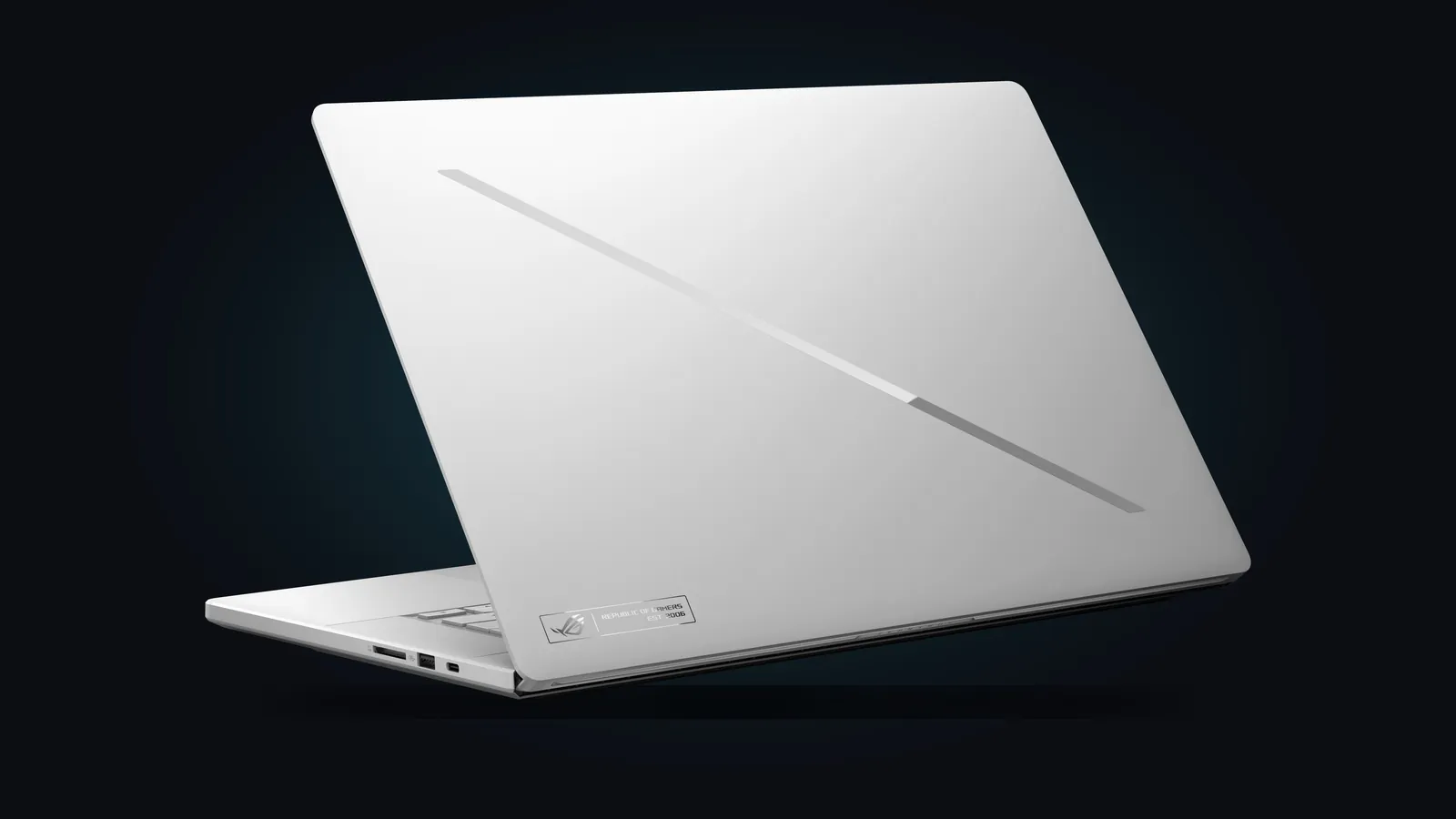
Zephyrus G16 (2026), RTX 5090
The laptop in this review, $7,699 CAD MSRP
- RTX 5090 Laptop GPU, 24 GB GDDR7
- 64 GB RAM, 2 TB SSD
- 16" 2.5K 240 Hz OLED
- 1.95 kg, 1.49 cm at its thinnest
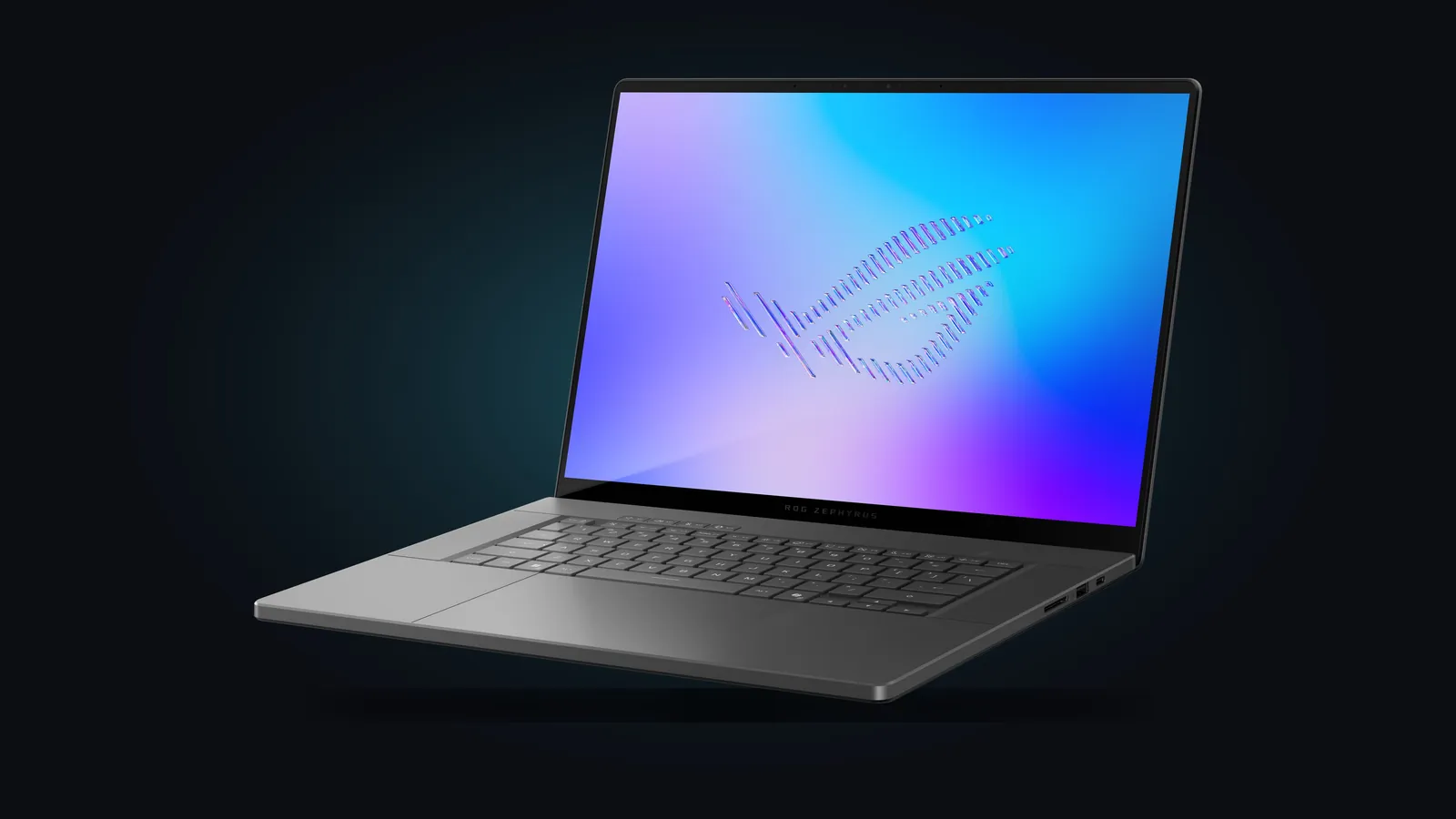
Zephyrus G16 (2026), RTX 5080
The step down, $6,999 CAD MSRP
- RTX 5080 Laptop GPU, 16 GB GDDR7
- 64 GB RAM
- Same 16" 2.5K 240 Hz OLED
- Same 1.95 kg body
Zephyrus G16 (2026), RTX 5060
Same body and OLED, from $4,099 CAD MSRP
- RTX 5060 Laptop GPU, 8 GB GDDR7
- 32 GB RAM, 1 TB SSD
- Same 16" 2.5K 240 Hz OLED
- Lighter: 1.85 kg
Affiliate links. The ASUS Store and Amazon links go to Canadian stores; the Best Buy link goes to Best Buy's US site. Check the exact configuration and price before you order.
ROG Zephyrus G16 (2026) specs, as reviewed
| Spec | Zephyrus G16 (GU606), RTX 5090 |
|---|---|
| Processor | Intel Core Ultra 9 386H: 16 cores, up to 4.9 GHz, 18 MB cache, NPU up to 50 TOPS (Copilot+ PC) |
| Graphics | NVIDIA GeForce RTX 5090 Laptop GPU, 24 GB GDDR7, up to 160 W TGP with Dynamic Boost (Manual mode); MUX switch + Advanced Optimus |
| Memory | 64 GB LPDDR5X-8533, onboard (not upgradeable) |
| Storage | 2 TB PCIe 4.0 NVMe SSD; 2 x M.2 2280 slots in total |
| Display | 16" 16:10 ROG Nebula HDR OLED, 2560 x 1600, 240 Hz, 0.2 ms, 1,100 nits peak (HDR), 100% DCI-P3, Delta E < 1, VESA DisplayHDR True Black 1000, G-Sync, Pantone Validated |
| Ports | Thunderbolt 4 (40 Gbps, DisplayPort 2.1, 100 W charging), USB-C 3.2 Gen 2 (DisplayPort 2.1, 100 W charging), 2x USB-A 3.2 Gen 2, HDMI 2.1, SD card reader (UHS-II), 3.5 mm audio |
| Wireless | Wi-Fi 7, Bluetooth 6.0 |
| Camera | 1080p IR camera with Windows Hello |
| Audio | 6 speakers: 2 tweeters and 4 woofers |
| Battery and charger | 90 Wh; 250 W adapter; USB-C charging up to 100 W |
| Size and weight | 35.4 x 24.6 x 1.49 to 1.79 cm; 1.95 kg (4.30 lb) |
| Build | CNC-milled aluminum, Platinum White, 35-zone Slash Lighting on the lid |
Design: would I actually carry it?
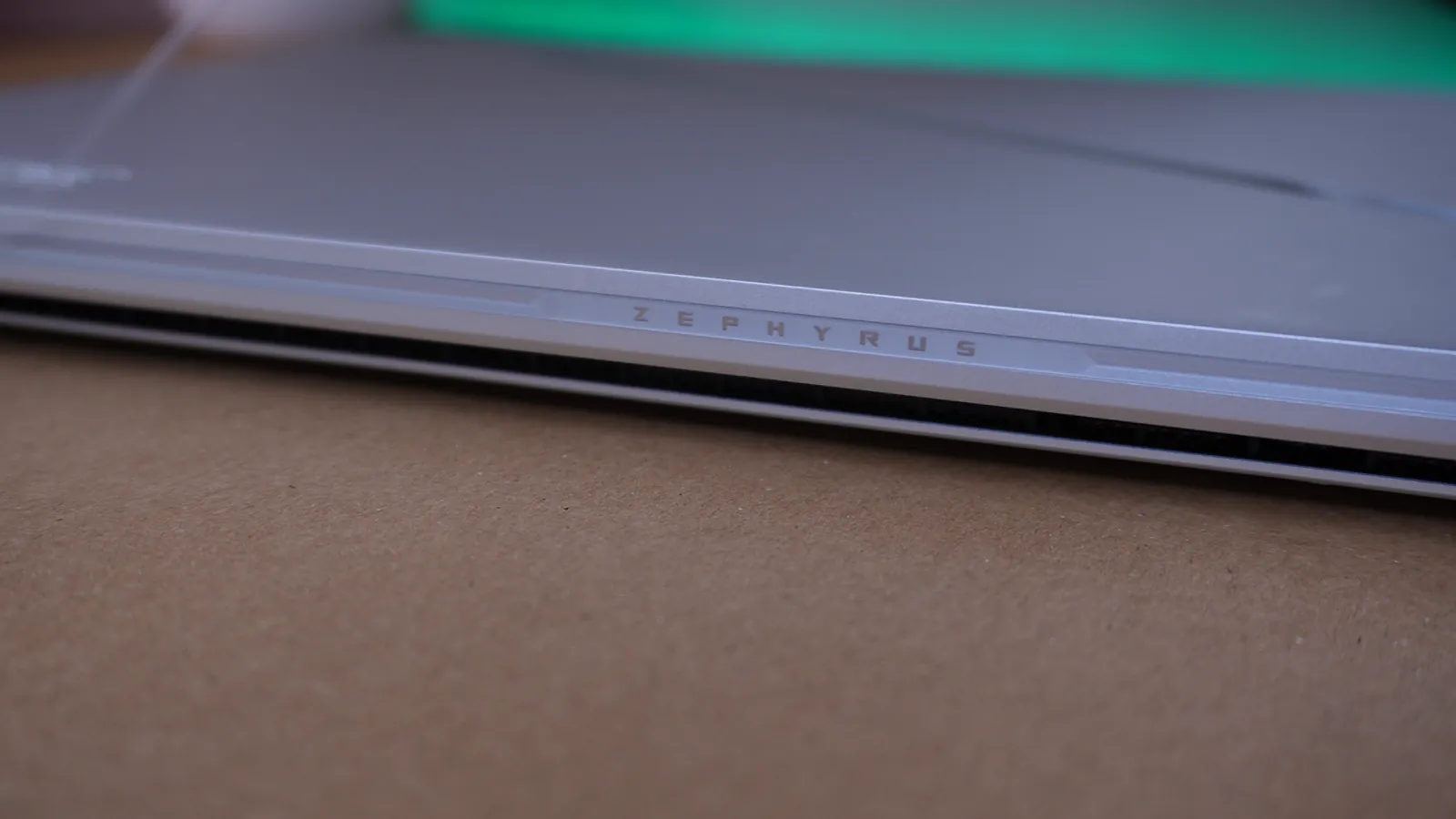
First things first. It's CNC-machined aluminum, about 1.95 kg, and 1.49 cm at its thinnest. That's the part that got me. You're getting an RTX 5090 in a laptop I'd actually want to put in my bag. Most RTX 5090 laptops are a lot thicker and heavier than this.
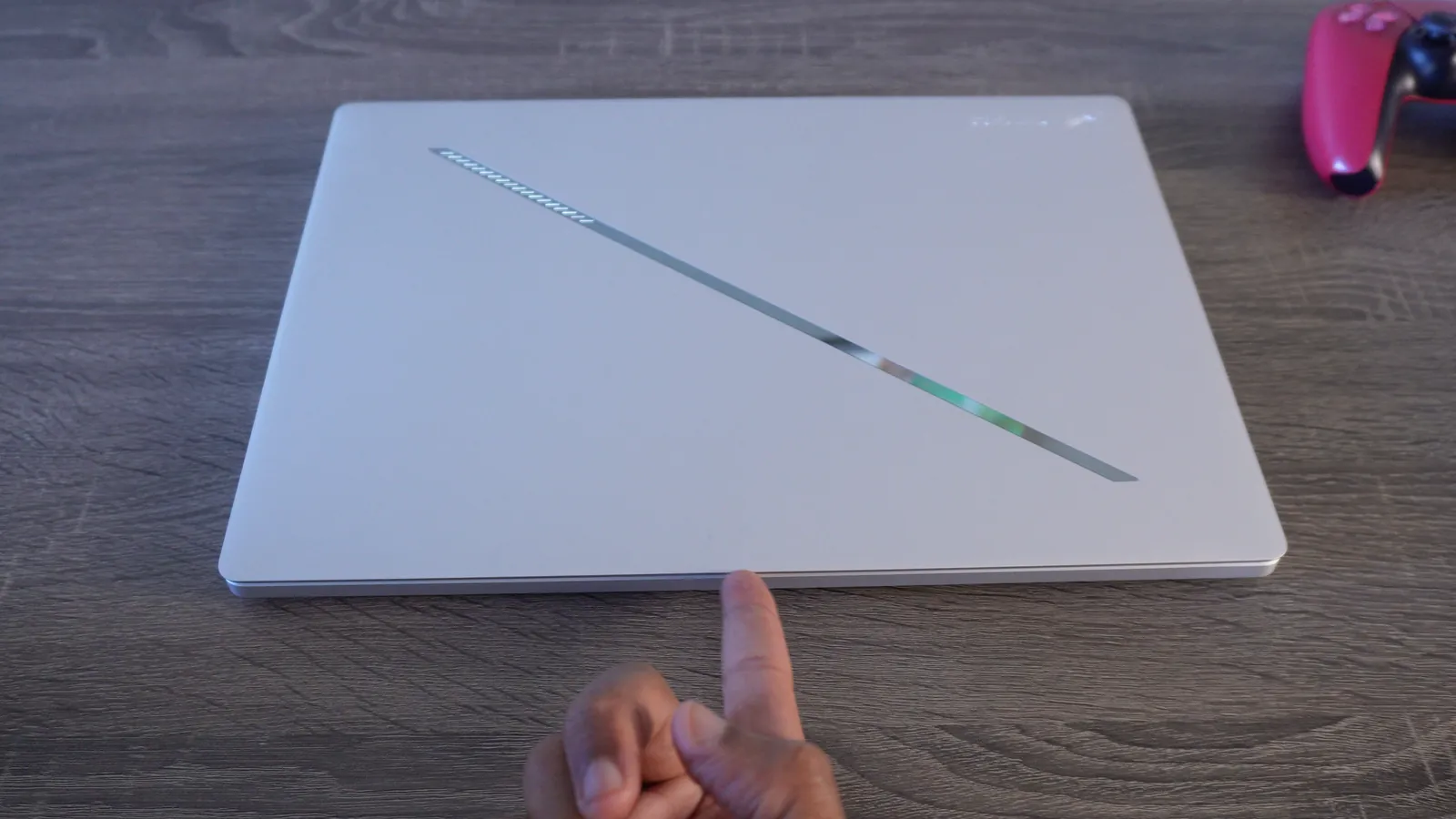
I had the Platinum White one, and I really like how clean it looks. Then you turn it on and get the Slash Lighting across the lid, which goes from 7 zones last year to 35 now. Got a meeting? You can turn it off completely, and it just looks like a nice aluminum laptop.
A few details you only notice once you use it. The lid opens with one finger: ASUS calls it the Easy Lift Hinge, and it uses torsion springs that make the lid feel lighter as you lift it. The keycaps have an anti-fingerprint coating, which matters a lot on a white deck. And the unibody chassis means I didn't notice any keyboard flex.

Ports: what each one actually does
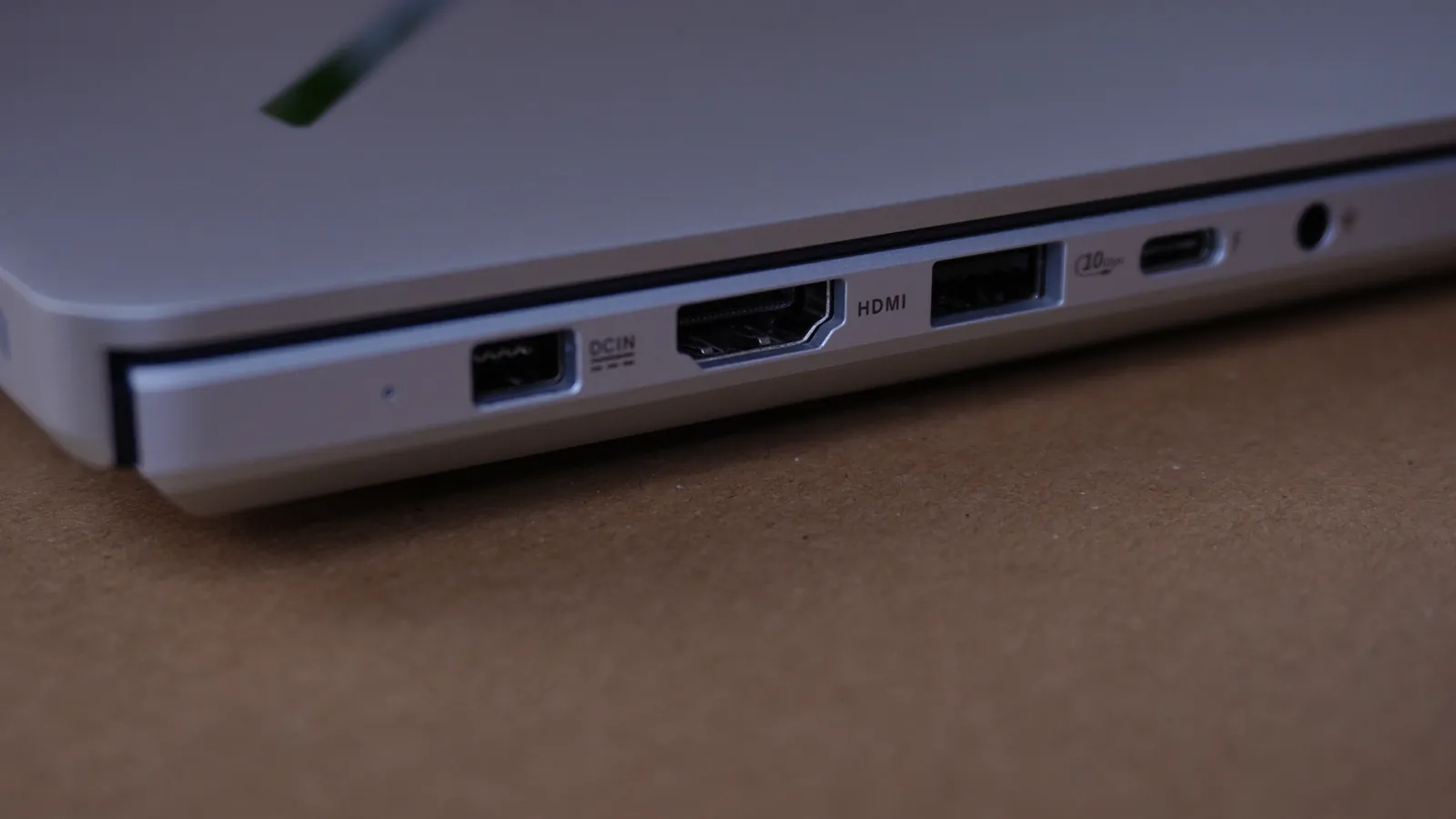
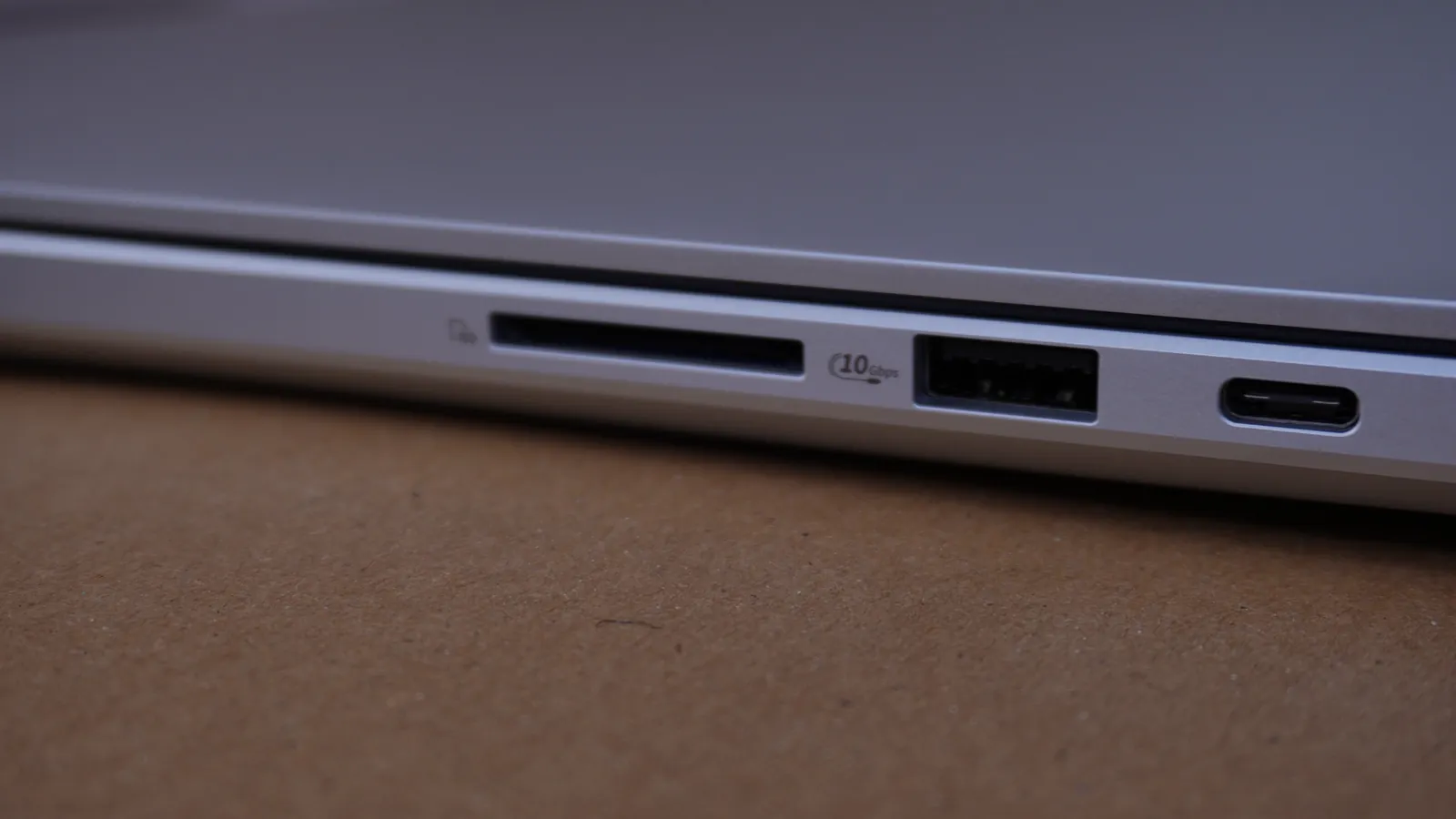
The ports make sense for how I work. HDMI 2.1 and Thunderbolt 4 are on the left. On the right, there's a full-size UHS-II SD card reader, which I love having on a shoot. You also get USB-A and USB-C on both sides. Here's what the spec sheet says each one can do:
- Thunderbolt 4: 40 Gbps data, DisplayPort 2.1 for an external monitor, and charging up to 100 W.
- USB-C (USB 3.2 Gen 2): 10 Gbps, DisplayPort 2.1 and 100 W charging too, so either USB-C port can top the laptop up in a pinch.
- 2x USB-A (USB 3.2 Gen 2): 10 Gbps each, one on each side.
- HDMI 2.1: for a TV or monitor, handy in a dorm, at a LAN or in a hotel room.
- SD card reader (UHS-II): rated up to 312 MB/s, so camera cards offload quickly without a dongle.
The OLED screen: one of my favourite things about it
This screen was one of my favourite things about the G16. It's a 16-inch 2.5K OLED, and that 240 Hz is so good. I noticed it just scrolling and moving windows around, before I even got to game on it.
On paper you get 1,100 nits peak in HDR, VESA DisplayHDR True Black 1000, and 100% DCI-P3 colour coverage. It's also calibrated to a Delta E under 1.
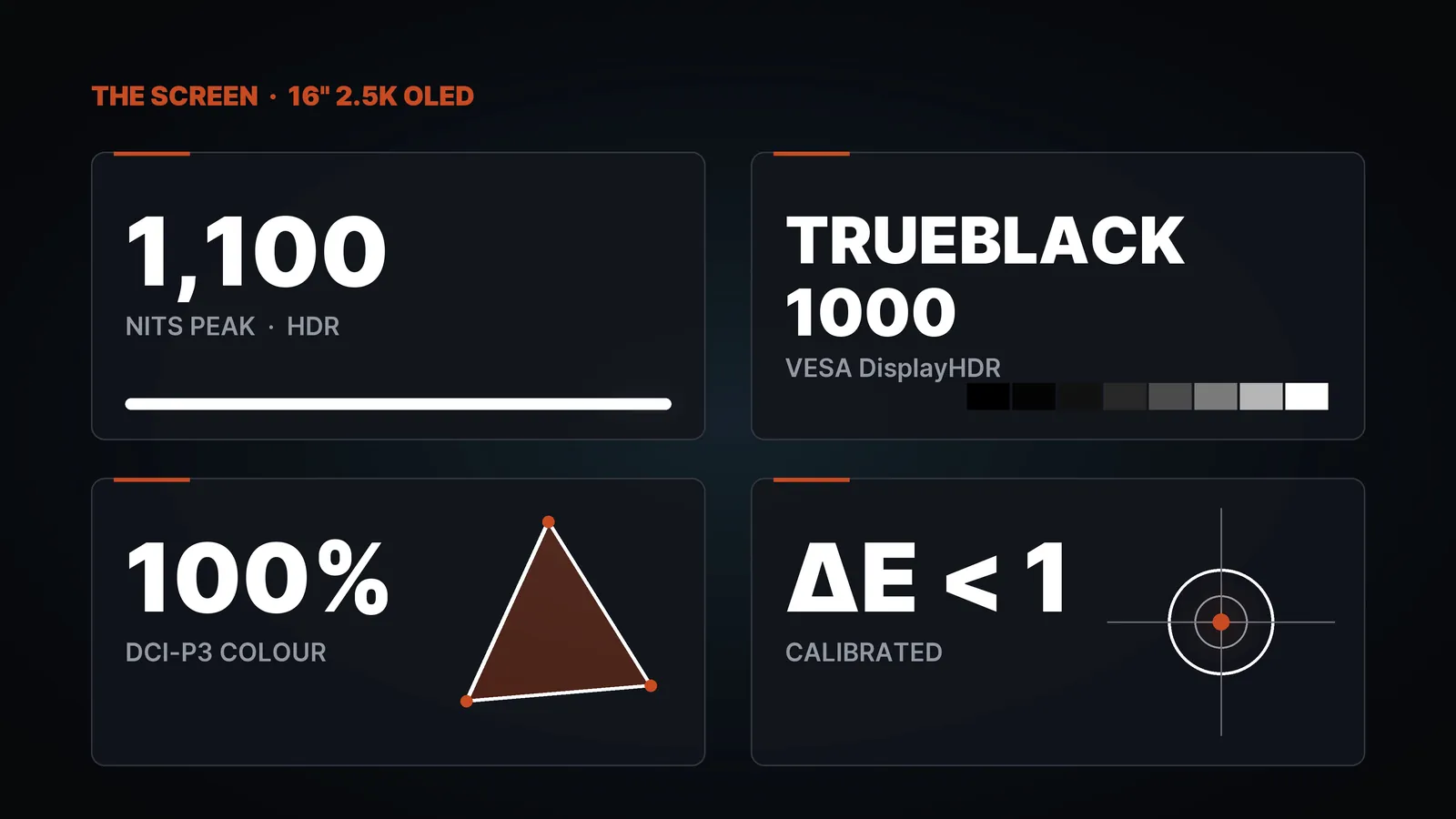
I really wanted to see how the OLED handled dark scenes. I didn't put it through a proper dark-scene test, but from what I saw, the blacks looked really nice, the screen was really sharp, everything moved smoothly, and the picture quality was really high.
When I'm editing, I want to know I can trust the colours I'm looking at. That's where this screen makes sense for my work. There's also a MUX switch with NVIDIA Advanced Optimus, so the laptop can route the screen straight to the RTX GPU for games and back to Intel graphics when you don't need the power.
Performance: what can you actually do with all this power?
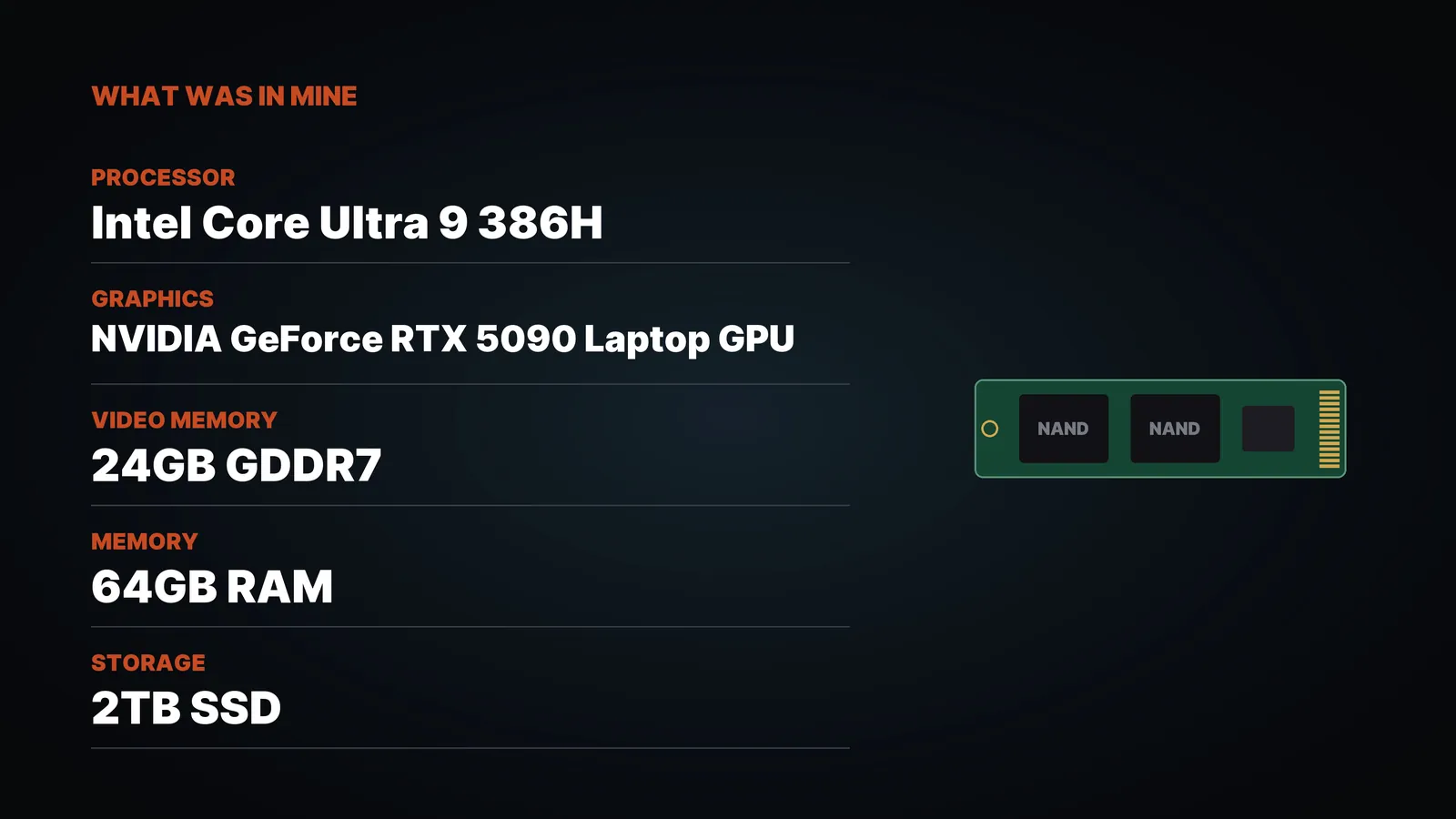
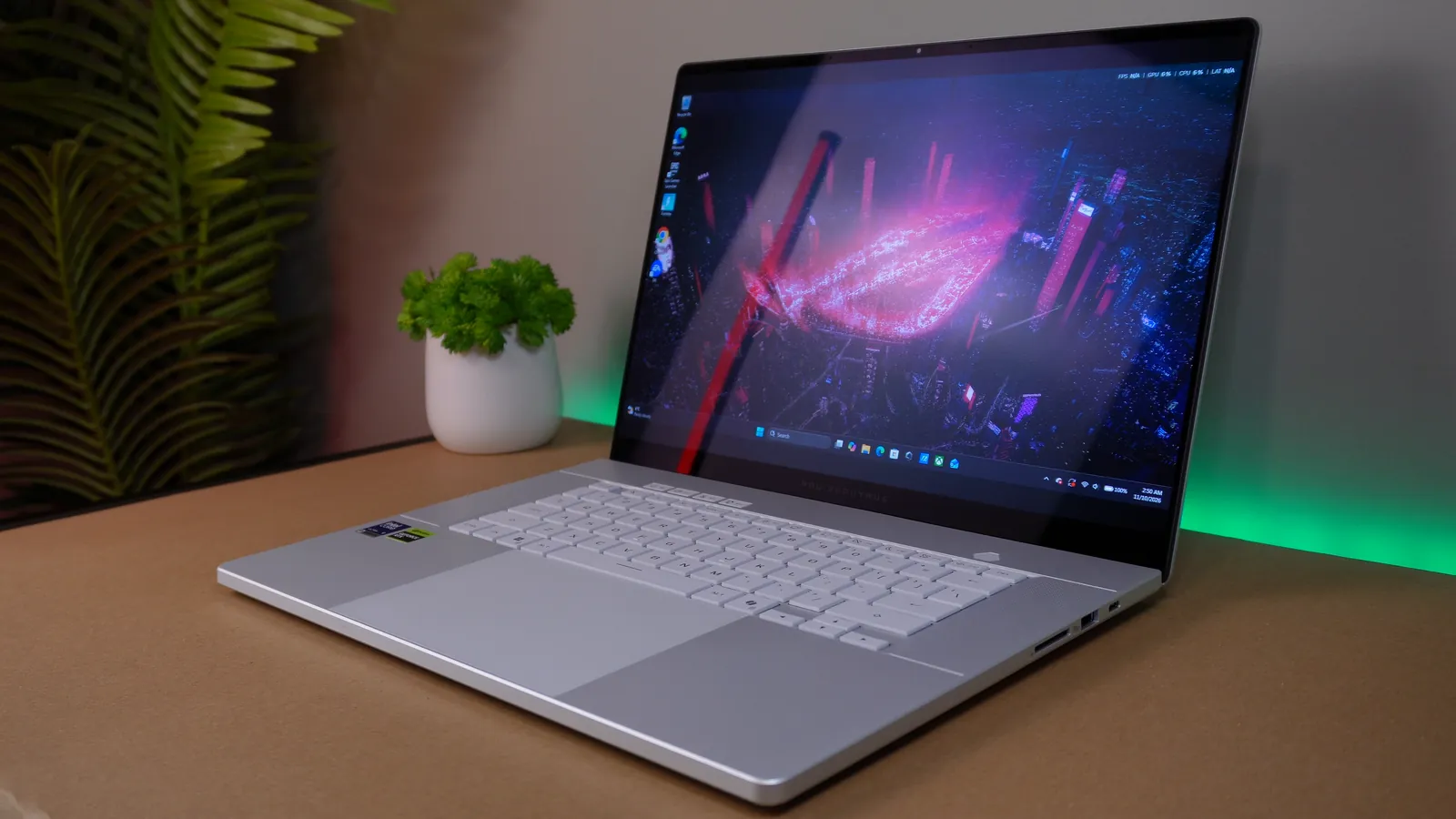
Here's what was in mine: an Intel Core Ultra 9 386H, an RTX 5090 Laptop GPU with 24 GB of GDDR7, 64 GB of RAM and a 2 TB SSD. ASUS says the GPU can run at up to 160 W TGP with Dynamic Boost in Manual mode, which is a lot of power for a chassis this thin.
I plugged it in and played Call of Duty, Gears of War: E-Day, Mortal Kombat 1 and Minecraft Dungeons. They all looked great on this screen and felt smooth to me. You've also got DLSS 4.5 and Multi Frame Generation in games that support them.



Could it run TechKitchen?
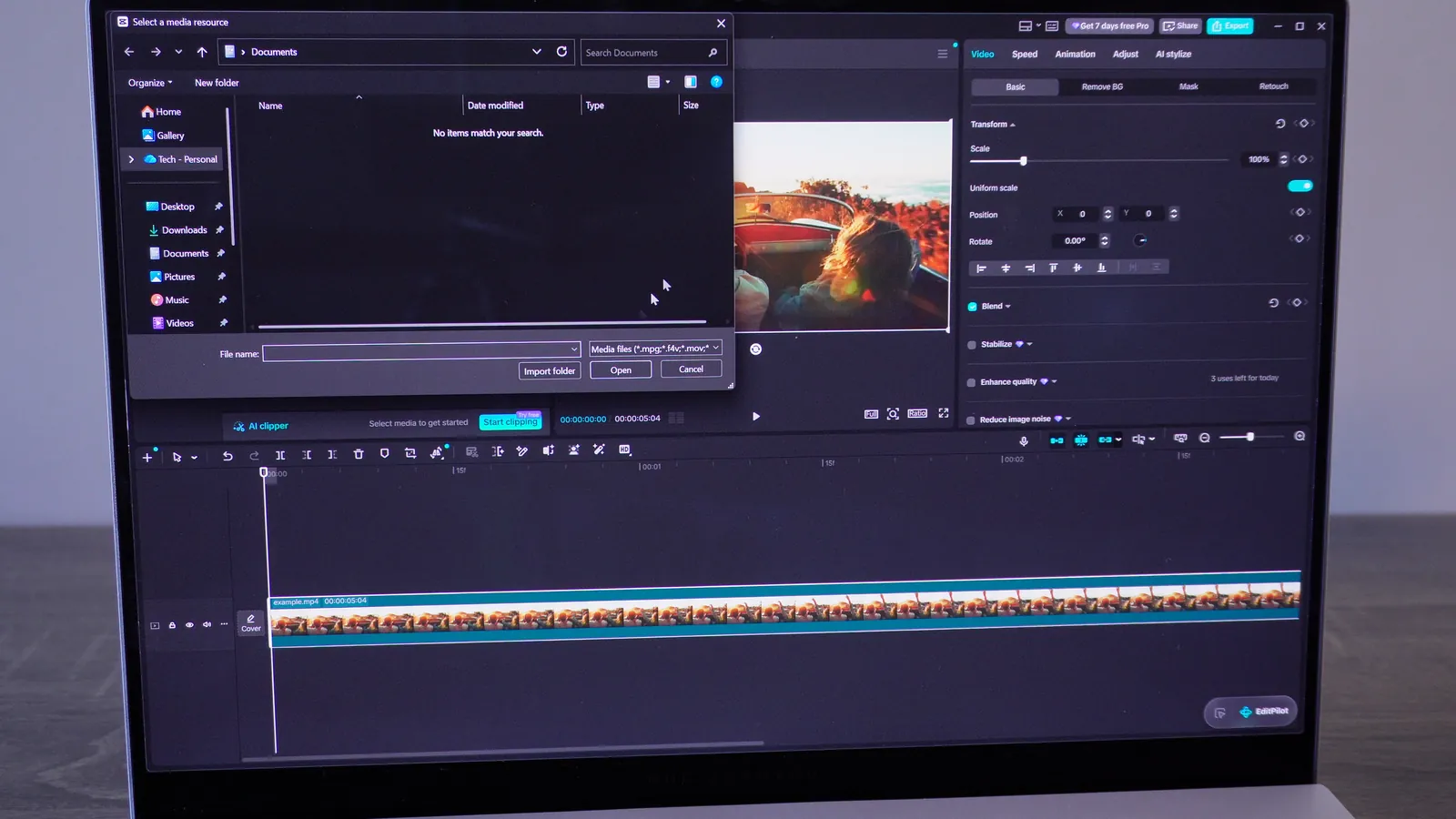
Gaming's one thing. The bigger question for me was whether I could run TechKitchen on it, so I pulled up CapCut, because that's where I edit most of my videos. Between the colour-accurate OLED, 64 GB of RAM and the SD reader, it's set up well for an editing workflow.
3D rendering and local AI: what I didn't test
You've got 24 GB of VRAM here, which is why I'd look at this configuration for 3D rendering or local AI. Bigger AI models and heavier 3D scenes need to fit in the graphics card's memory, and 24 GB is the most you can get in a G16. There's also a 50 TOPS NPU for Copilot+ PC features.
I'll be upfront though: I didn't test 3D rendering or local AI in the two weeks I had it. If that's why you're buying, look for dedicated tests before you spend this much.

Cooling and noise: does it get hot or loud?
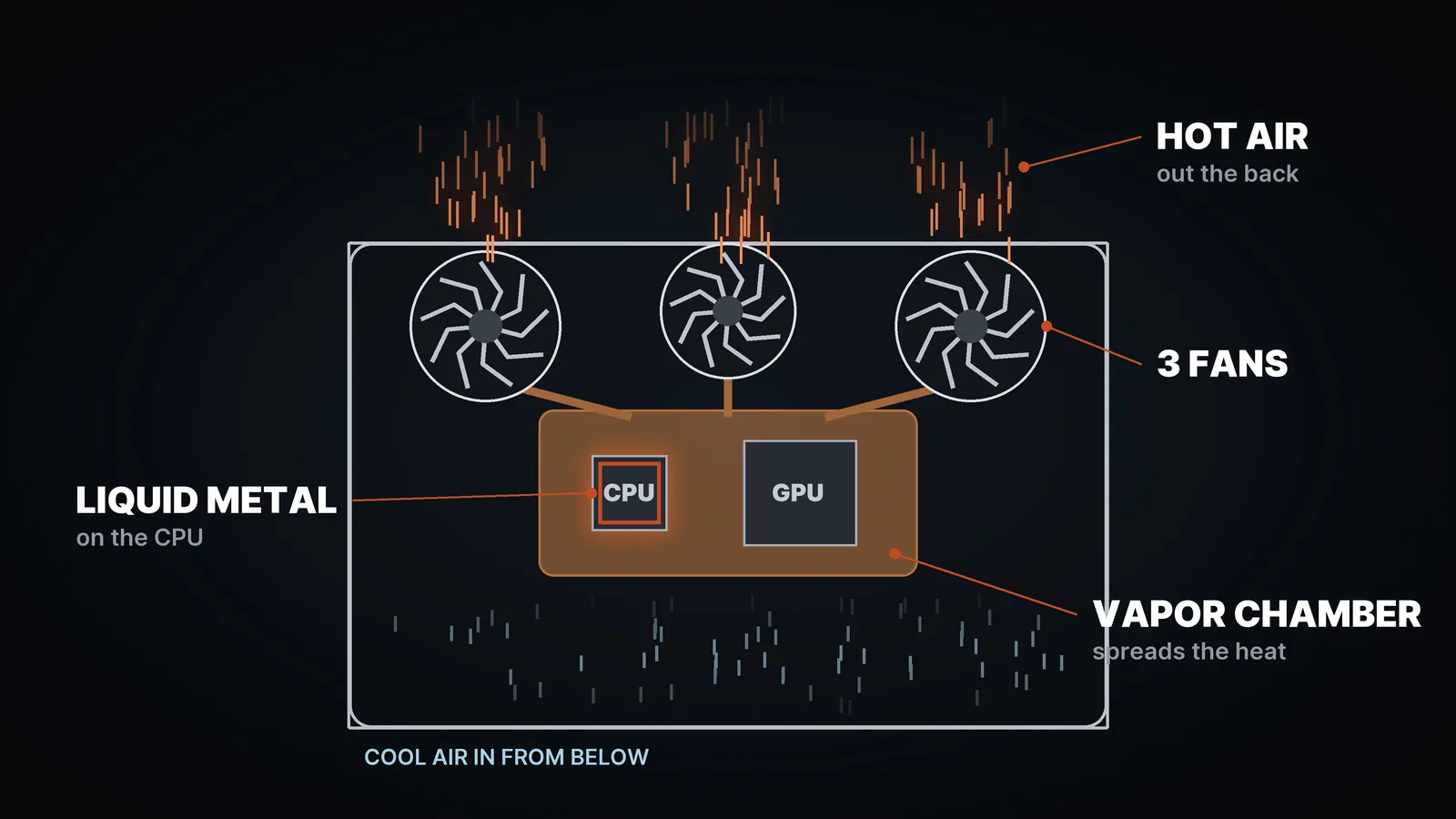
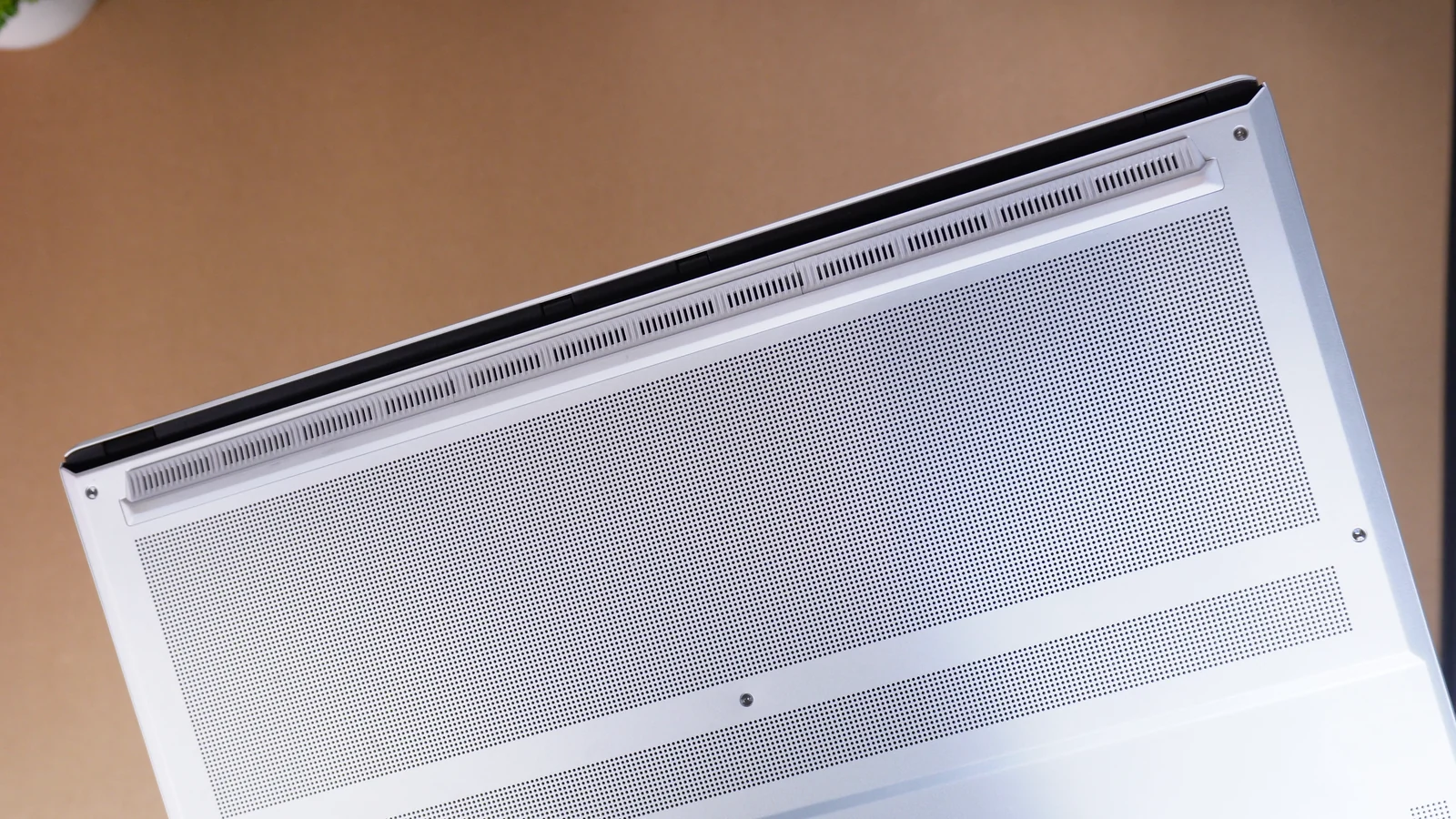
All that power has to go somewhere. ASUS uses liquid metal on the CPU, a vapor chamber (ASUS says it covers 44% of the internal area on Intel models) and three fans. The hot air gets pushed down and out the back, away from the screen, and there's a fine dust filter in front of the fans.
I really like having the power profiles in Armoury Crate. They change how much power the CPU and GPU can pull and how the fans respond:
| Mode | What it's for |
|---|---|
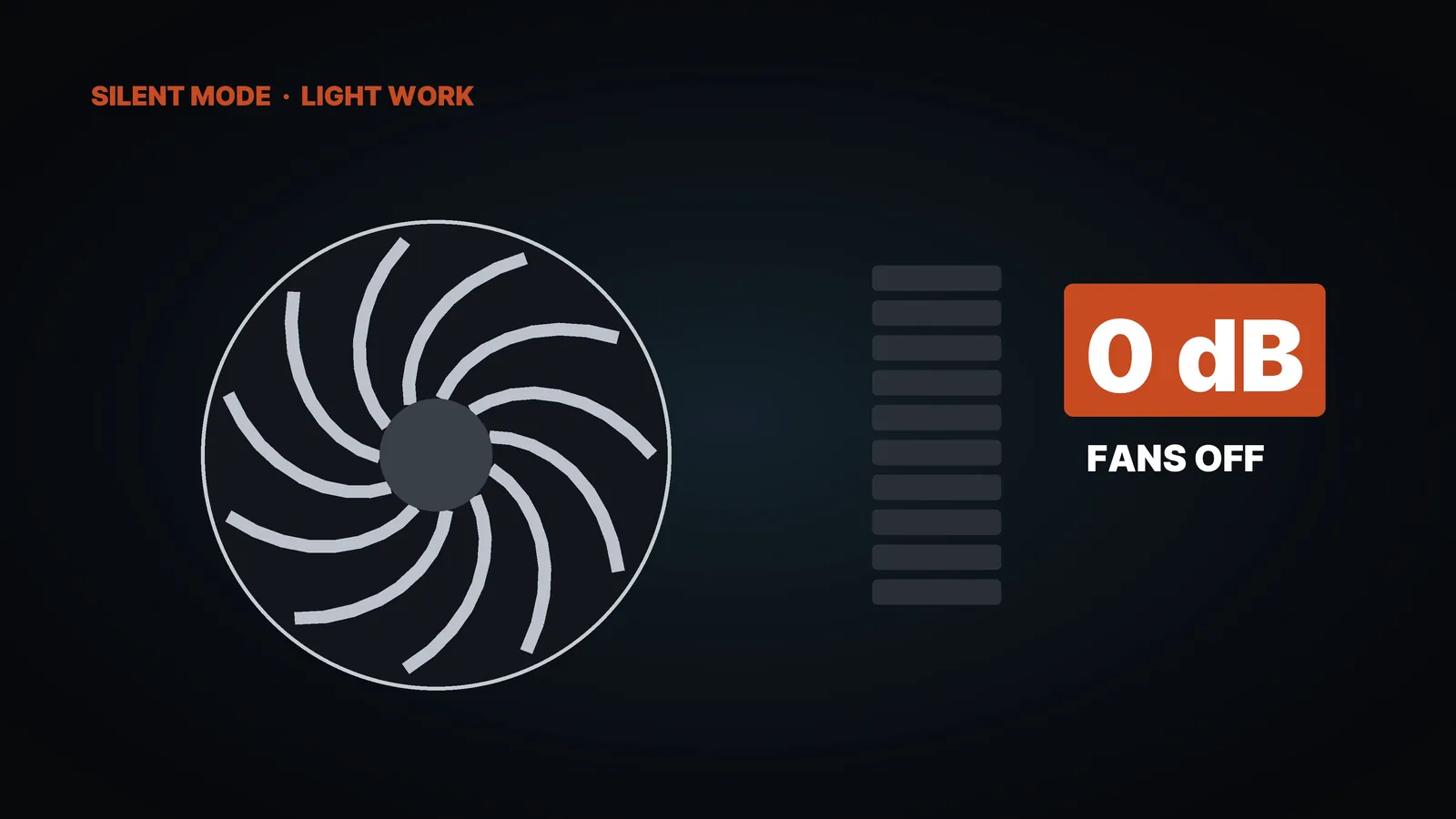
| Silent | Light work. The fans can switch off completely (ASUS calls it 0 dB Ambient Cooling) and turn back on if temperatures climb. |
| Performance | The balanced middle ground for most gaming and creative work. |
| Turbo | The most power, and the most fan noise, for heavy games and exports. |
| Manual | Set your own limits and fan curves. This is where the RTX 5090 reaches up to 160 W with Dynamic Boost. |
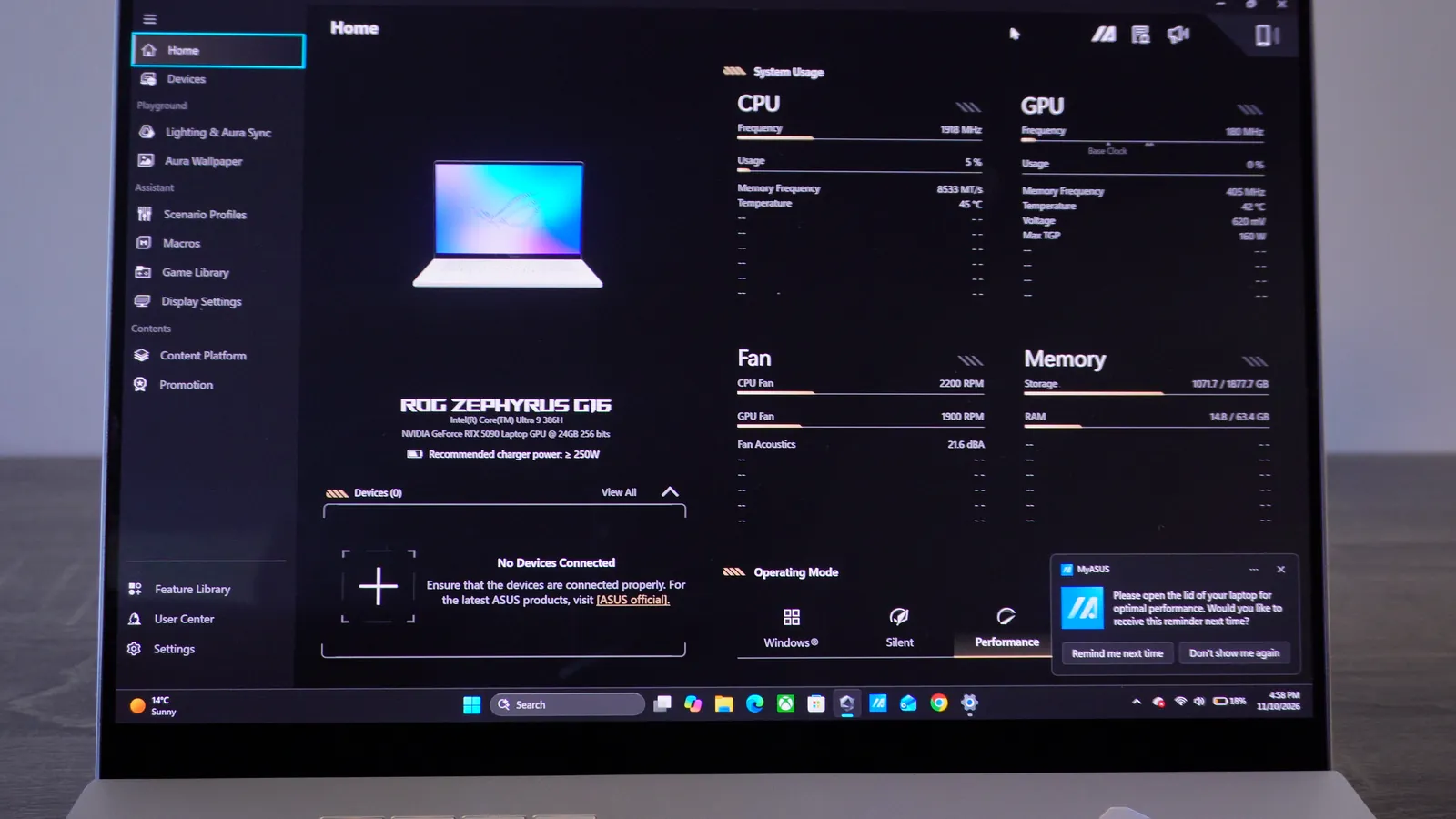
My take: when the fans kick in, it does get a little bit loud, but it's definitely not annoying loud. In Silent mode for light work, it's quiet enough that you can just get your work done.
Battery and charging: the one compromise
Here's the compromise. When I actually played games unplugged, I got about an hour, maybe two hours max, before I had to plug back in. That's the reality of an RTX 5090 in a laptop: it needs the wall. So if I'm sitting down for a proper gaming session on this thing, I'm bringing the charger.
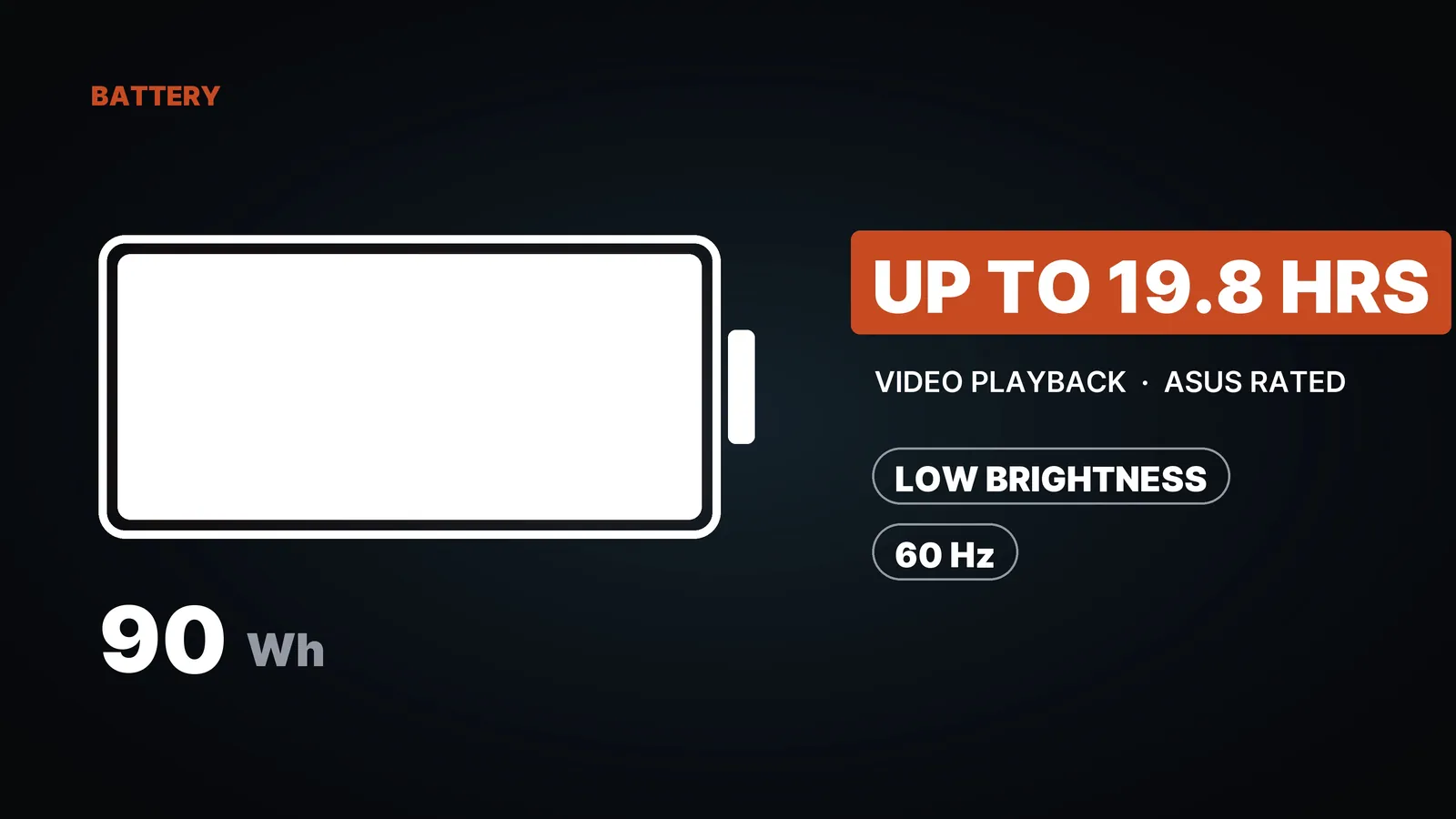
Lighter work is a different story. There's a 90 Wh battery, the largest a laptop can be and still be allowed on most flights. ASUS rates it for up to 19.8 hours of video playback at low brightness and 60 Hz, and up to 15.2 hours of web browsing. Those are ASUS's best-case numbers, so expect less with the screen brighter or the refresh rate at 240 Hz.
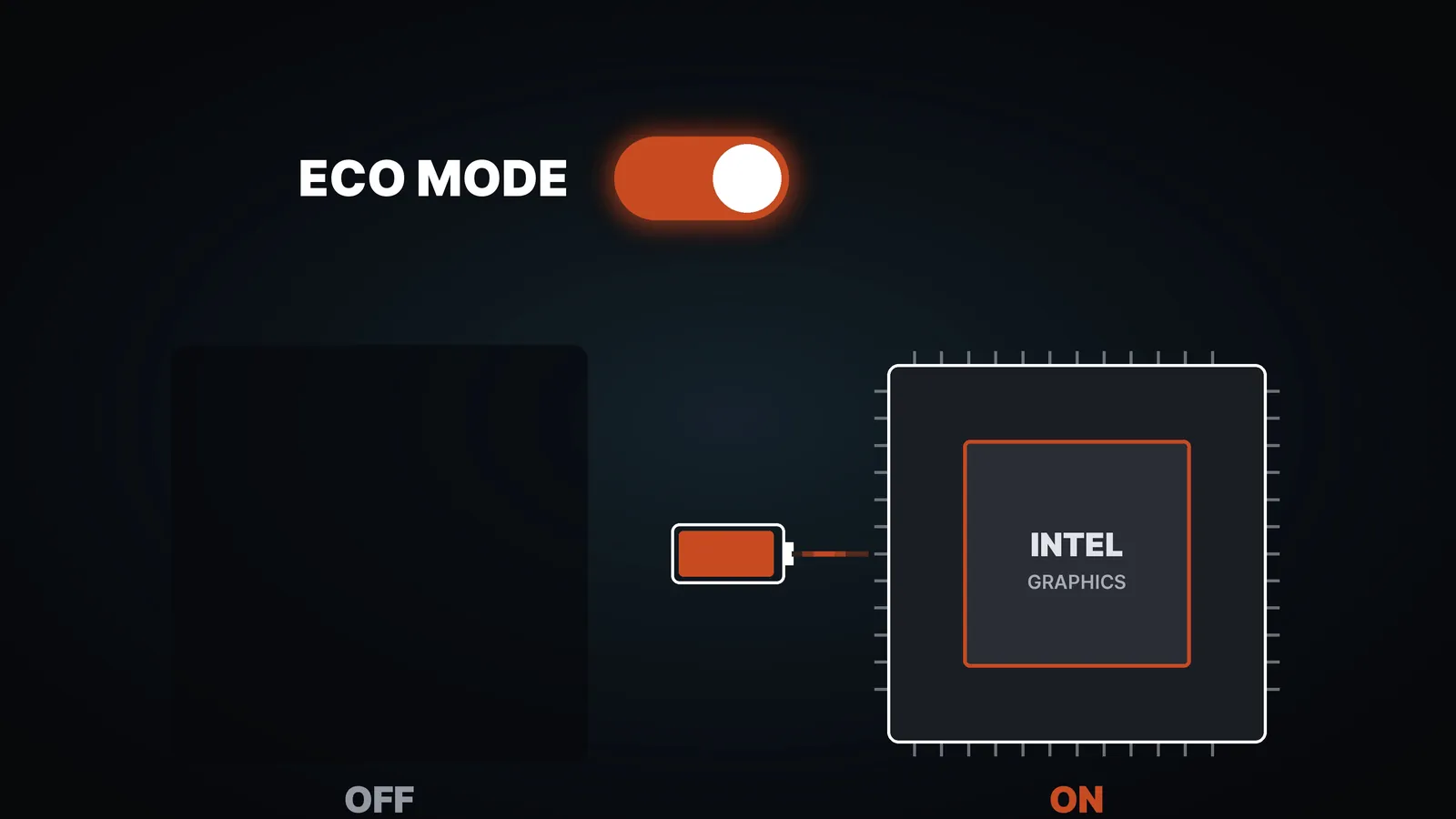
The best thing you can do for battery is Eco mode, my favourite setting on this laptop. It switches the RTX 5090 off completely and lets the Intel graphics take over. That's really useful when I'm out and just trying to get some work done.
Fast charging is what makes it easy to live with
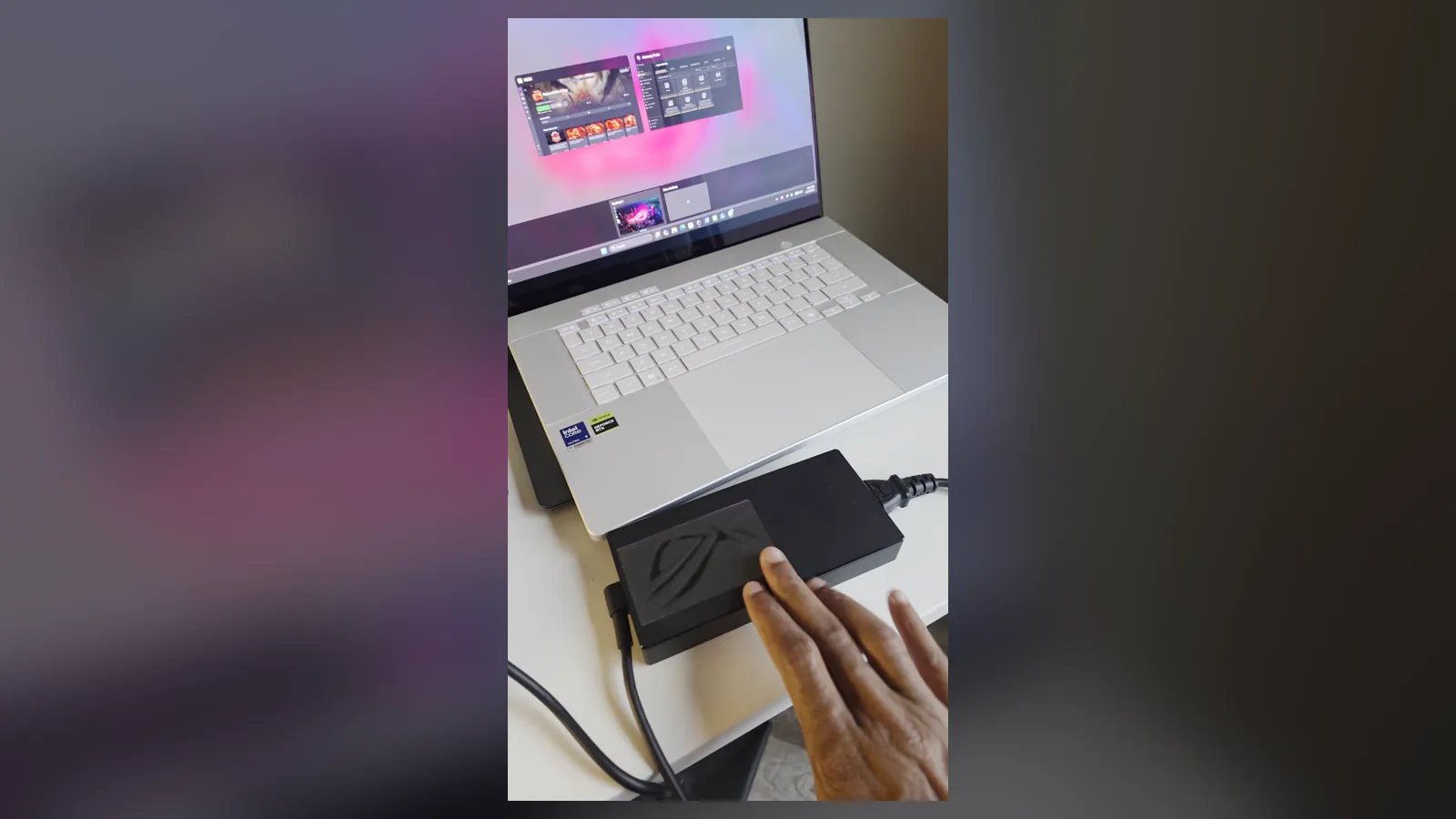
It's a 250 W adapter, and ASUS says 50% in about 30 minutes. I tested this myself: I plugged it in completely dead and switched off, and after 30 minutes it was at about 52%. So it actually beat ASUS's number, and that's a decent top-up over a coffee. Either USB-C port can also charge the laptop at up to 100 W with a smaller USB-C charger, which is slower but handy when you travel light.
Keyboard, camera, speakers and the everyday stuff
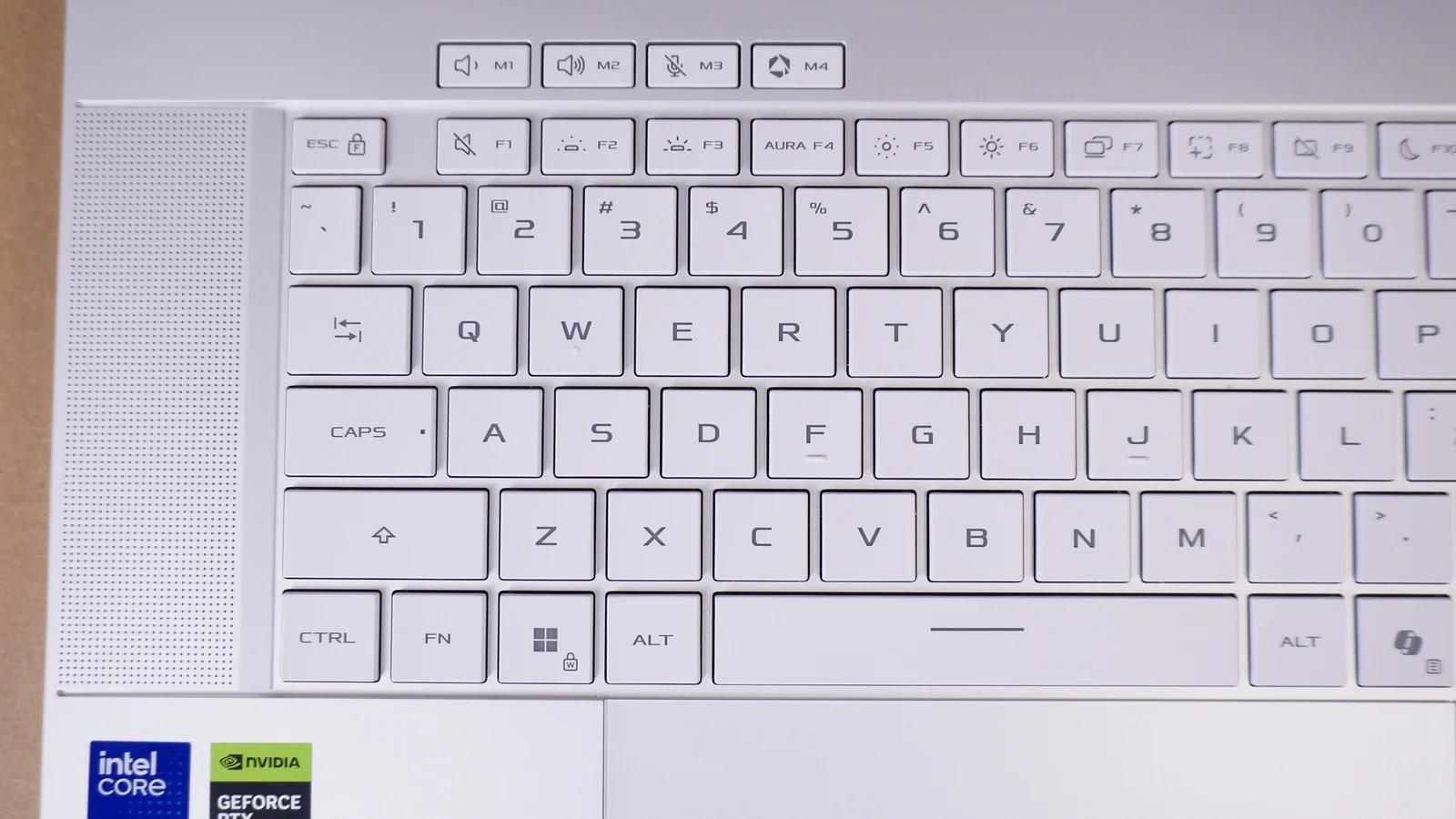
I love this keyboard. The keycaps resist fingerprints, there's no flex, and I like the hotkeys up top. ASUS lists 1.7 mm of key travel. You also get Wi-Fi 7, Bluetooth 6.0, a 1080p IR camera for Windows Hello face login, and six speakers: two tweeters and four woofers.

Who I'd actually tell to buy it
Okay, so who would I actually tell to buy this? I think it makes sense for four kinds of people.
The creator who games
That's me. Colour-accurate OLED, 24 GB of VRAM, an SD reader and Thunderbolt. Edit during the day, game at night, one bag.
The one-laptop-for-everything person
Bring it into meetings, use Silent mode to keep it quiet, and Eco mode to save battery.
The gamer who moves around
A dorm, a LAN, a hotel room. Plug into a TV over HDMI 2.1 and top up fast between sessions.
Developers and local AI
This is the configuration I'd look at for the 24 GB of VRAM and 64 GB of RAM.

Who should skip it
- If you want to game for hours unplugged, I'd pass. No RTX 5090 laptop is going to do that.
- If price is the issue, you can get the same body and the same OLED with an RTX 5060 or 5070. The 5060 starts at $4,099 CAD.
- If you only game at your desk, I'd put that money into a desktop.
Final verdict: can it be the one laptop for everything?
You'll actually use what you're paying for
- You edit and game on the same machine.
- You want the most VRAM and RAM in a bag-friendly laptop.
- You're fine plugging in for long gaming sessions.
Battery gaming or a tight budget matters most
- You want hours of gaming away from a plug.
- A G16 with an RTX 5060 or 5070 covers what you play.
- You only game at a desk (get a desktop).
For me, it comes down to how long you can game away from a plug, and that 250 W charger makes it way easier to live with. I would have loved to spend more time with it. But if you're one of those four people, and you'll actually use what you're paying for, this is easy to put on your list.
Frequently asked questions
How much is the 2026 ROG Zephyrus G16 in Canada?
ASUS Canada lists MSRPs of $4,099 CAD for the RTX 5060 model, $4,499 for the RTX 5070, $4,999 for the RTX 5070 Ti, $6,999 for the RTX 5080 and $7,699 for the RTX 5090 I reviewed. Retailer prices and sales change, so check before you buy.
How long does the Zephyrus G16 battery last when gaming?
In my use, gaming unplugged lasted about an hour, maybe two at most. For lighter work it's much better: ASUS rates the 90 Wh battery for up to 19.8 hours of video playback at low brightness and 60 Hz. Eco mode, which turns the RTX GPU off, helps the most.
How fast does the Zephyrus G16 charge?
ASUS says 50% in about 30 minutes with the included 250 W adapter. In my test, from completely dead and switched off, it reached about 52% after 30 minutes. Both USB-C ports can also charge it at up to 100 W.
Is the Zephyrus G16 loud?
When the fans kick in under load it gets a little bit loud, but not annoying loud in my experience. In Silent mode for light work the fans can switch off completely.
Can you upgrade the RAM in the 2026 Zephyrus G16?
No. The RAM is soldered LPDDR5X-8533, so buy the amount you need up front. Storage is upgradeable: ASUS lists two M.2 2280 PCIe 4.0 slots.
Is the RTX 5090 worth it over the cheaper G16 models?
Only if you'll use the 24 GB of VRAM and 64 GB of RAM, for heavy editing, 3D work or local AI. Every G16 has the same 240 Hz OLED and body, and the RTX 5060 model starts at $4,099 CAD, so most gamers should start lower in the lineup.
How thin and heavy is the Zephyrus G16?
The RTX 5070 Ti, 5080 and 5090 models are 1.49 to 1.79 cm thick and weigh about 1.95 kg. The RTX 5060 and 5070 models are 1.49 to 1.64 cm and about 1.85 kg.