Tech News
Samsung Galaxy Tab S10 Ultra: Is Samsung's First AI Tablet Actually Worth It?
TechKitchen Editor · January 25, 2025
I have torn apart enough Samsung tablets in the shop to know when the hardware matches the hype. Samsung calls this their first AI-ready tablet and for once, the features actually back that up. Here is the real breakdown.
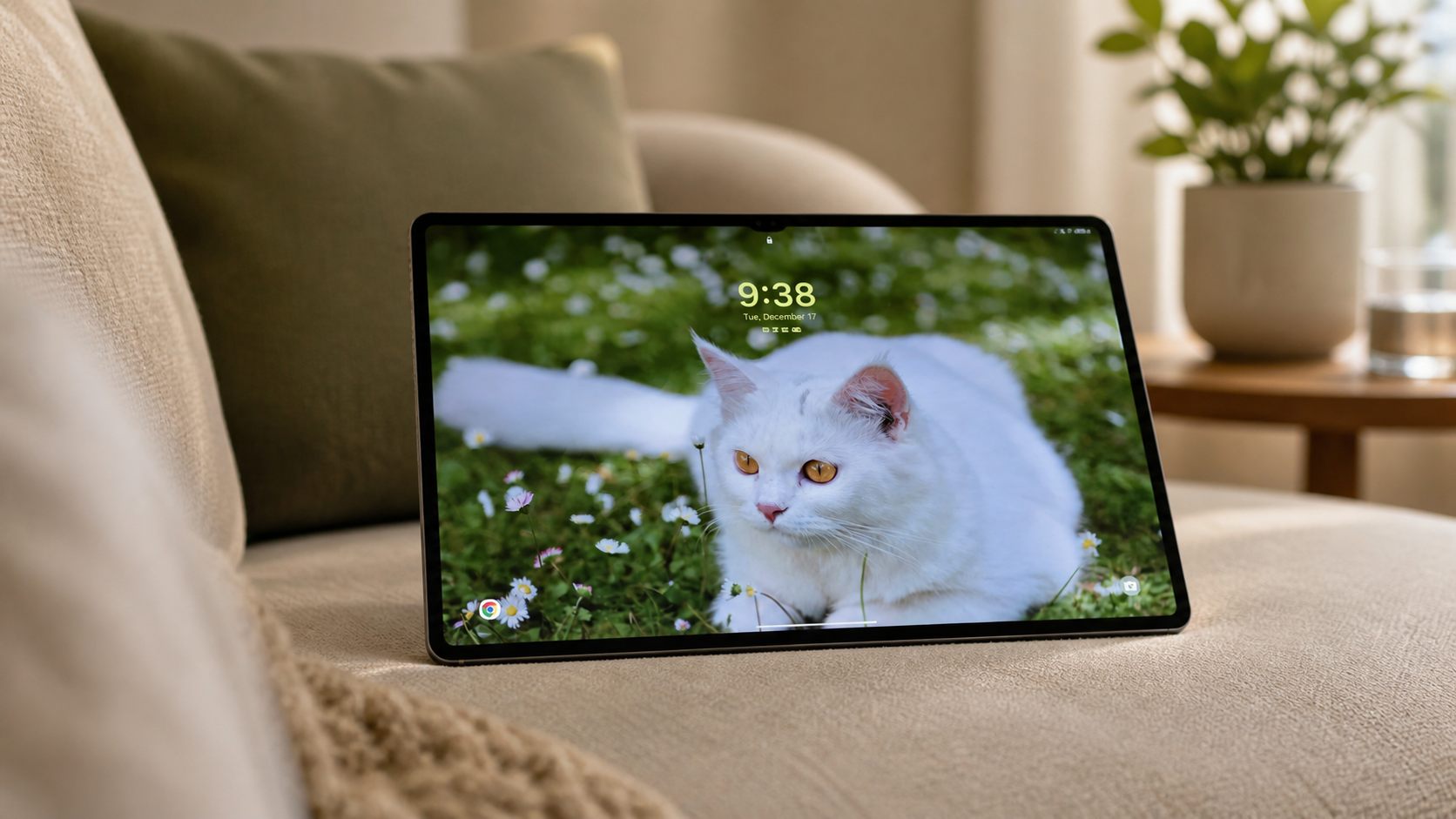
Samsung Galaxy Tab S10 Ultra: Is This the Most Ambitious Tablet Samsung Has Ever Built?
Welcome back to TechKitchen. Gus here.
I have spent a lot of time tearing apart Samsung tablets in the repair shop, so when Samsung comes out and says this is their first tablet purposefully built for AI, I pay attention to what that actually means in the real world, not what it means in a press release.
Here is the honest breakdown of the Galaxy Tab S10 Ultra.
That Screen Is Not a Gimmick
The 14.6-inch Dynamic AMOLED 2X display is the main event and it earns that title. 120Hz refresh, deep contrast, and the kind of brightness that holds up outdoors. But the detail that impressed me most is the built-in anti-reflection technology. This is not a coating they slapped on top. Samsung built the anti-reflective property into the panel itself. If you have ever tried using a big tablet outside and felt like you were looking at your own face instead of your content, this is the fix.
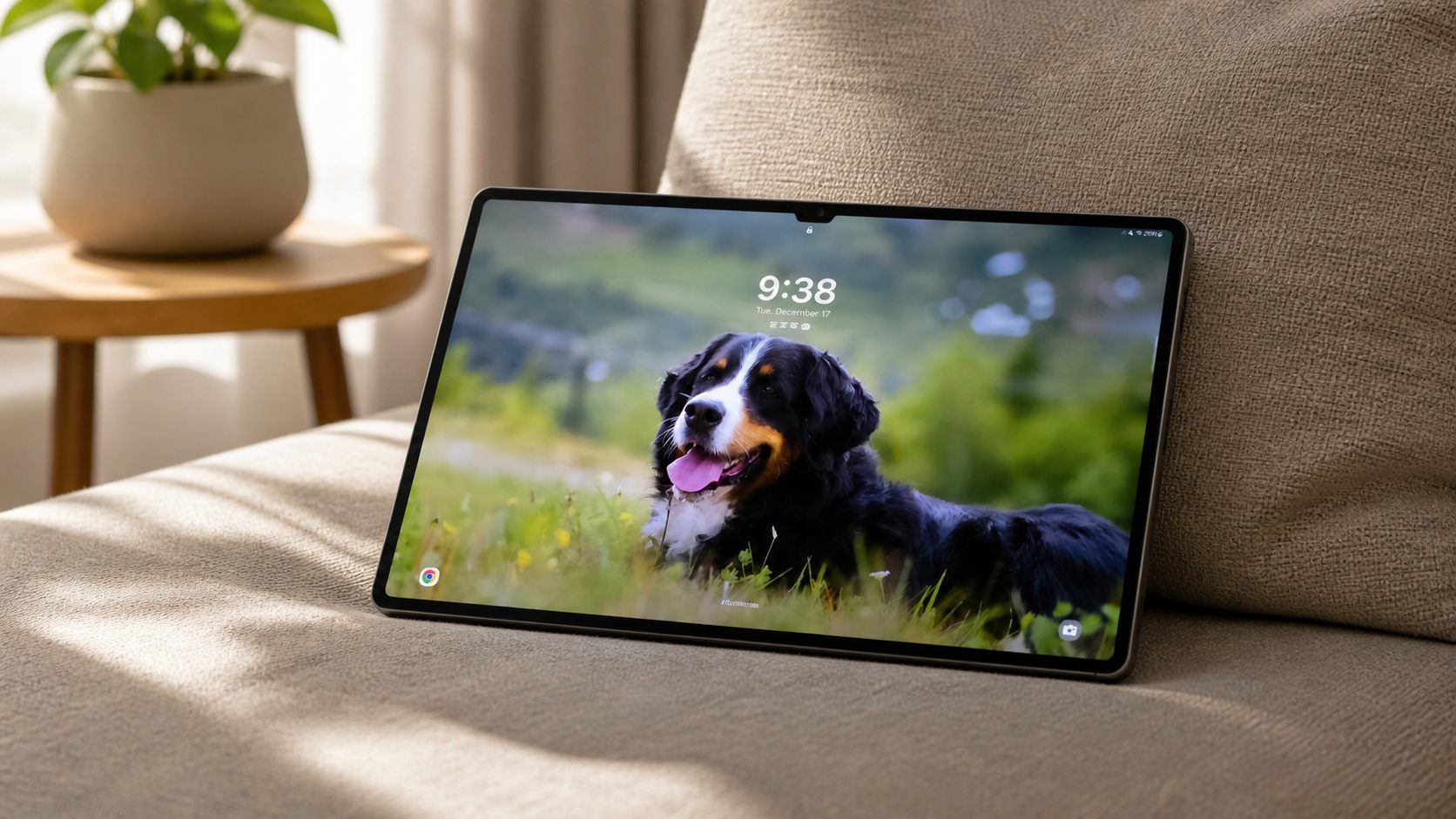
Pair that with a quad speaker system that uses AI-powered Dialogue Boost to pull voices out of background noise, and media consumption on this thing is legitimately excellent. The kind of excellent that makes you stop reaching for your TV remote.
Performance: An 18% CPU Bump That Actually Shows Up
The Tab S10 Ultra runs the MediaTek Dimensity 9300+ with an 18% CPU increase, 28% GPU boost, and 14% NPU improvement over the S9 Ultra. Those are not just spec sheet numbers. The NPU jump is what powers the AI features and the difference is real when you are using Note Assist, running live translations, or doing anything that asks the tablet to think on its feet.
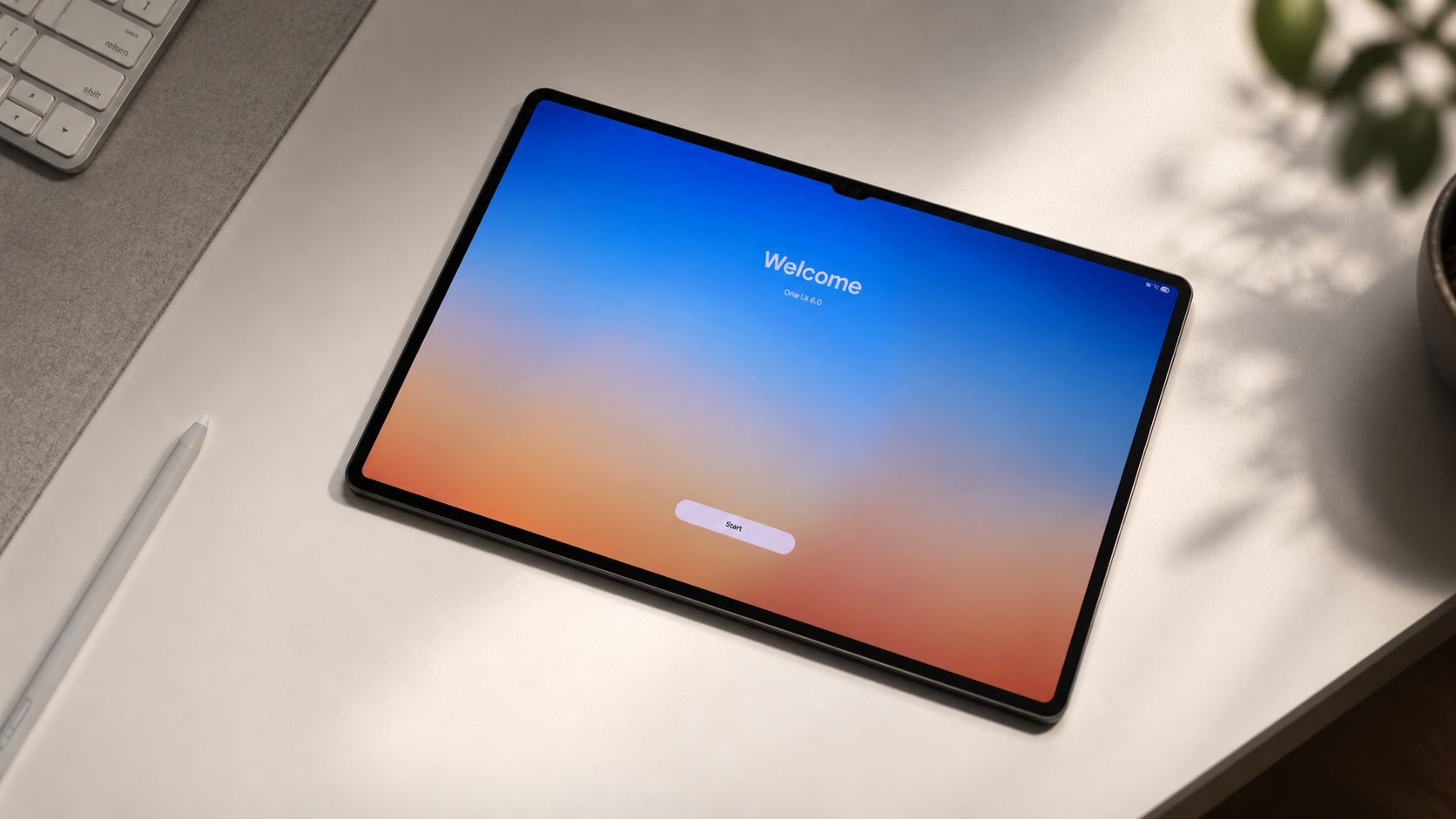
For everyday use, switching between apps, keeping a bunch of browser tabs alive, running creative tools side by side, the S10 Ultra stays smooth. I have repaired enough tablets to know that thermal management is often the thing that kills the experience on cheaper hardware. Samsung kept this one under control.
Galaxy AI: Here Is What Actually Changes Day to Day
Samsung calls this their first AI-ready tablet and the features back that up.
Note Assist is the one I keep coming back to. You take handwritten or typed notes with the S Pen and it automatically transcribes and summarizes them. For students and professionals who live in meetings, this is genuinely useful. Handwriting Help also cleans up messy handwriting automatically, which for some people is a bigger feature than it sounds.
Sketch to Image is exactly what it sounds like. You sketch something rough with the S Pen and Galaxy AI turns it into a polished image. Good for content creators, great for anyone who has an idea but cannot draw.
PDF Overlay Translation lets you point the tablet at a PDF in another language and get an on-screen overlay translation without leaving the document. As someone in a diverse city like Kitchener, this is more practical than most reviewers give it credit for.
Circle to Search is already familiar from Galaxy phones, but on a 14.6-inch screen it just works better. Circle anything, search without switching apps. Samsung also added multi-speaker transcription that can identify different voices in a recording and attribute them separately. If you run meetings or interviews, that one is a game changer.
The S Pen and Book Cover Keyboard: The Productivity Stack
The S Pen ships in the box, IP68 rated, BLE connected, and it integrates with Air Command with AI so you get access to Galaxy AI features without digging through menus. The feel is tight, low latency, and pressure sensitive the way a proper stylus should be.
The Book Cover Keyboard sold separately adds a dedicated Galaxy AI Key that lets you prompt AI features with written input, and you can choose between Bixby and Google Gemini. That customization choice matters more than it sounds if you are already deep in the Google ecosystem.
Together these two accessories turn the Tab S10 Ultra into something that genuinely competes with a laptop for a meaningful chunk of daily work.
The SmartThings Angle
This is the part that surprises people. The Tab S10 Ultra doubles as a smart home hub with a 3D Map View that gives you a visual layout of your home and all your connected SmartThings devices. You can control everything from that big screen, monitor energy usage, and set up routines. If you already run Samsung smart home gear, having a dedicated 14-inch control panel is a genuinely different experience from doing it on your phone.
Built Like It Means It
IP68. Enhanced Armor Aluminium frame. The inbox S Pen is also IP68. This is a premium device and Samsung built it to handle being treated like one. Not that you should be dropping it in water, but it can take real life.
Battery: 11,200 mAh with 45W fast charging. I consistently got through full heavy use days without watching the percentage bar. The 45W charging is fast enough that a quick session while you grab lunch gets you back into comfortable territory.
So Who Actually Needs This?
This is for you if
- You want the most capable Android tablet available, full stop.
- You take handwritten notes and want AI to actually do something useful with them.
- You create content, sketch, edit, or annotate documents professionally.
- You are in the Samsung ecosystem and want a device that connects everything.
Look elsewhere if
- Portability is your top priority. This thing is big and it is meant to be big.
- You only use a tablet for streaming and light browsing. There is a lot of tablet here for simple needs.
- Budget is the main factor. The accessories add up fast.
Final take
The Galaxy Tab S10 Ultra is the most complete Android tablet Samsung has built. The display is exceptional, the AI features are actually useful rather than just being there for the marketing deck, and the S Pen experience is still something nobody else is doing at this level. If you are going to spend serious money on a tablet, this is the one that justifies it.