Technology
Google Pixel Tag Review: Do You Need a Pixel Phone?
TechKitchen Editor · November 20, 2026
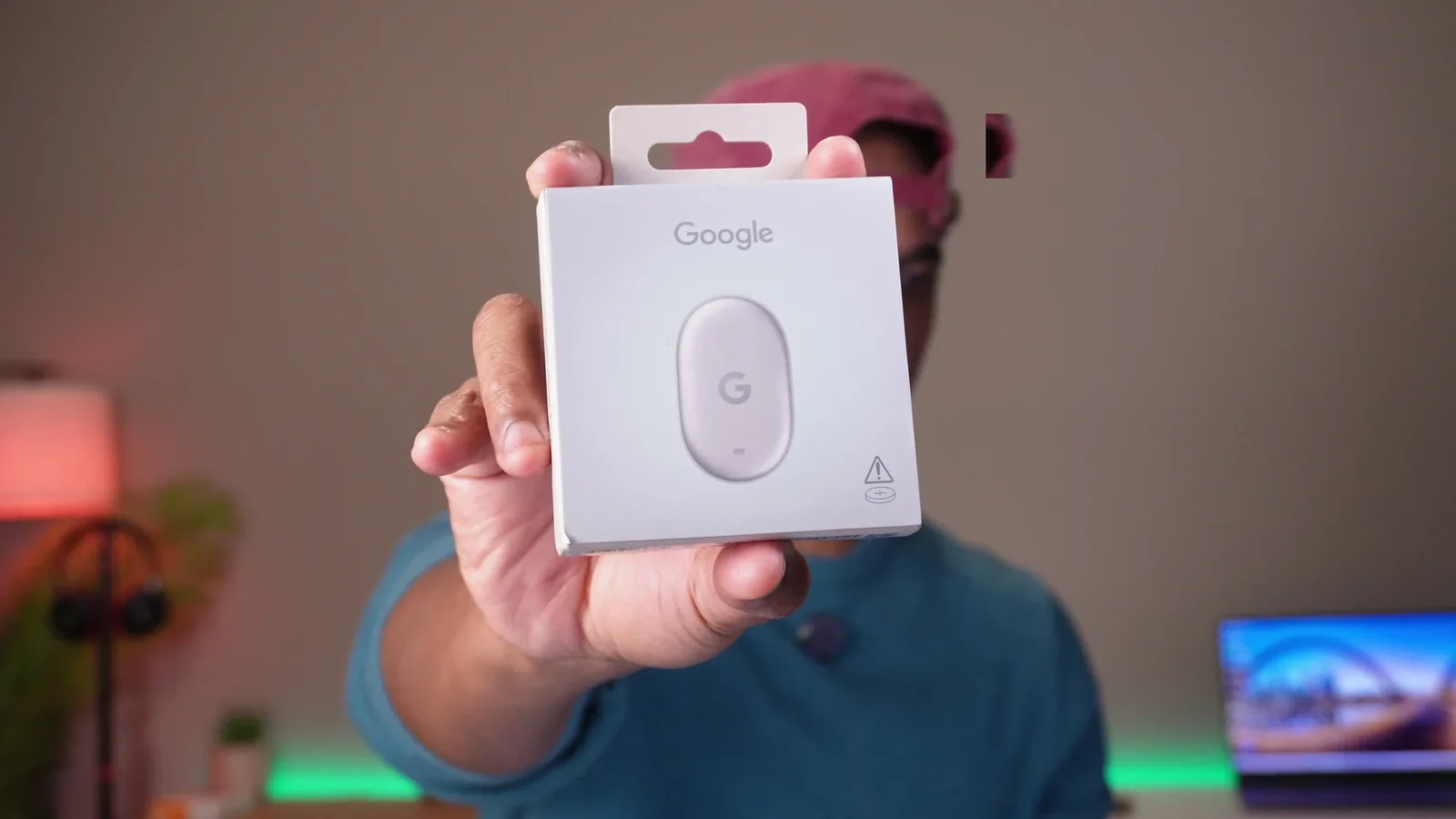
Do you need a Pixel phone for the Google Pixel Tag? I set it up, connected it to a Pixel 11 Pro XL and tested ringing, Find Nearby and a hidden-under-a-cushion search. Here's how it works, what it costs in Canada and who should buy it.
This post contains Amazon affiliate links. If you buy through them, I may earn a small commission at no extra cost to you.
How this was tested: I unboxed the Google Pixel Tag, paired it with a Pixel 11 Pro XL and ran ring and Find Nearby tests inside my apartment. I have not yet tested how it updates when an item is lost away from home, so anything about long-range tracking below comes from Google, not from my results.
We've all been there. You're about to walk out the door, your keys are nowhere, and you start tearing the couch apart.
The Google Pixel Tag is built for exactly that moment. It's a small Bluetooth tracker that lives in Google's Find Hub, and it can ring, point you toward your stuff and show where it was last seen.
This review answers the five questions that matter before you buy one: what it is, why you'd need one, whether you need a Pixel phone, how it actually finds things, and whether it's worth the money.
The short answer
- You do not need a Pixel phone. Google lists the Pixel Tag as working with Android 9 or newer.
- The direction arrows need an Ultra Wideband (UWB) phone. Without UWB, the Tag still rings and shows a last known location, just without the precise on-screen guidance.
- Nearby finding works well. In the open it was loud and easy to hear. Under a cushion it was quieter, but I still found it.
- It's not live GPS. Away from home, it relies on other Android devices nearby to report a last known location.
- Price in Canada: CA$39.99 for one, or CA$149 for a 4-pack at the time of recording. Budget extra for a key holder, because one isn't included.
What exactly is the Google Pixel Tag?
It's a small tracker for things you don't want to lose, like your keys, a bag or a wallet. Once it's set up, it shows up in Google's Find Hub app alongside your other devices.
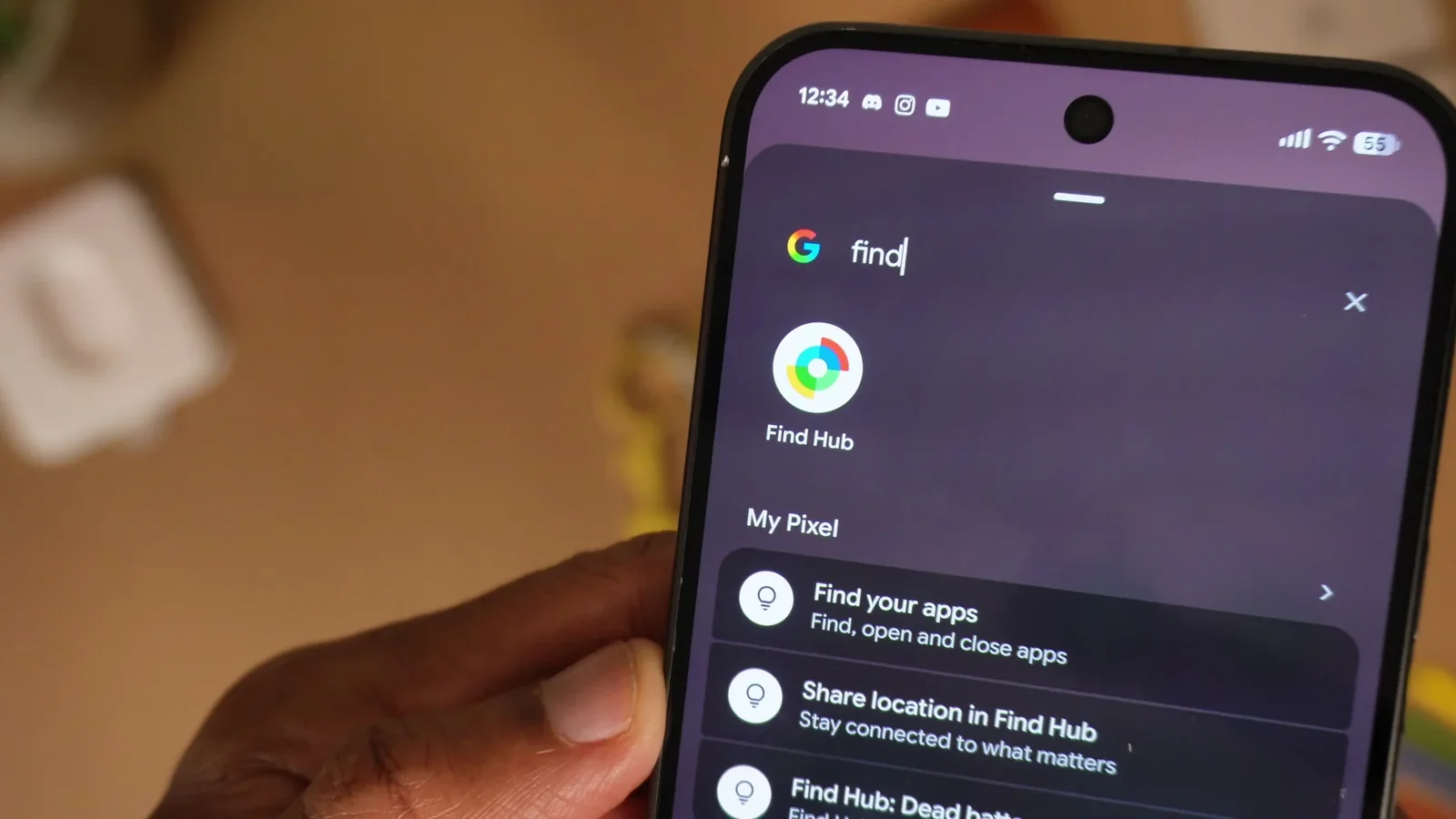
The whole point is to give you a way to find an item when you can't see it. If you regularly search for your keys on the way out, you already know the use case.
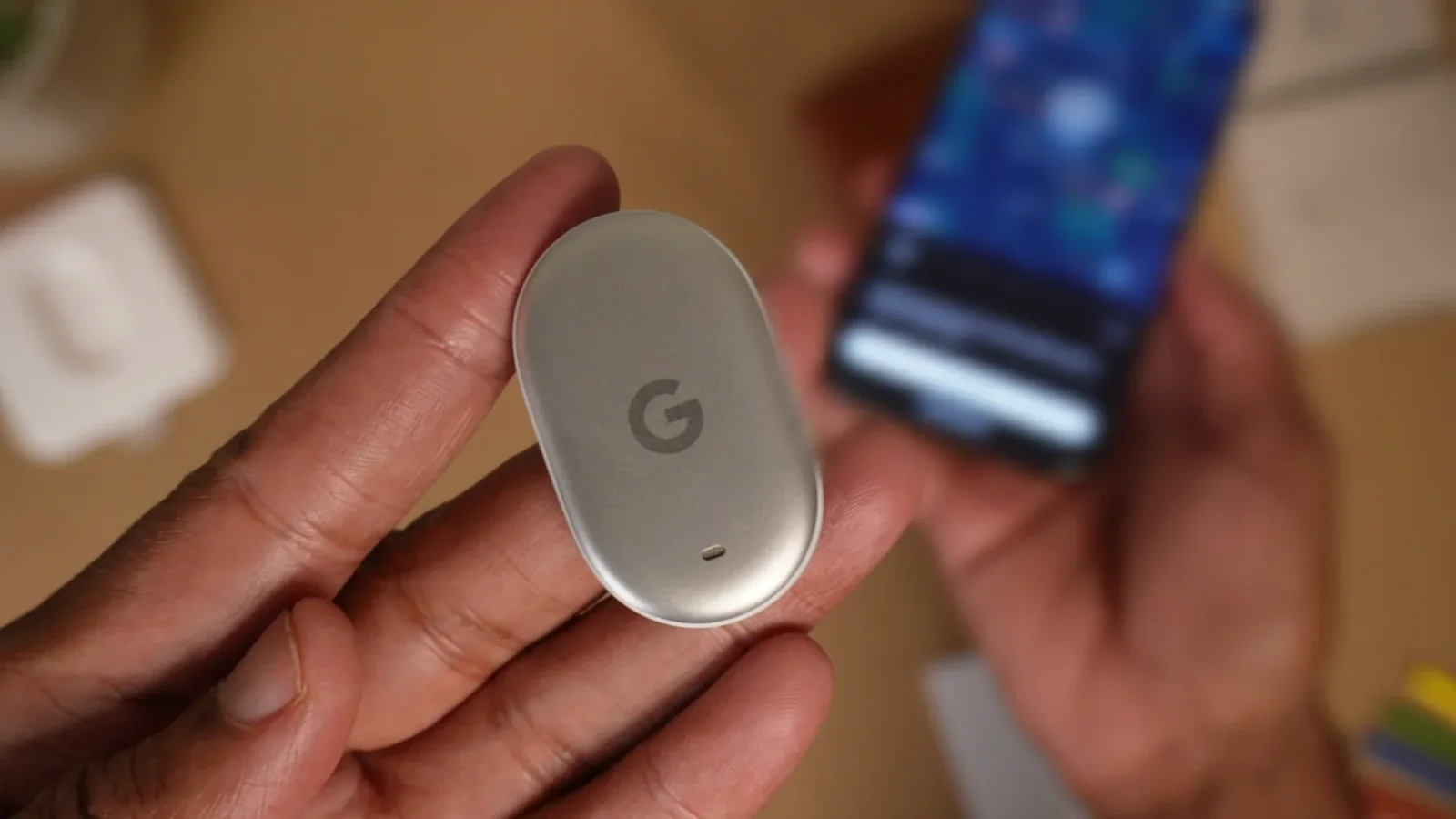
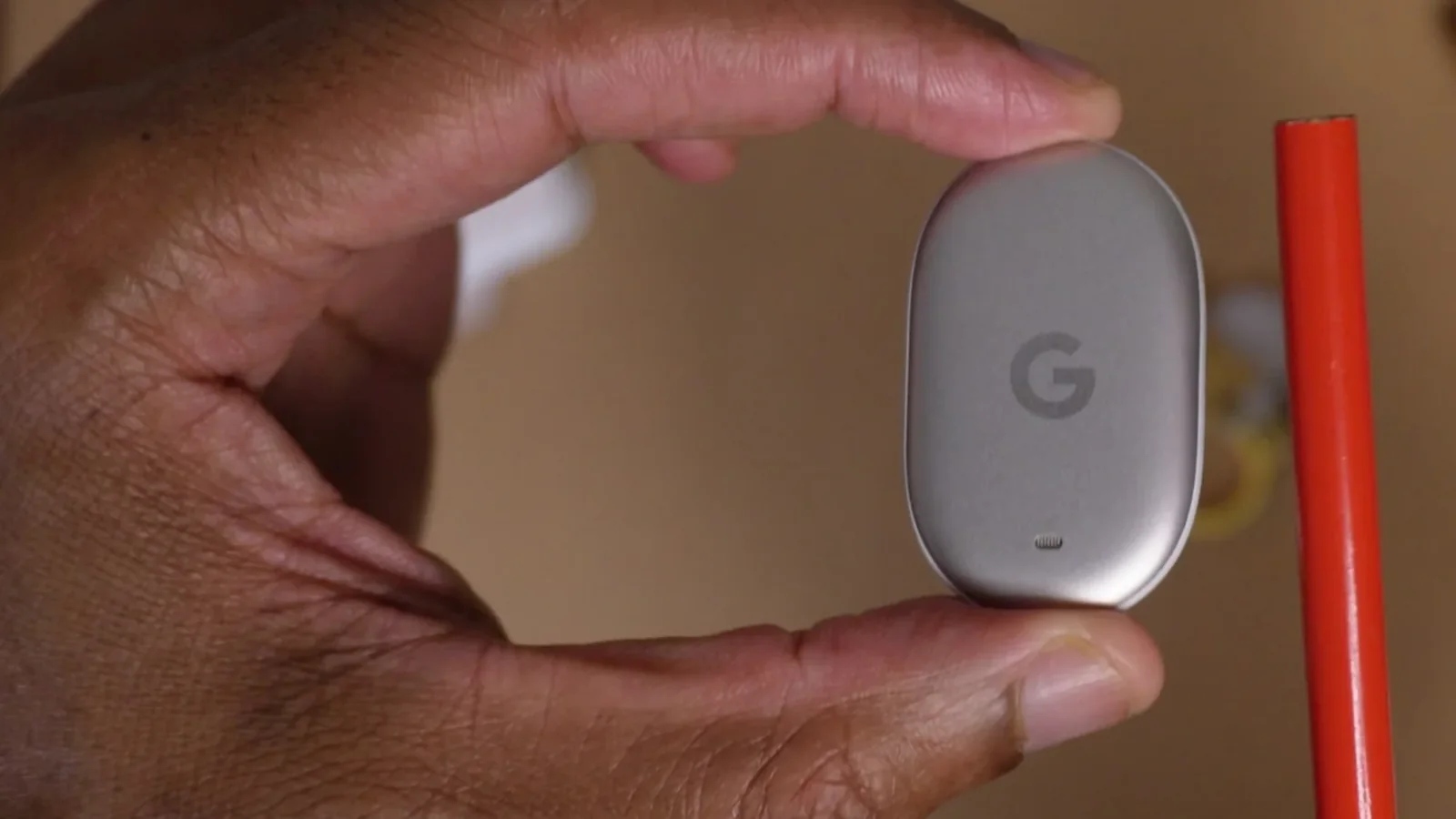
It's small and slim, just 5.4 mm thick, and it weighs 11.8 g with the battery. It's rated IP67 for water and dust resistance (up to 1 metre for 30 minutes), so rain and spills are fine. Google notes it isn't drop-proof and that the resistance can wear down over time.
What's in the box?
Not much, and that's fine. Inside you get:
- The Pixel Tag itself
- A small booklet, which is the Google Consumer Hardware Limited Warranty, printed in a lot of languages (that's why it's so thick)
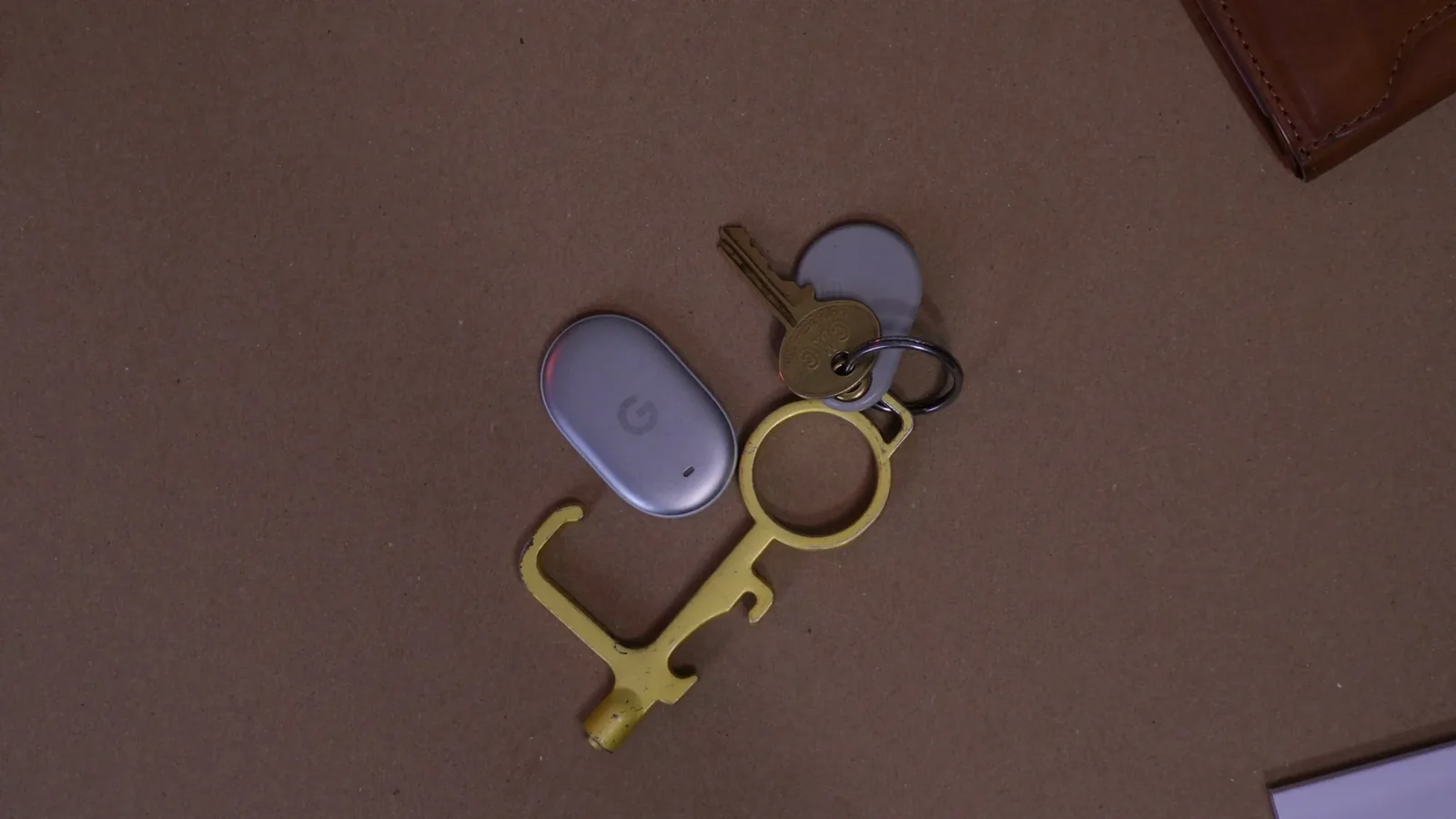
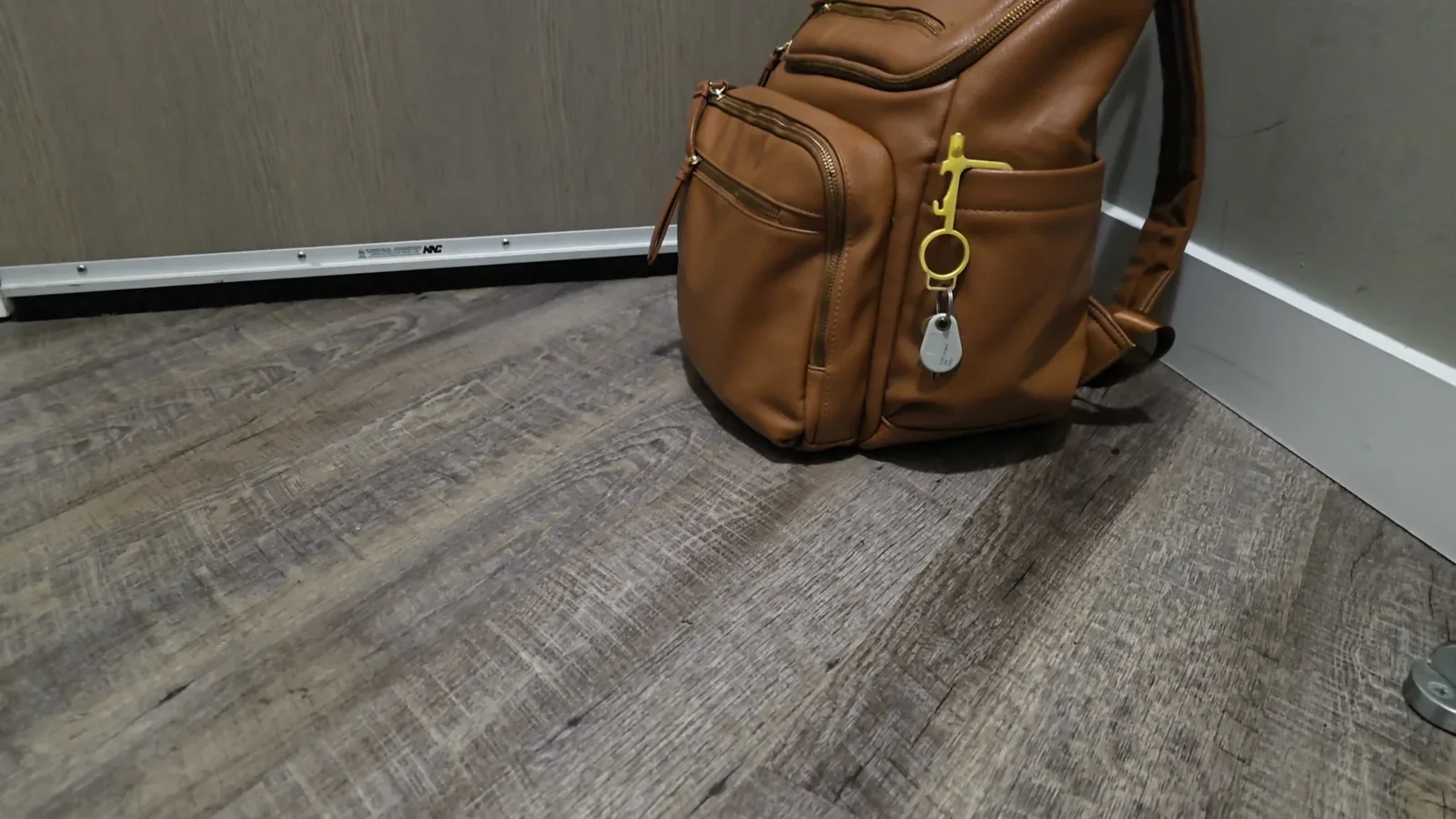
That's it. There's no keyring holder in the box, so factor one into the cost if it's going on your keys. The Tag is also slim enough to drop straight into a wallet or a bag.
Google Pixel Tag specs
| Spec | Google Pixel Tag |
|---|---|
| Size | 46.1 x 28 x 5.4 mm (1.8 x 1.1 x 0.2 in) |
| Weight | 11.8 g with battery (8.8 g without) |
| Colour | Fog |
| Materials | Polycarbonate and metal |
| Water and dust | IP67 (up to 1 m for 30 minutes) |
| Battery | User-replaceable CR2032 coin cell, rated for about a year |
| Sound | Built-in speaker, adjustable ring volume |
| Connectivity | Bluetooth, Bluetooth Channel Sounding, Ultra Wideband |
| Works with | Android 9 or newer (Android only) |
| Warranty in Canada | 1 year |
| In the box | The Tag (plus warranty paperwork) |
Specs are from Google's Pixel Tag support pages.
Do you need a Pixel phone?
No. Google lists the Pixel Tag as compatible with Android 9 or newer, so it isn't locked to Pixel phones.
There is one important difference, though. The close-up direction arrows in Find Nearby need a phone with Ultra Wideband (UWB). I tested with a Pixel 11 Pro XL, which has UWB, so you'll see what those arrows can do.
If your Android phone doesn't have UWB, the Tag can still ring and show its last known location. You just won't get the same precision guidance when you're close.
Which phones get the direction arrows? Google lists these Ultra Wideband phones:
- Pixel 11 Pro, Pro XL and Pro Fold
- Pixel 10 Pro, Pro XL and Pro Fold
- Pixel 9 Pro, Pro XL and Pro Fold
- Pixel 8 Pro, Pixel 7 Pro and Pixel 6 Pro
The regular Pixel phones and the A-series don't have UWB. Google's fine print also says Bluetooth Channel Sounding needs Android 16 or newer and Bluetooth 6.0, so the newest phones get the most precise results.
Good news for Canadian readers: Canada is on Google's list of countries where Ultra Wideband is supported. UWB can switch off automatically if you travel somewhere it isn't certified.
It also works with the rest of Google's gear. Google says you can ring the Tag from a Pixel Watch, from a web browser at android.com/find, or by asking Gemini through your Pixel Buds.
| Your phone | Ring the Tag | Last known location | Distance + direction arrows |
|---|---|---|---|
| Android 9+ with UWB | Yes | Yes | Yes |
| Android 9+ without UWB | Yes | Yes | No |
How easy is setup?
Very easy. Here's exactly what happened:
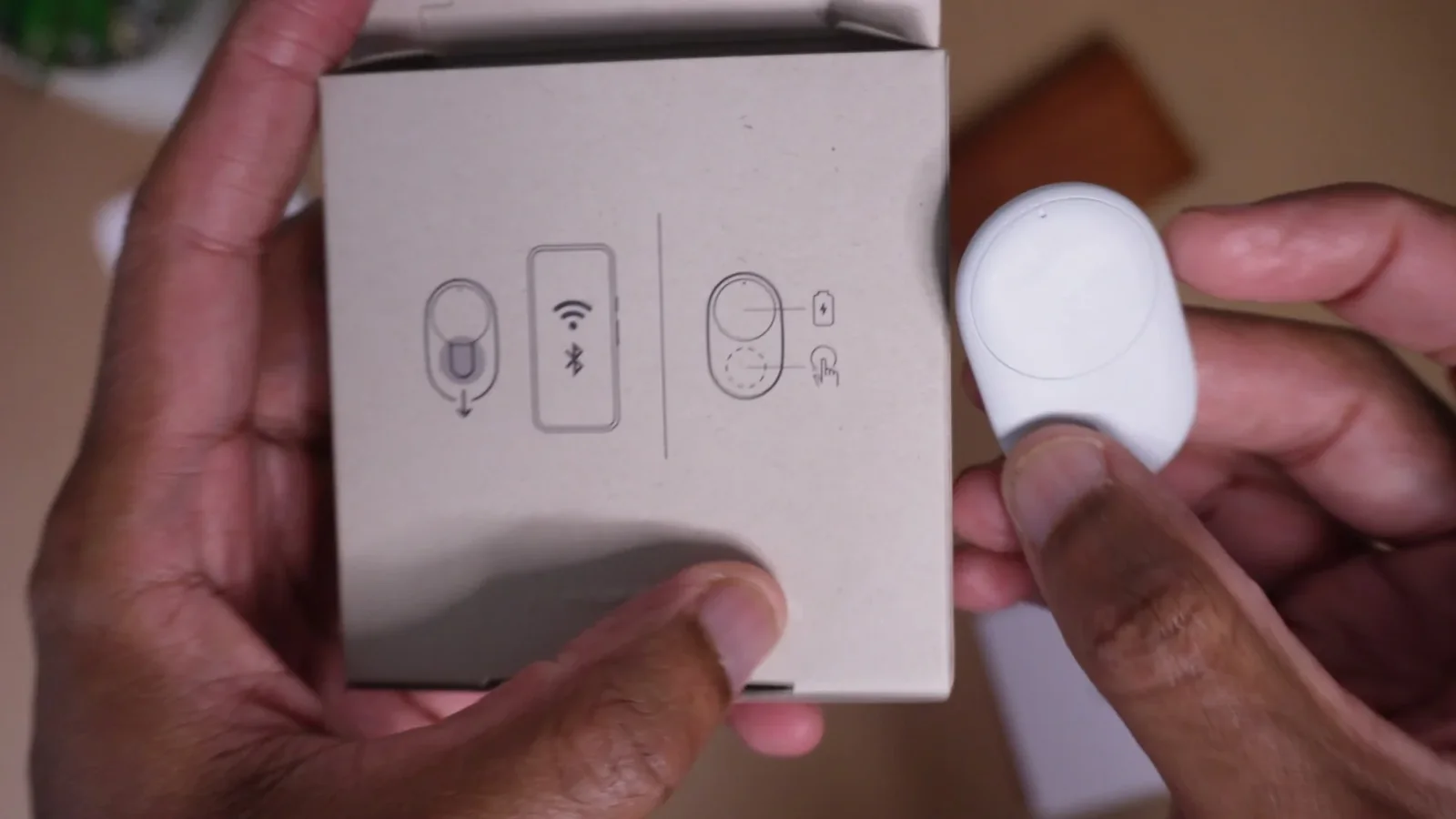
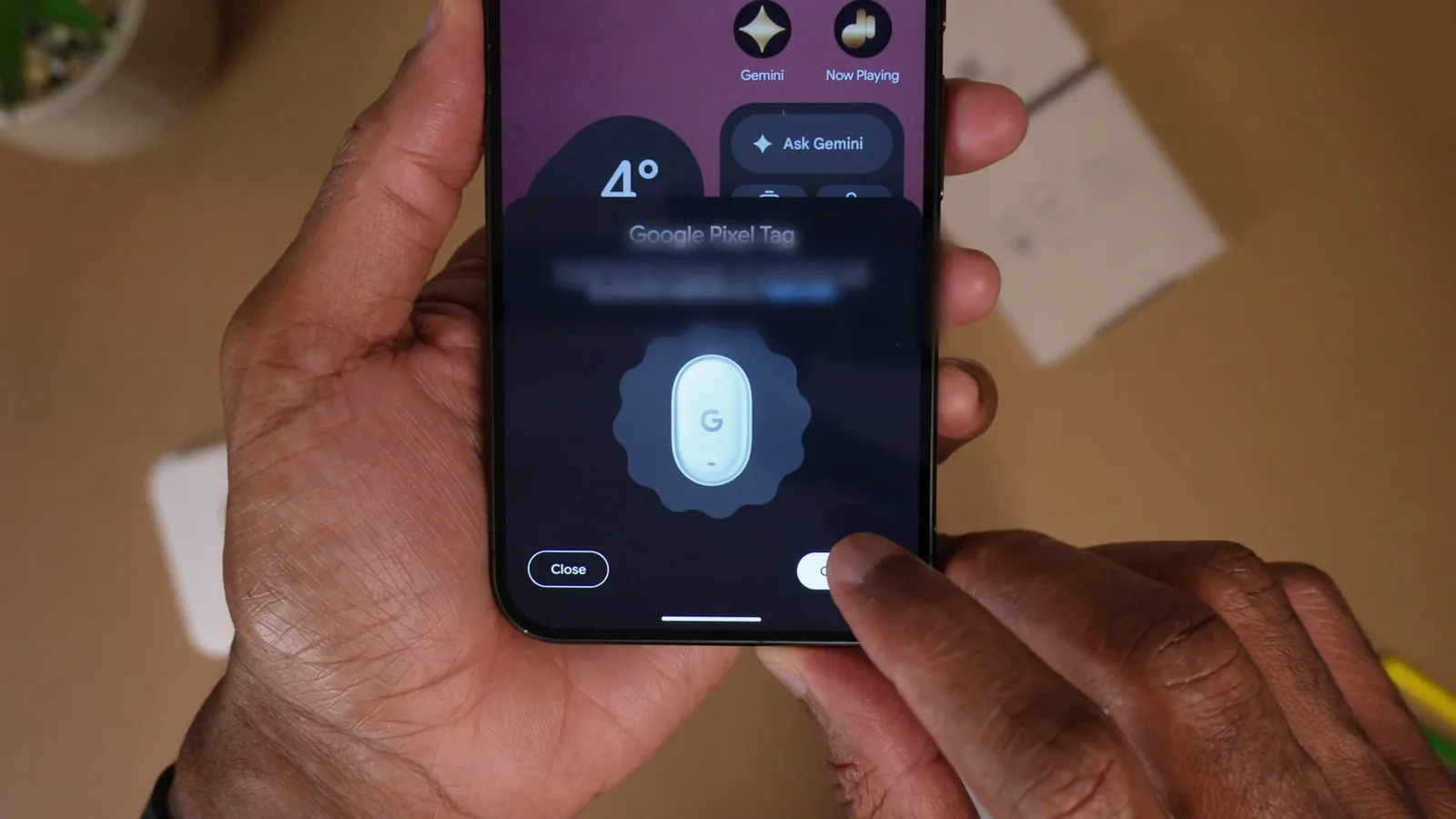
- I pulled the battery tab, and the Tag gave a little beep.
- One quick tap on the back, and the pairing pop-up appeared on the phone.
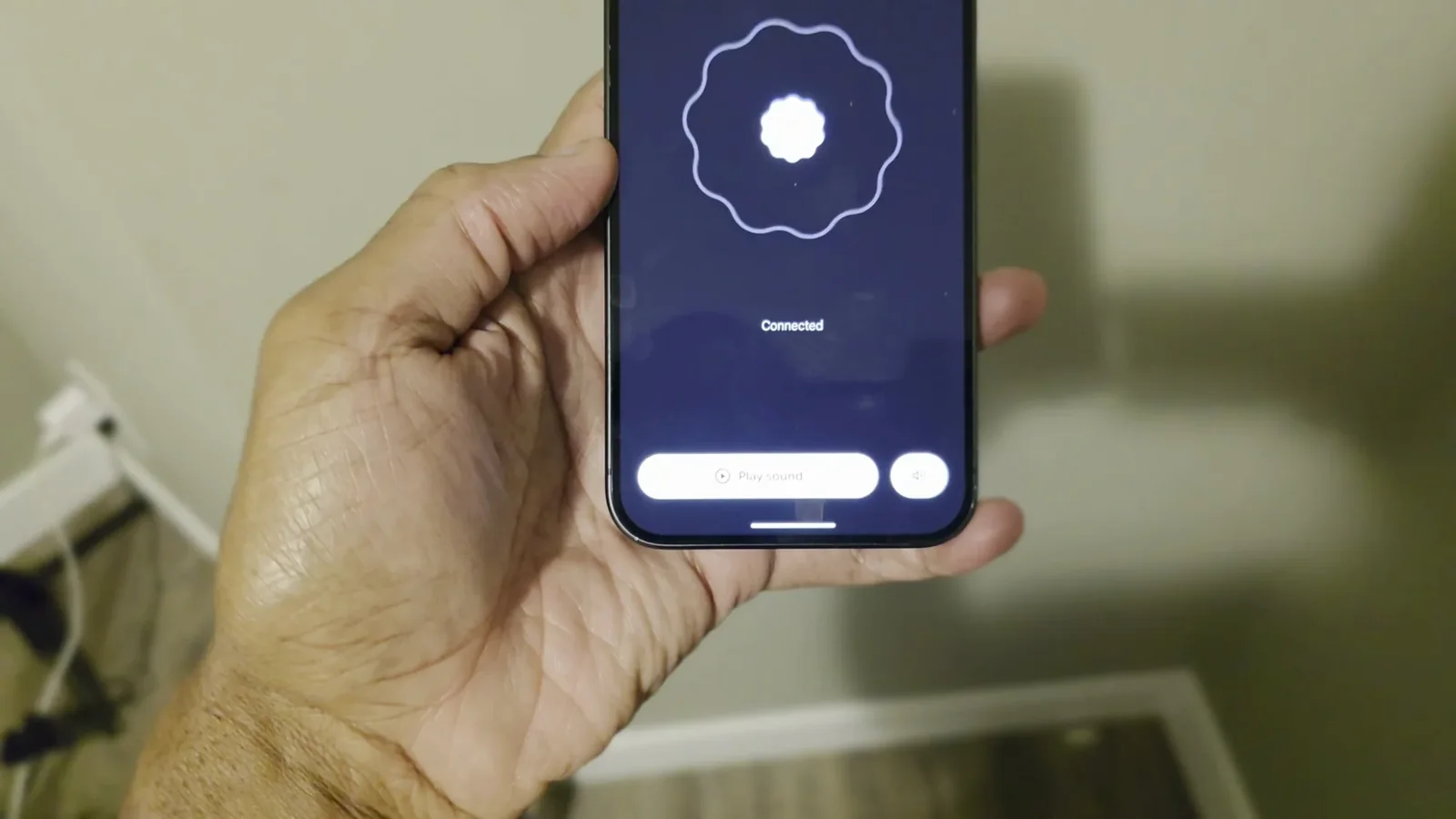
- I tapped Connect, then Continue, then Accept.
- I picked a category and named it, so it shows up as my keys in Find Hub.
No troubleshooting, no hunting through settings. It's the kind of setup you do once and forget about.
Before you start, Google says to make sure that:
- Bluetooth is on and your phone has internet
- Your phone is unlocked on the home screen
- The Tag is right next to the phone, with the plastic tab fully removed
If the pop-up doesn't appear (or you dismissed it), go to Settings > Connected devices, or open Find Hub > Add device. A dismissed pop-up also comes back after about 5 minutes, and turning Bluetooth off and on clears the wait.
How does it find lost things?
There are two ways to search when your item is nearby.
1. Play a sound. From Find Hub, you can make the Tag ring. If your keys are close, sometimes hearing them is enough.
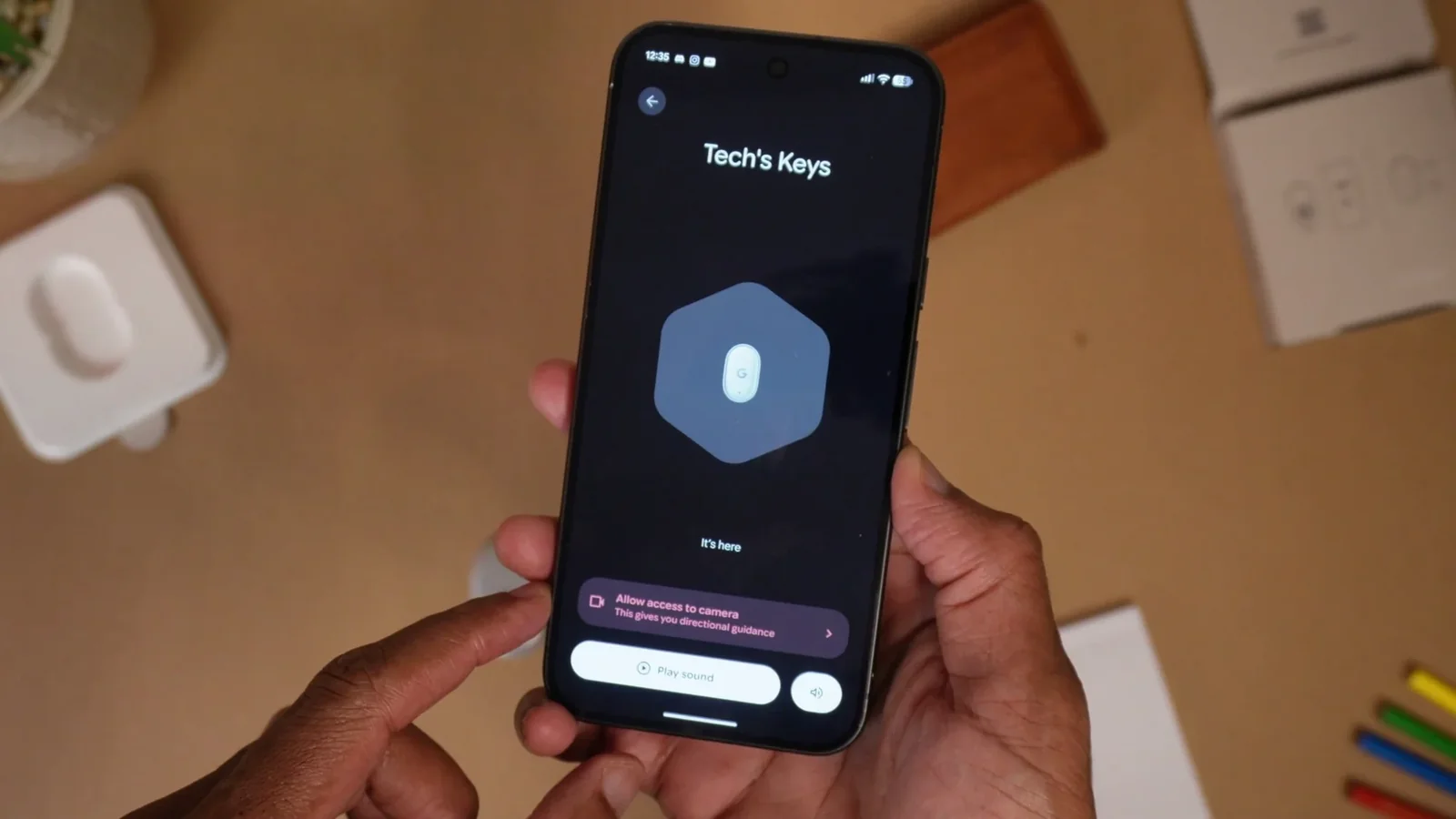
2. Find Nearby. On a UWB phone like the Pixel 11 Pro XL, Find Nearby shows distance and direction once you're close enough. Google says this precision finding uses Ultra Wideband together with Bluetooth Channel Sounding. For the test, I followed the screen instead of looking around first, to see if it actually helps. It led me right to the keys, and the screen told me "It's here".
Sound and direction give you two ways to search, but the result always depends on where the Tag is and what's around it.
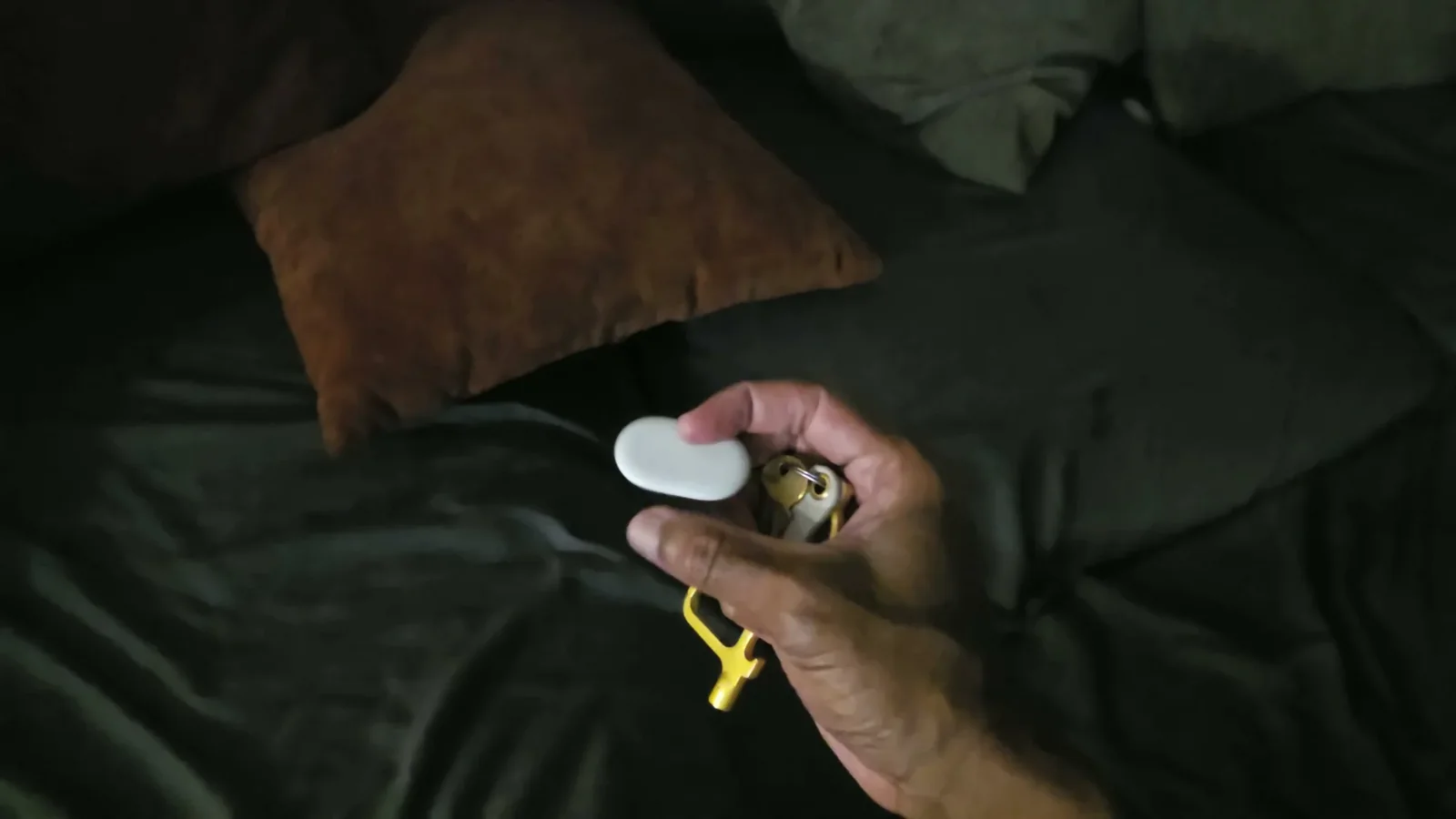
The cushion test
A Tag sitting in the open is the easy version. So I hid it somewhere it would be muffled: under a cushion.
| Where the Tag was | What happened |
|---|---|
| In the open | Loud and easy to hear |
| Under a cushion | Quieter, but still found |
You should still be able to hear it under a chair or a pillow. That gives you a realistic idea of what finding it sounds like in a normal home.
What if you leave it somewhere else?
The tests above are for something nearby. Once the Tag is out of your phone's Bluetooth range, Find Hub can show a last reported location, but only if another Android device in the network passes by and detects it. Google says that network includes over one billion Android devices, and that location data is end-to-end encrypted.
That gives you a place to start looking. It is not a live GPS trail.
I haven't tested a real lost item away from home yet, so I can't tell you how quickly the Tag updates in that situation. That's the limit of this first look. What I can show you is how well nearby search works through real rooms and obstacles.
The small details that matter
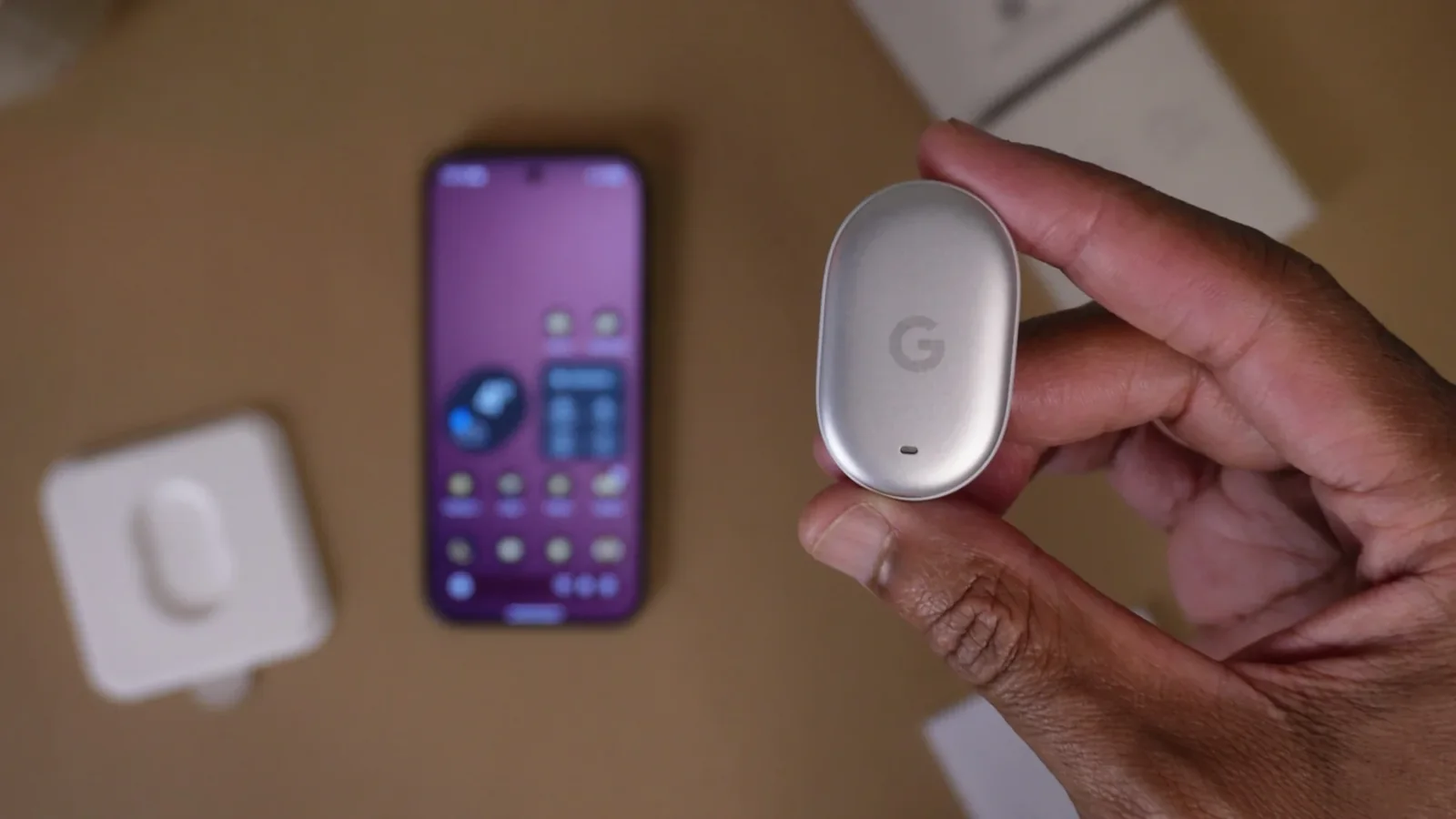
Replaceable battery. The Tag uses a standard CR2032 coin cell, so when it runs down you swap the battery instead of throwing the Tag away. Google rates it for about a year per battery (its spec sheet says over a year, its launch post says up to a year), and real-world life depends on how often you ring and search. The Tag plays a low-battery chime when it's time to swap. I can't confirm the battery life from a first look, so I'll report back in a year.
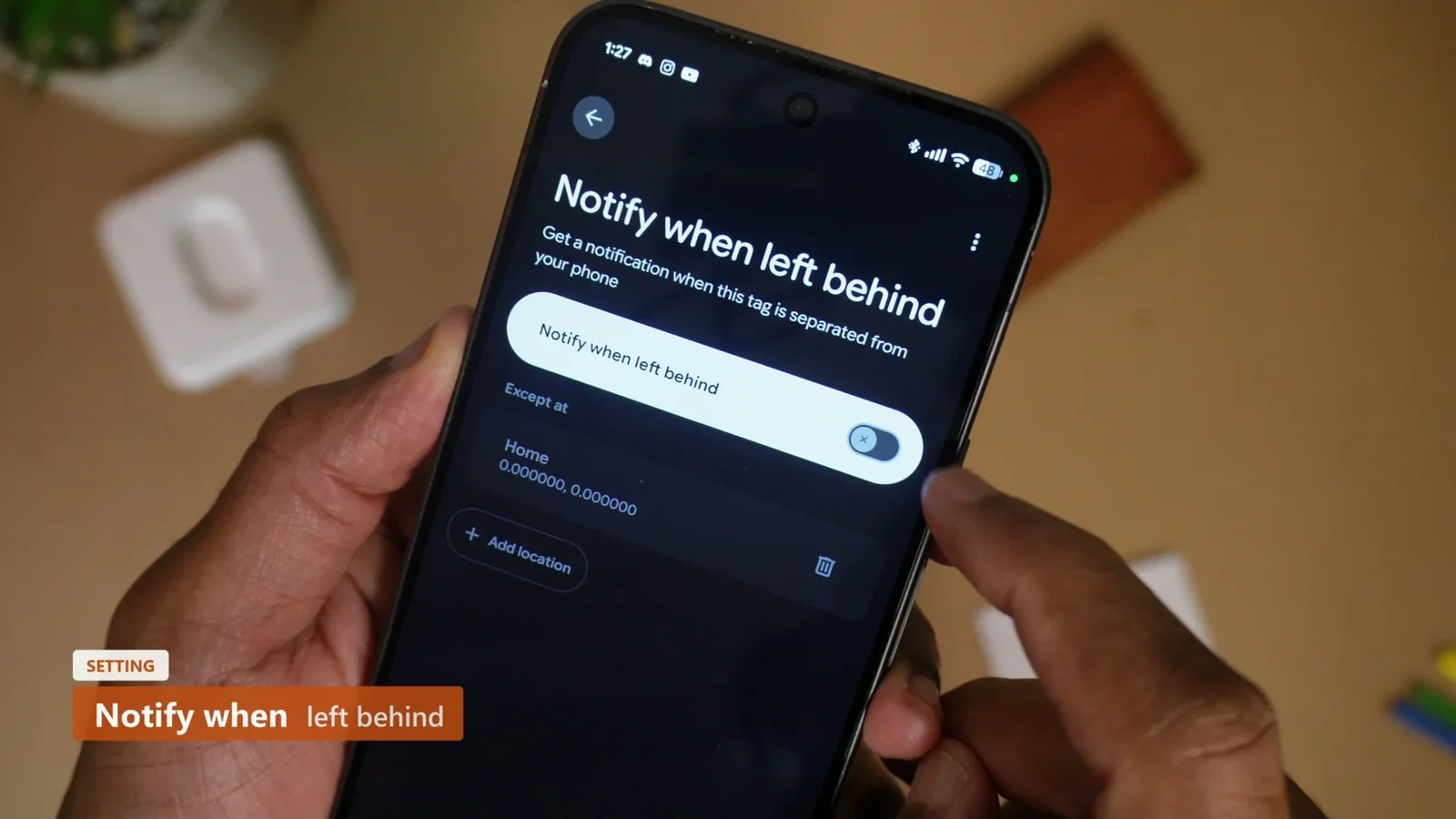
Left-behind alerts. You can turn on Notify when left behind, which can warn you before an item is actually lost.
Ring your phone from the Tag. Turn on Ring this phone in the Tag's settings, then press the Tag's button twice. Your phone rings even if it's on silent or Do Not Disturb, as long as it's within Bluetooth range. Press once to stop it. That's handy if you misplace your phone as often as your keys.
Shared access. You can share a Tag with up to 10 people through Share ownership in Find Hub, which makes sense for things the household shares, like car keys. The people you share with need Android phones.
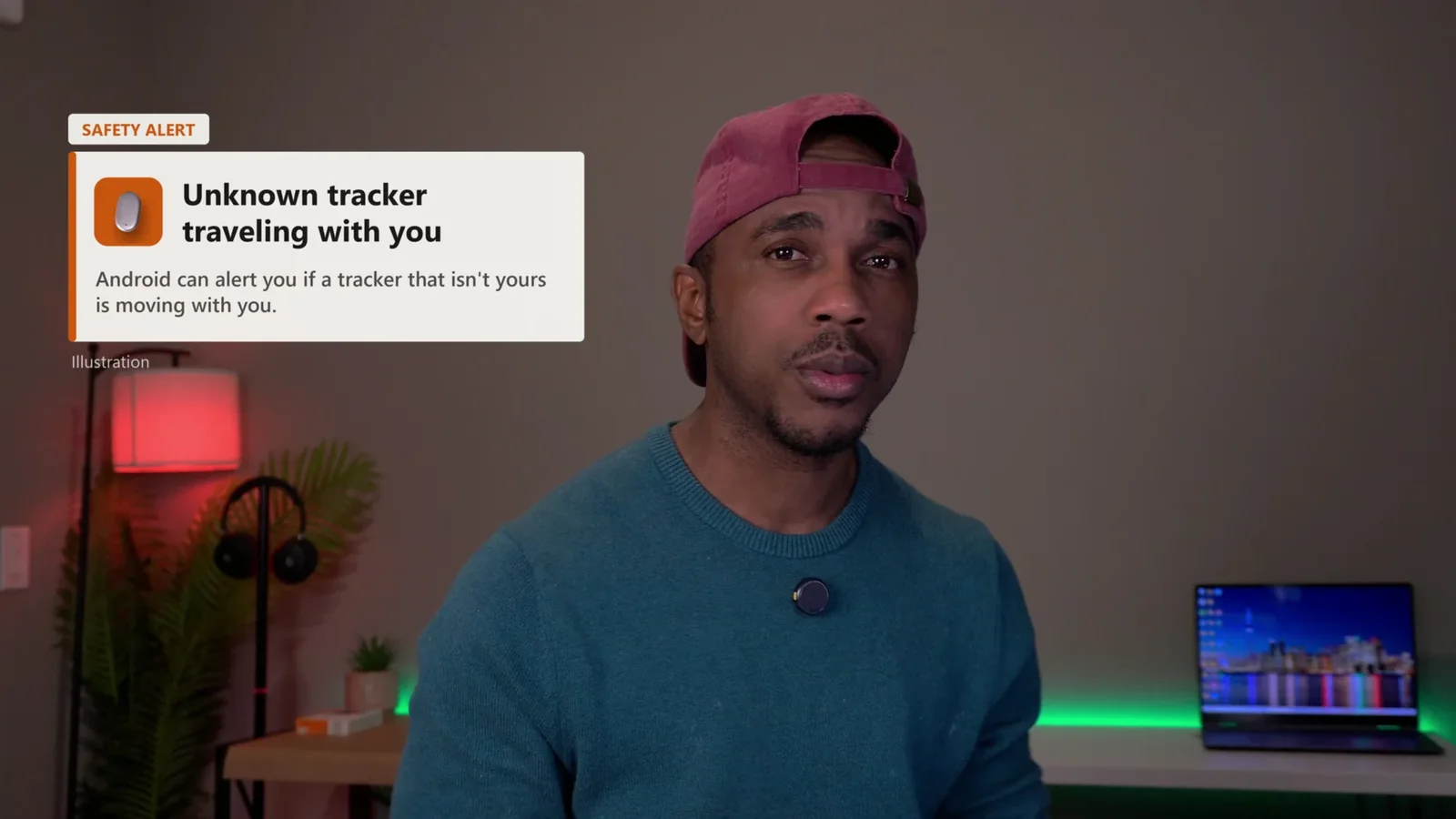
Unknown tracker alerts. Find Hub can alert you if an unknown tag is traveling with you. An item tracker should be useful to its owner without quietly becoming a way to follow somebody else.
Pixel Tag quick how-tos
Button cheat sheet
| Do this | What happens |
|---|---|
| Press once | Stops the Tag ringing (or stops your phone ringing) |
| Press twice | Rings your phone, if Ring this phone is turned on |
| Tap the Tag on your phone | Opens the Tag's details using NFC (thick cases can block it) |
How to change the ring volume
Open Find Hub, tap your Tag, go to Settings and choose Ring volume.
How to replace the battery
- Place the Tag with the G logo facing down.
- Twist the battery door counter-clockwise and lift it off.
- Swap in a new CR2032 with the plus (+) side facing up.
- Put the door back and twist clockwise until the dot sits at 12 o'clock. A welcome chime confirms it's working.
Make sure the door is fully locked, or the Tag loses its water resistance.
How to remove or reset the Tag
The easy way is in the app: Find Hub > your Tag > Settings > Remove from Find Hub, with the Tag in Bluetooth range. For a hardware reset, Google's steps are: remove the battery, double-press the button, put the battery back, then within 30 seconds press and hold the button for 5 seconds until the final "Welcome" chime.
Found an unknown tag on you?
If your phone alerts you that an unknown tag is travelling with you, the alert lets you see where it's been, scan for it and play a sound to find it. To switch it off, press and hold its button for 2 seconds, three times in a row (it chimes each time), or twist off the back and remove the battery.
Travel tips
- Aluminium or carbon-fibre luggage and RFID-blocking wallets can block the signal. In checked bags, use an outside pocket.
- The CR2032 battery meets airline safety rules, so the Tag is fine to fly with.
Price in Canada
| Pack | Price (Google Store Canada, at time of recording) |
|---|---|
| 1 Pixel Tag | CA$39.99 |
| 4-pack | CA$149 (about CA$37 each) |
In the US, Google lists it at US$29, or US$99 for a 4-pack. It went on sale on November 11.
Add the cost of a holder or keyring for your keys, since one isn't included. Prices change, so check the current price before you buy.
Is the Google Pixel Tag worth buying?
It starts with what you actually lose.
It's a good fit if:
- You're on Android
- You're always hunting for your keys or a bag
- You want a ring plus nearby directions
- You share keys with your household
Skip it if:
- You rarely misplace anything
- You need guaranteed live GPS tracking everywhere
A replaceable battery is practical, and the setup, ringing and nearby finding all worked well inside my apartment. Google also describes a last reported location when an item is far away, but I haven't verified how quickly that updates.
A first day can't tell you how dependable it will be months from now. But you've seen the setup and the tests, so you can decide whether this kind of help fits into your day. If it does, here's the Pixel Tag on Amazon Canada.
Frequently asked questions
Does the Google Pixel Tag work with Samsung and other Android phones?
Google lists it as working with Android 9 or newer, so it isn't limited to Pixel phones. The precise direction arrows need a phone with Ultra Wideband.
Does the Pixel Tag have GPS?
No. Nearby, it uses Bluetooth (and Ultra Wideband on supported phones). Away from home, Find Hub shows a last reported location when another Android device in the network detects it.
What battery does the Pixel Tag use?
A replaceable CR2032 coin cell. Google rates it for about a year per battery.
Is the Pixel Tag waterproof?
It's rated IP67 for water and dust resistance, so rain and spills are fine. Google notes it isn't drop-proof and that water resistance can diminish over time.
Does the Pixel Tag work with iPhone?
No. Google lists it as working with Android phones only (Android 9 or newer), and you can only share it with people on Android.
Which phones support precision finding with the Pixel Tag?
Phones with Ultra Wideband, including the Pixel 11 Pro, Pro XL and Pro Fold, the Pixel 10 and 9 Pro models, and the Pixel 8, 7 and 6 Pro. Regular Pixel and A-series phones don't have UWB.
What's the Pixel Tag warranty in Canada?
One year.
How big is the Pixel Tag?
46.1 x 28 x 5.4 mm, and it weighs 11.8 g with the battery.
Does the Pixel Tag come with a keyring holder?
No. The box contains the Tag and a warranty booklet. You'll need a holder or keyring to put it on your keys.
How much is the Pixel Tag in Canada?
CA$39.99 for one or CA$149 for a 4-pack on the Google Store Canada at the time of recording.
Watch the full test
Seeing it ring and finding the keys says more than any spec sheet. Watch the full Pixel Tag review on the TechKitchen YouTube channel:
Watch: Google Pixel Tag Review on YouTube
For Google's own announcement, see Keep tabs on your valuables with Google Pixel Tag on the Google Blog. Specs and how-tos in this article come from Google's Pixel Tag tech specs and setup guide.
Curious about the phone I used for testing? Watch my Pixel 11 Pro vs Pro XL review, or see where the Pixel Tag fits in the Pixel 11 lineup buying guide.
What would you put a Pixel Tag on first: your keys, your bag or something else? Let me know in the comments on the video.
Gear from this review
Everything I used or mentioned, in one place:
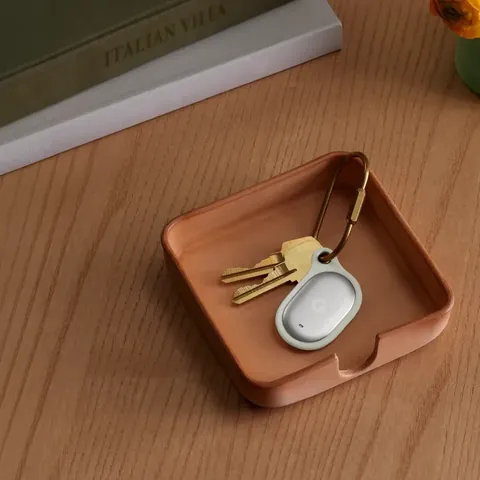 Google Pixel TagRings, points the way and lives in Find Hub.Buy on Amazon
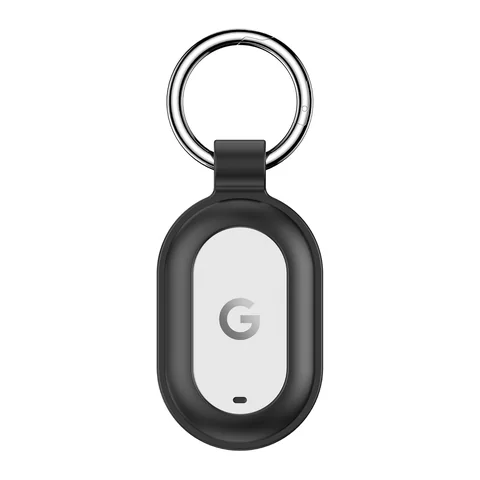 Pixel Tag case for keysKeeps the Tag clipped to your keyring.Buy on Amazon
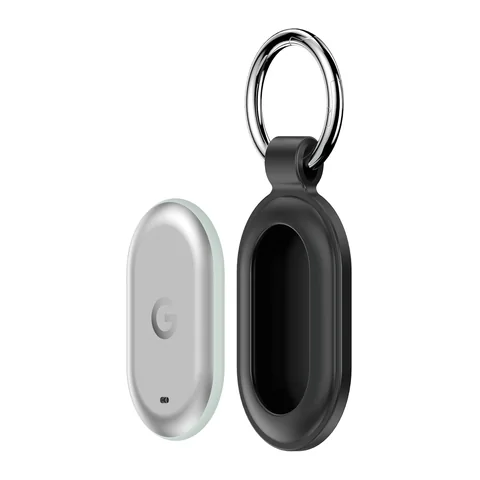 Pixel Tag case for bagsClips the Tag onto a backpack or bag.Buy on Amazon
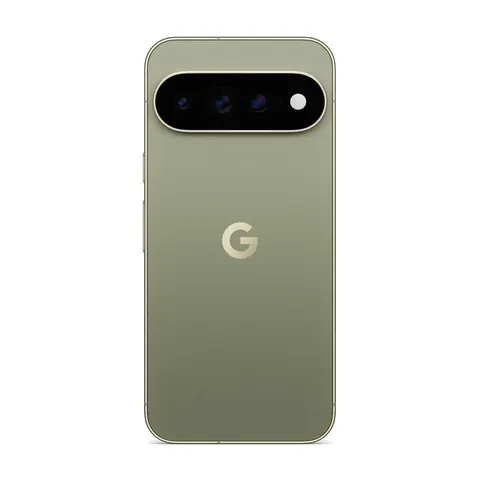 Pixel 11 Pro XLThe phone I tested with. Direction arrows included.Buy on Amazon
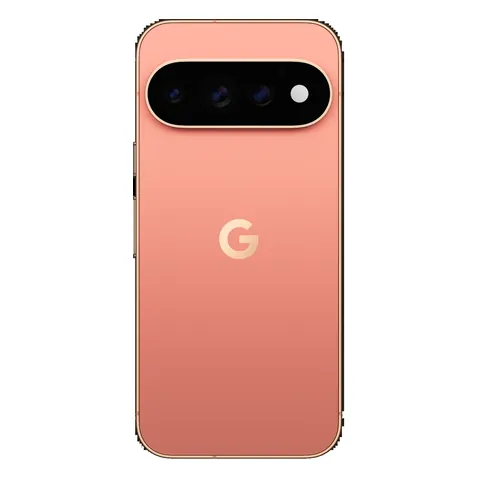 Pixel 11 ProSame Ultra Wideband, easier to pocket.Buy on Amazon
Follow TechKitchen
More reviews and buying guides at techkitchen.ca. You can also find me on YouTube, TikTok, Instagram and Threads.
This article contains Amazon affiliate links. As an Amazon Associate I earn from qualifying purchases, at no extra cost to you.